
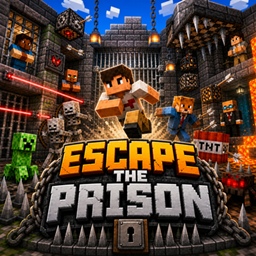
Minecraft 26.30-এর জন্য PRISON ESCAPE ম্যাপ
আমি একটি রোমাঞ্চকর কারাগার থেকে পালানোর ম্যাপ তৈরি করেছি যেখানে খেলোয়াড়কে একটি উচ্চ-নিরাপত্তার কারাগার থেকে পালাতে হবে। এতে ধাঁধা, গোপন পথ, ফাঁদ এবং সময়-ভিত্তিক চ্যালেঞ্জ রয়েছে, যা গেমপ্লেকে উত্তেজনাপূর্ণ ও কৌশলী করে তোলে।
🚨 ESCAPE THE PRISON 🚨
🧱 Dark Prison Walls - Cold, heavy aur claustrophobic feel, jahan se nikalna impossible lagta hai...
🔥 TRAPS ZONE - Chhupi hui danger everywhere! Pressure plates, lava pits aur hidden arrows 😱
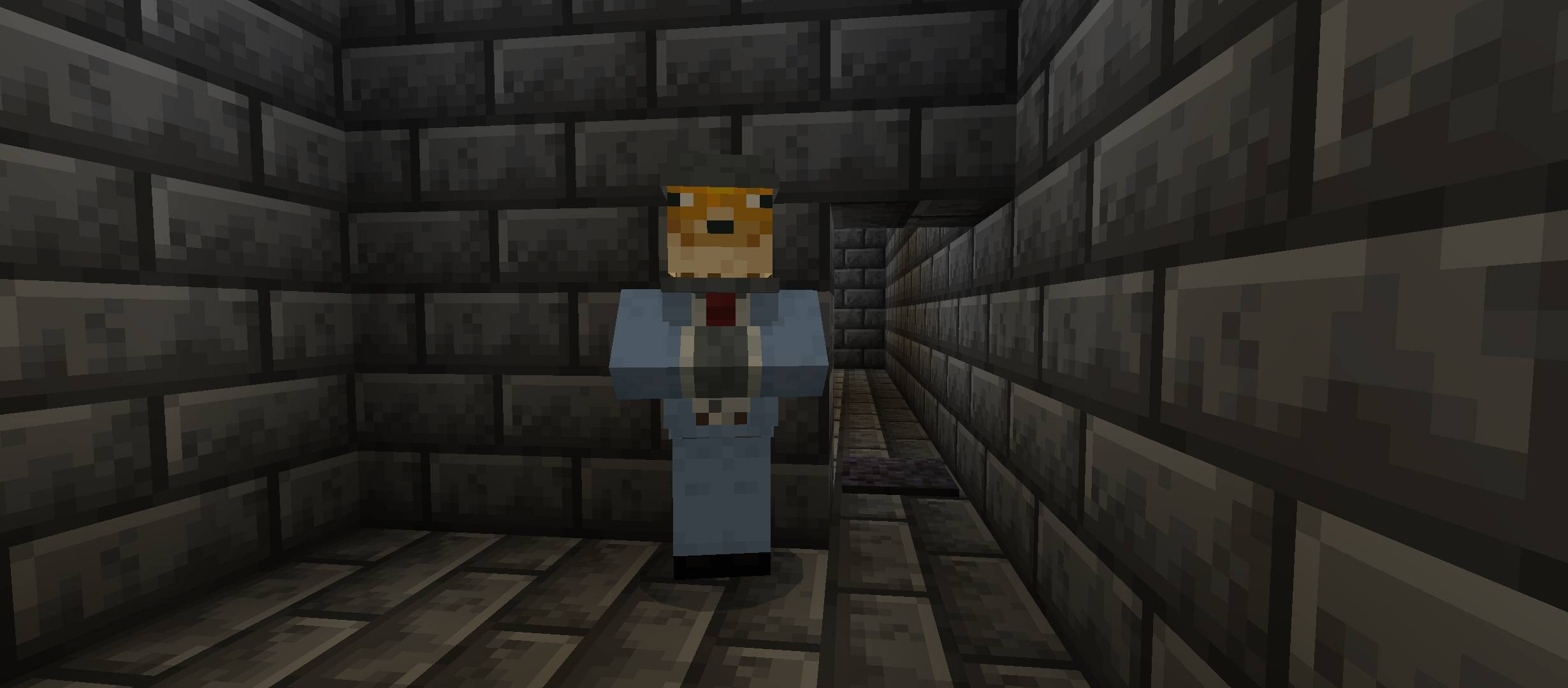
🧠 IQ HINTS - Sirf smart players hi solve kar paayenge puzzles aur secret codes 🧩
🧗‍♂️ PARKOUR CHALLENGES - Tight jumps, moving blocks aur deadly falls 😵‍💫
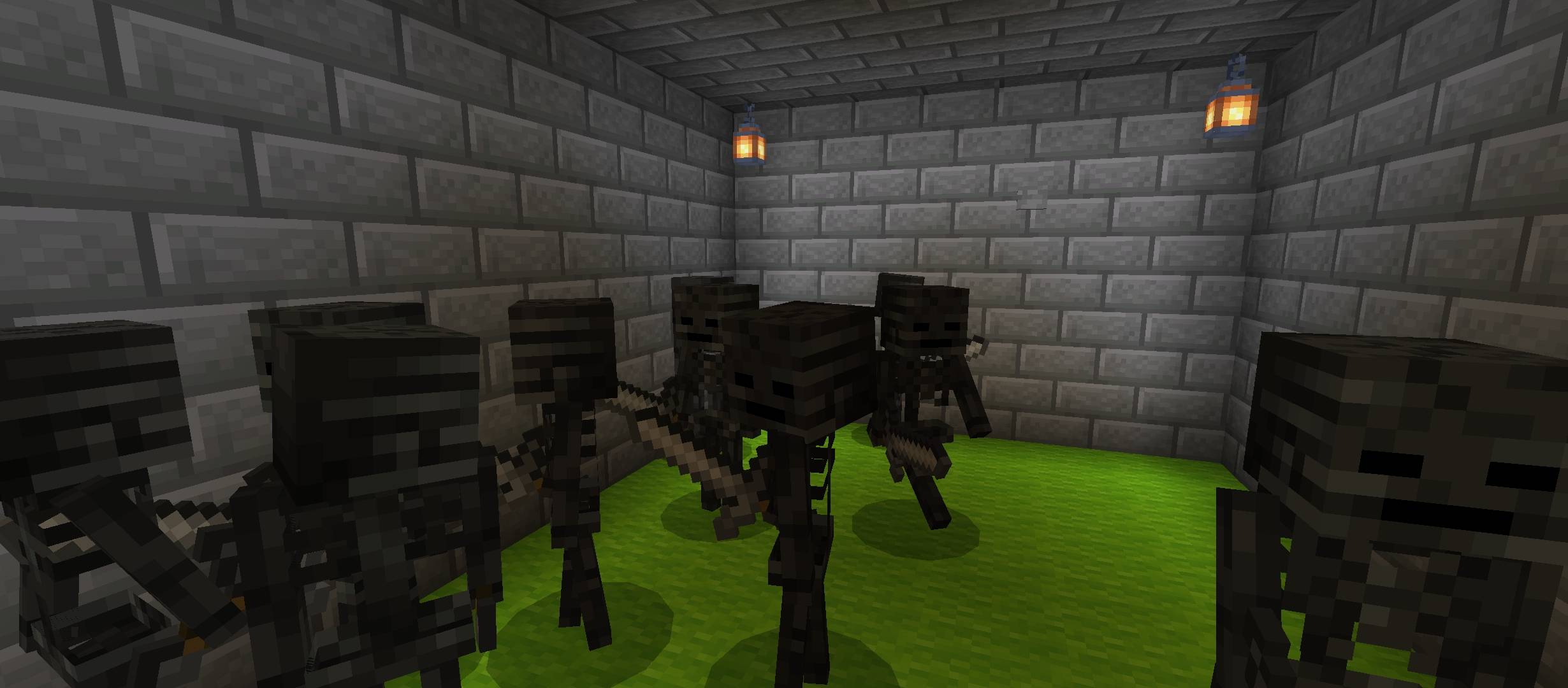
⚔️ FIGHT ARENA - Guards aur mobs se battle karo aur apni freedom le jao 🛡️
🚪 MAIN GOAL - Prison se escape karna... but only the smartest and fastest will survive.
💀 WARNING - Har step pe danger hai... trust no one 👁️
PRISON ESCAPE কীভাবে ইনস্টল করবেন
With Millida Launcher
Install Millida Launcher
The launcher is free: download it at millida.net/launcher and sign in with any nickname.
Click “Install” on this page
The launcher opens and installs the map for Minecraft 26.13–26.30 automatically.
Launch the game
A profile with it appears in the launcher: click “Play”.
Manually
Download the map archive
Pick the file EscapeThePrison.mcworld (218 KB).
Unpack it into the saves folder
The world folder (with level.dat inside) must sit directly in .minecraft/saves.
Open the world
“Singleplayer”: the map will be in your world list.
On a server
Replace the world folder
Stop the server and put the map folder in place of world (or set its name in level-name).
Use the “To server” button
On Millida Hosting, the button at the top of the page uploads the file to your server and restarts it for you.
ভার্সন
ডিপেন্ডেন্সিসহ
| Minecraft | লোডার | ফাইল | তারিখ | অ্যাকশন |
|---|---|---|---|---|
| 26.20 | — | EscapeThePrison-gavti218 KB ১ |
রিভিউ
PRISON ESCAPE-এ প্রথম রেটিং দিন



