
Minecraft 26.3-এর জন্য Parkour Blocks ম্যাপ
মাইনক্রাফটের প্রতিটি ব্লকের উপর দিয়ে পারকুর করে এগিয়ে যান ✨

Welcome to Parkour Blocks ✨
A well-designed parkour map made for average players who want both fun and challenge!
What’s inside:
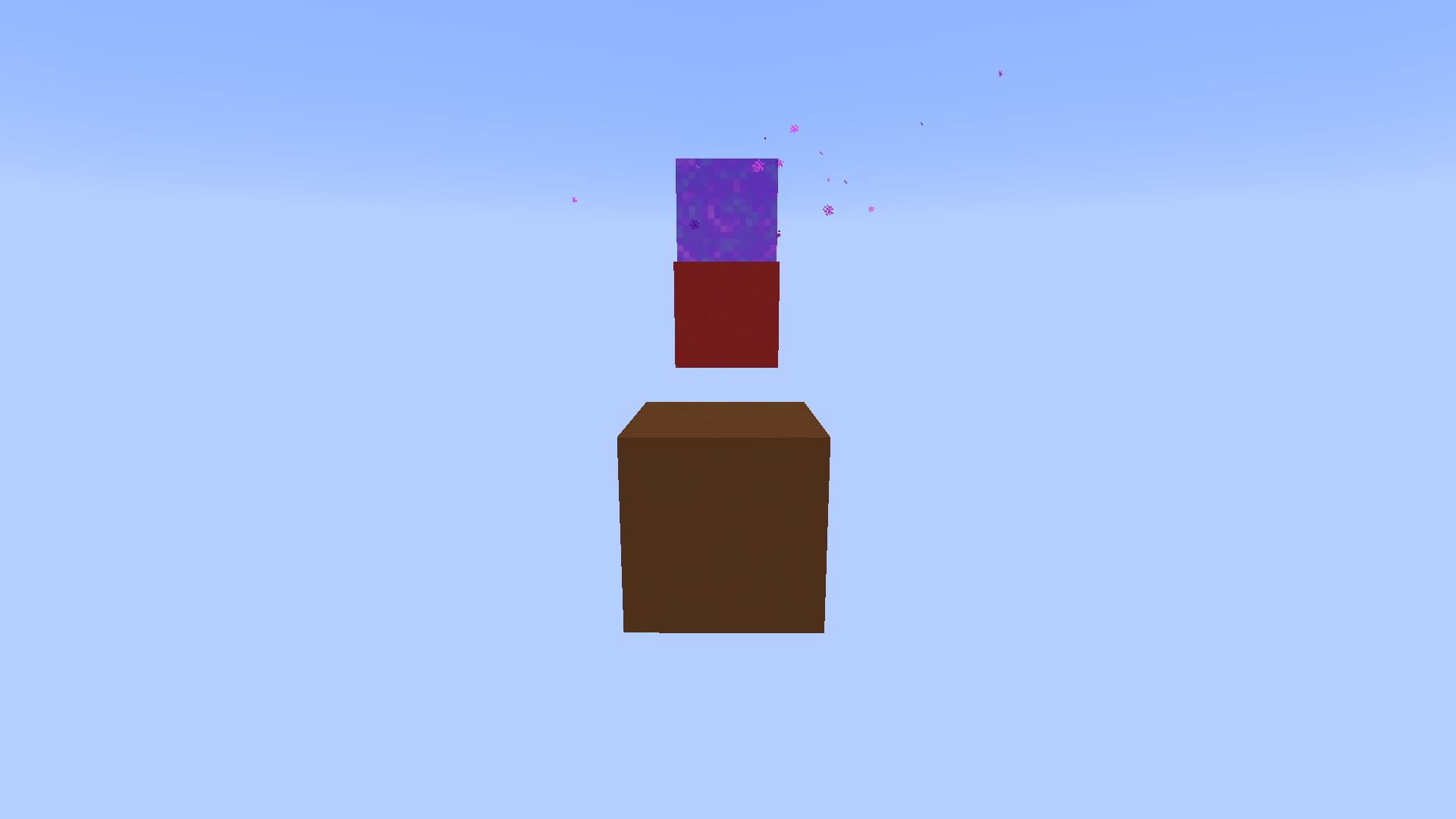
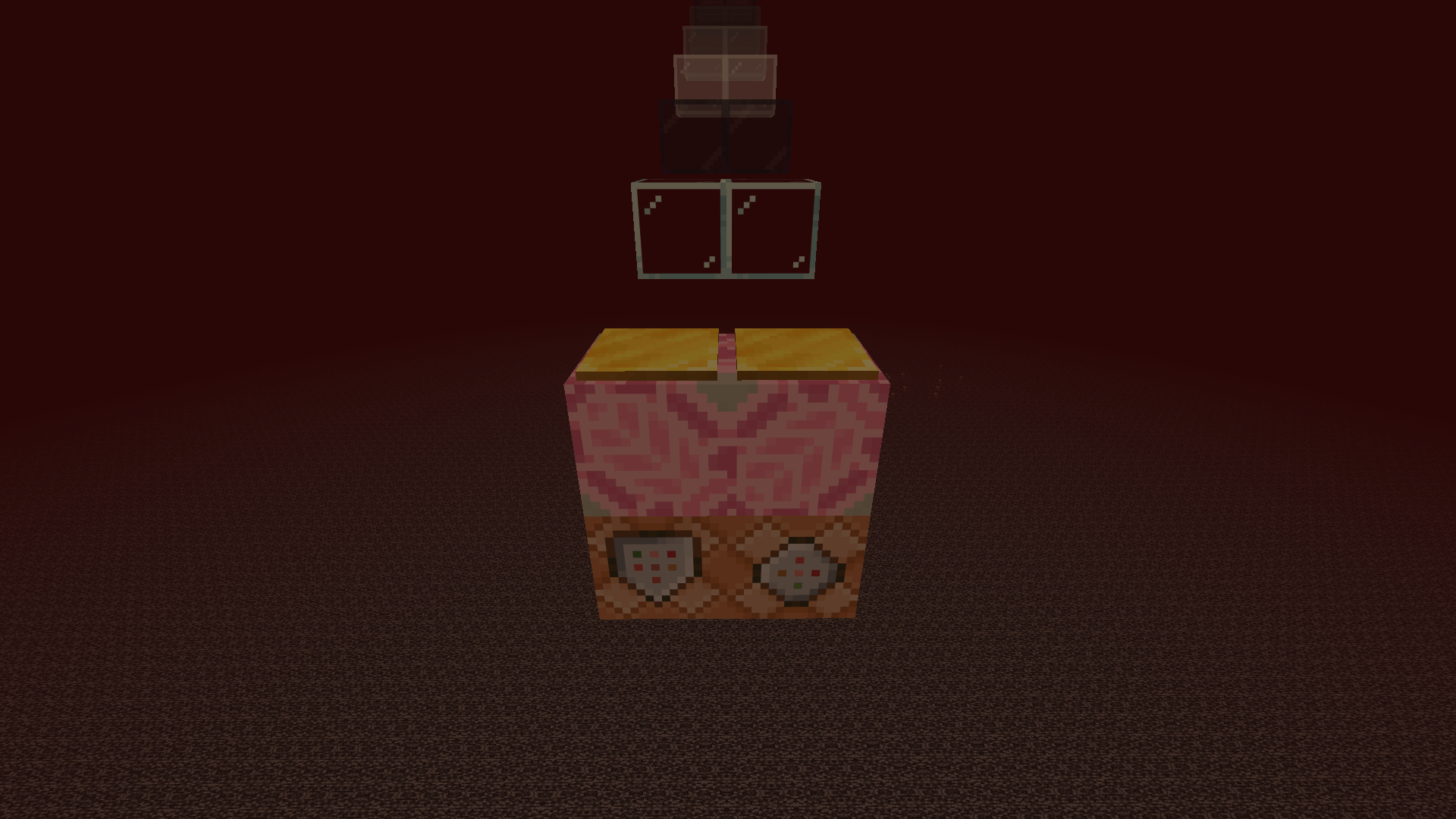
∎ Starter platform (with hidden secrets underneath)🤫
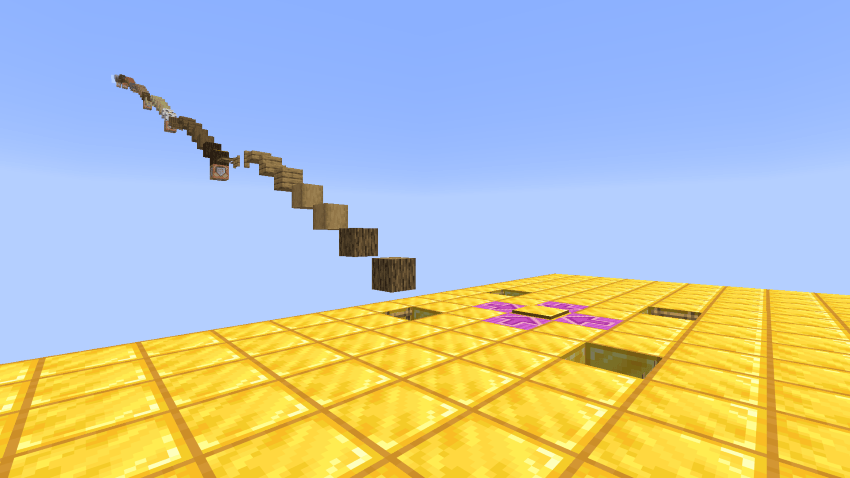
∎ Spawnpoint pressure plates 👌
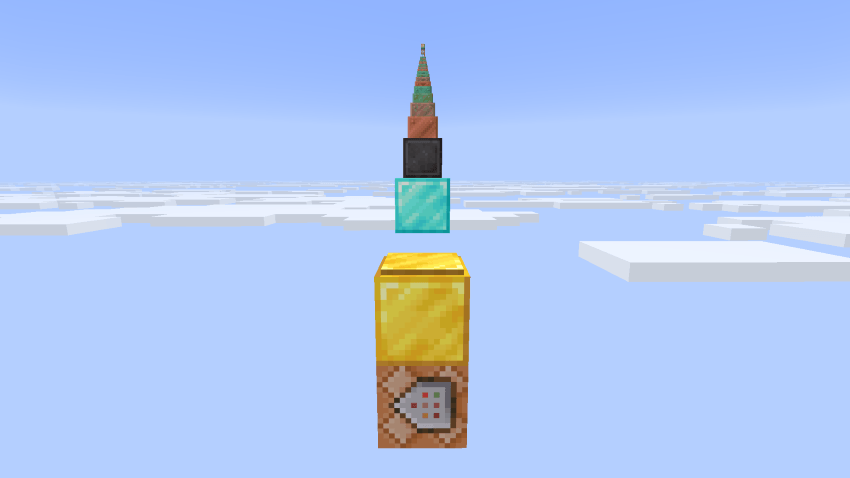
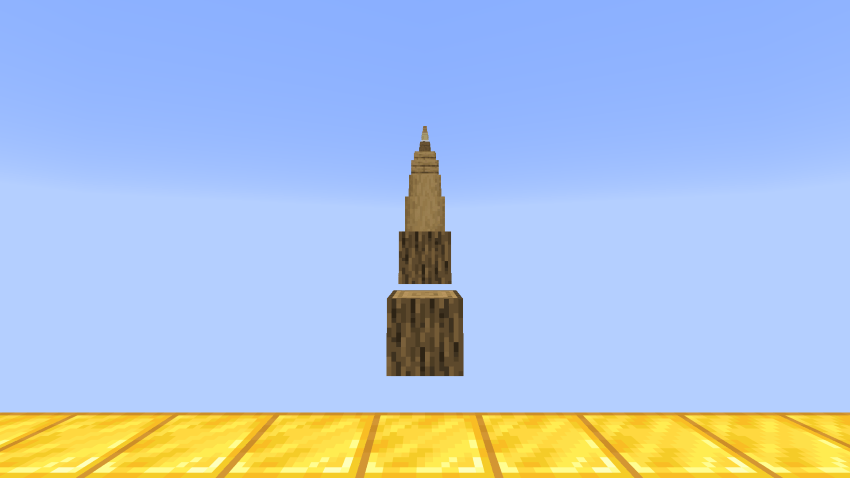
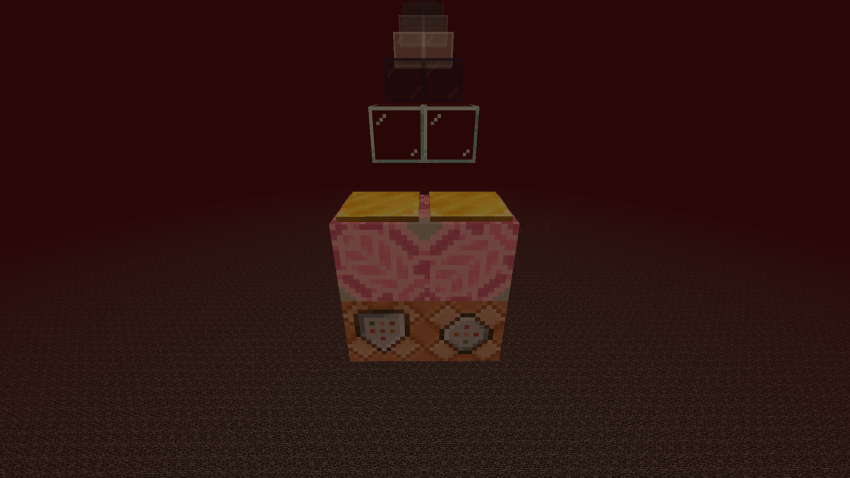
∎ Parkour across different dimensions 🌏
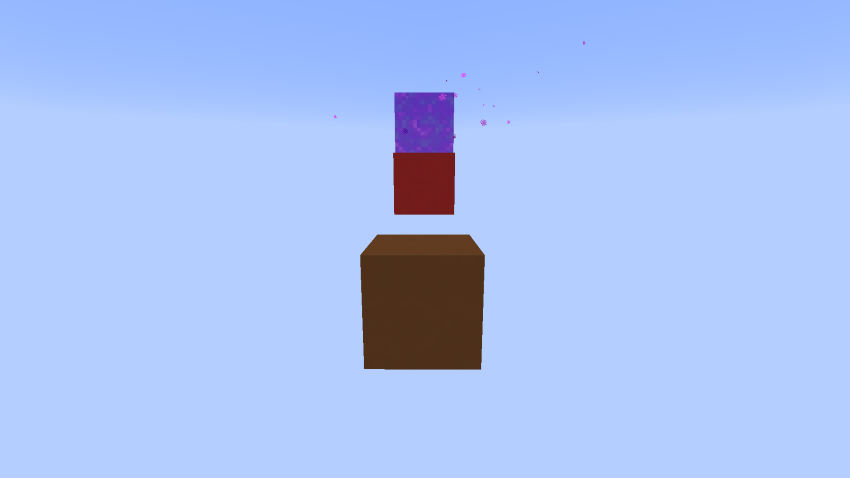
∎ A surprise waiting at the end 👀
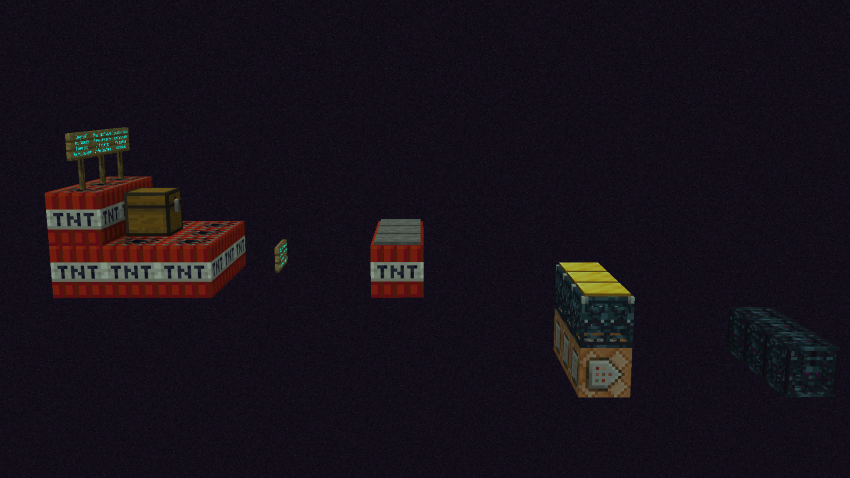
👉 Download now and start jumping!
Parkour Blocks কীভাবে ইনস্টল করবেন
With Millida Launcher
Install Millida Launcher
The launcher is free: download it at millida.net/launcher and sign in with any nickname.
Click “Install” on this page
The launcher opens and installs the map for Minecraft 26.3 automatically.
Launch the game
A profile with it appears in the launcher: click “Play”.
Manually
Download the map archive
Pick the file Parkour Blocks Map v26.3.zip (22 MB).
Unpack it into the saves folder
The world folder (with level.dat inside) must sit directly in .minecraft/saves.
Open the world
“Singleplayer”: the map will be in your world list.
On a server
Replace the world folder
Stop the server and put the map folder in place of world (or set its name in level-name).
Use the “To server” button
On Millida Hosting, the button at the top of the page uploads the file to your server and restarts it for you.
ভার্সন
ডিপেন্ডেন্সিসহ
| Minecraft | লোডার | ফাইল | তারিখ | অ্যাকশন |
|---|---|---|---|---|
| 26.3 | — | Parkour Blocks v26.3 official✨🏕️22.1 MB ২ |
রিভিউ
Parkour Blocks-এ প্রথম রেটিং দিন



