
Minecraft 1.21-এর জন্য OneBlock ম্যাপ
OneBlock একটি অসীম একক-ব্লক সারভাইভাল ম্যাপ। ব্লকটি ধ্বংস হলে, এর বিরলতা স্তরের উপর ভিত্তি করে একটি নতুন ব্লক আবির্ভূত হবে। লেভেল আপ করতে, আপনাকে নির্দিষ্ট সংখ্যক ব্লক ভাঙতে হবে।
OneBlock - Minecraft PE Survival Map
Map by CBZ Studio
Welcome to OneBlock, an endless survival challenge designed for Minecraft Pocket Edition. Inspired by the classic Skyblock concept but expanded with progressive phases, dynamic block generation, and increasing difficulty.
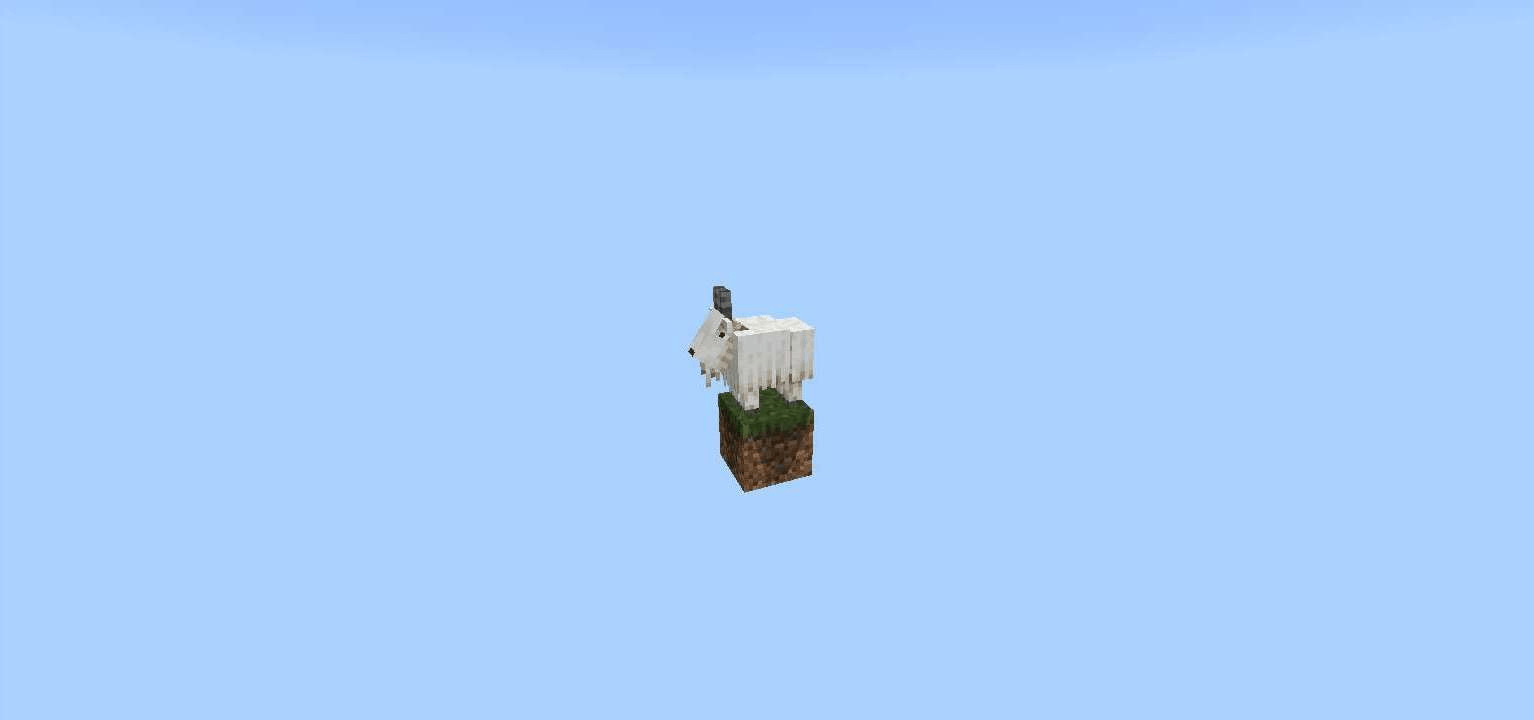
You start your journey standing on a single block floating in the void. Break it, and another block instantly appears - sometimes common, sometimes rare, and occasionally hiding valuable loot. From almost nothing, you must gather resources, survive hostile mobs, and grow your island into a thriving world built by skill and strategy.
How to Play
Every block you break pushes your progress forward. As you mine, new mechanics unlock, stronger mobs begin to spawn, and the environment becomes more dangerous. Each phase introduces a unique biome theme with its own rewards and challenges.
Manage your resources wisely, build defenses, and prepare yourself - because the deeper you go into OneBlock, the harder survival becomes.
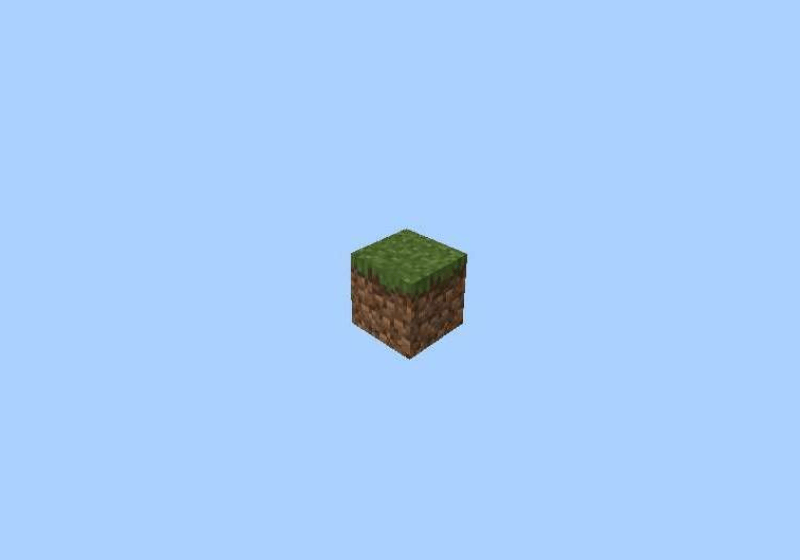
There are 10 phases that have different levels of difficulty.
Phase List
- Forest
- Cave
- Frostlands
- Ocean
- Wild Jungle
- Red Desert
- The Nether
- Sky Isles
- Stronghold
- The End
- ???
Are you ready to turn a single block into an entire world?
Patch to update your world (Behavior pack):
Link Removed: https://www.mediafire.com/file/fgccgrnak90ve8n/One_Block_Patch_v1.0.0.mcpack/file
Installation Guide
- Download the .mcworld file and open it - Minecraft PE will automatically launch and import the map.
- Once the message "World successfully imported" appears, go to Play → Worlds and start playing OneBlock.
OneBlock কীভাবে ইনস্টল করবেন
With Millida Launcher
Install Millida Launcher
The launcher is free: download it at millida.net/launcher and sign in with any nickname.
Click “Install” on this page
The launcher opens and installs the map for Minecraft 1.21 automatically.
Launch the game
A profile with it appears in the launcher: click “Play”.
Manually
Download the map archive
Pick the file One Block Map PE 1.21.mcworld (912 KB).
Unpack it into the saves folder
The world folder (with level.dat inside) must sit directly in .minecraft/saves.
Open the world
“Singleplayer”: the map will be in your world list.
On a server
Replace the world folder
Stop the server and put the map folder in place of world (or set its name in level-name).
Use the “To server” button
On Millida Hosting, the button at the top of the page uploads the file to your server and restarts it for you.
ভার্সন
ডিপেন্ডেন্সিসহ
| Minecraft | লোডার | ফাইল | তারিখ | অ্যাকশন |
|---|---|---|---|---|
| 1.21 | — | One Block Map PE 1.21912 KB ৪০ |
FAQ
Where can I download OneBlock safely?
On this page: the file One Block Map PE 1.21.mcworld (912 KB) is stored on Millida’s server, with no link shorteners. SHA-1 checksum: 53e05fb46f5e0bea56be1bd9343065f4a202f918.
রিভিউ
OneBlock-এ প্রথম রেটিং দিন



