

WtzK Pack - v2
What's new?
- Clean UI, both for containers and the Menu.
- Custom Menu Music.
- Custom Font.
- Custom Inventory.
- Custom Sky.
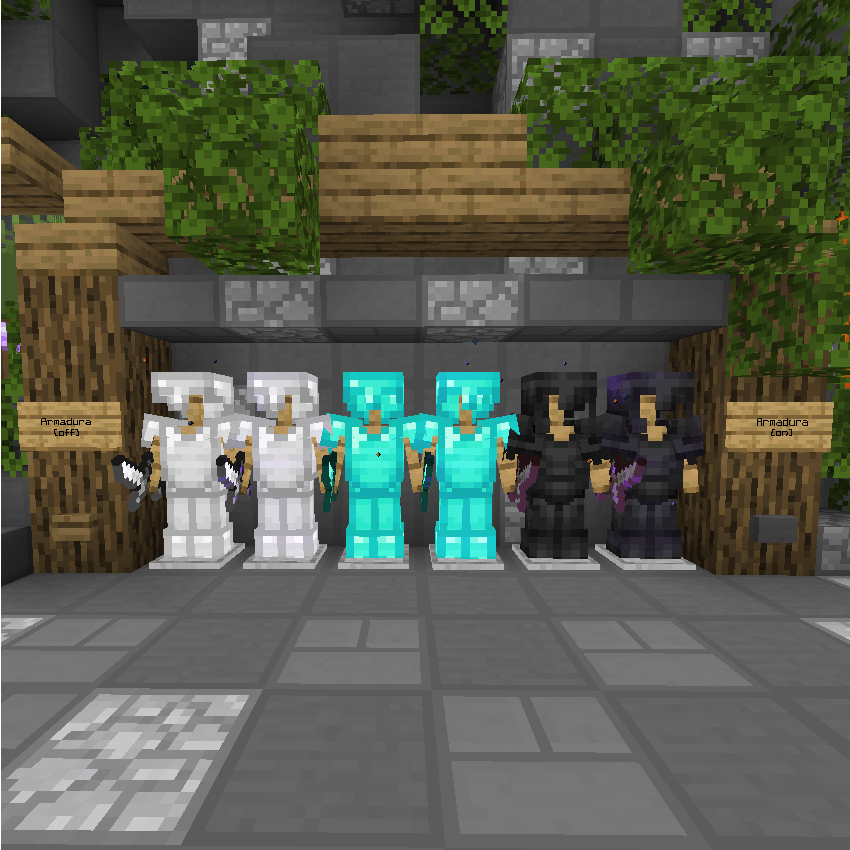
- Custom Armor.
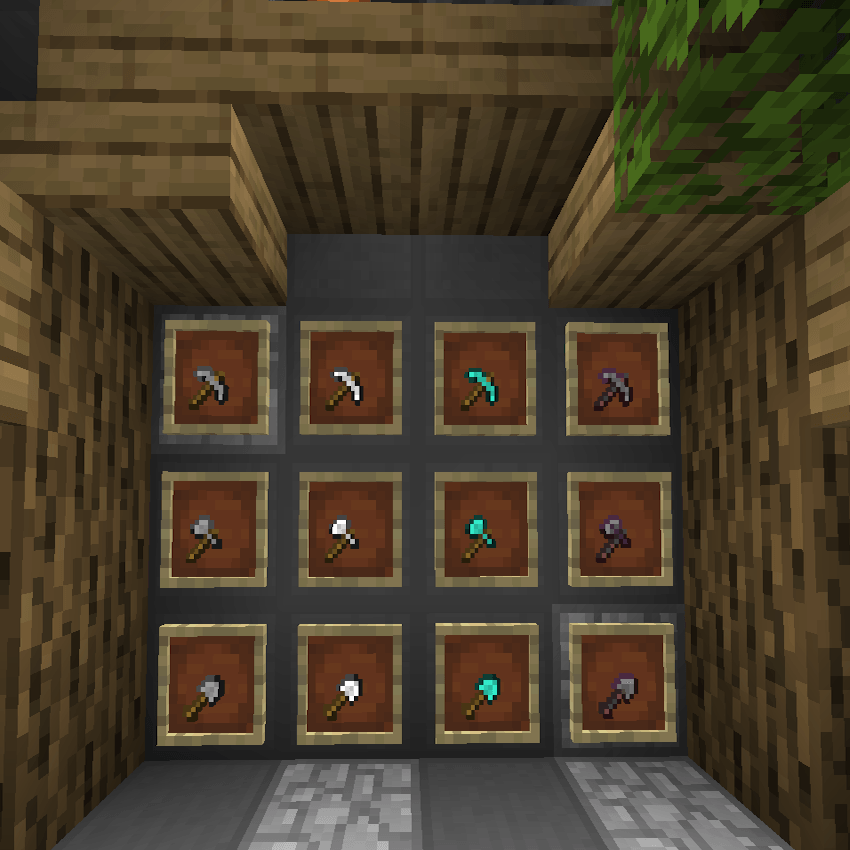
- Mini Tools Implemented.
- Custom Particles.
- Custom Chat.
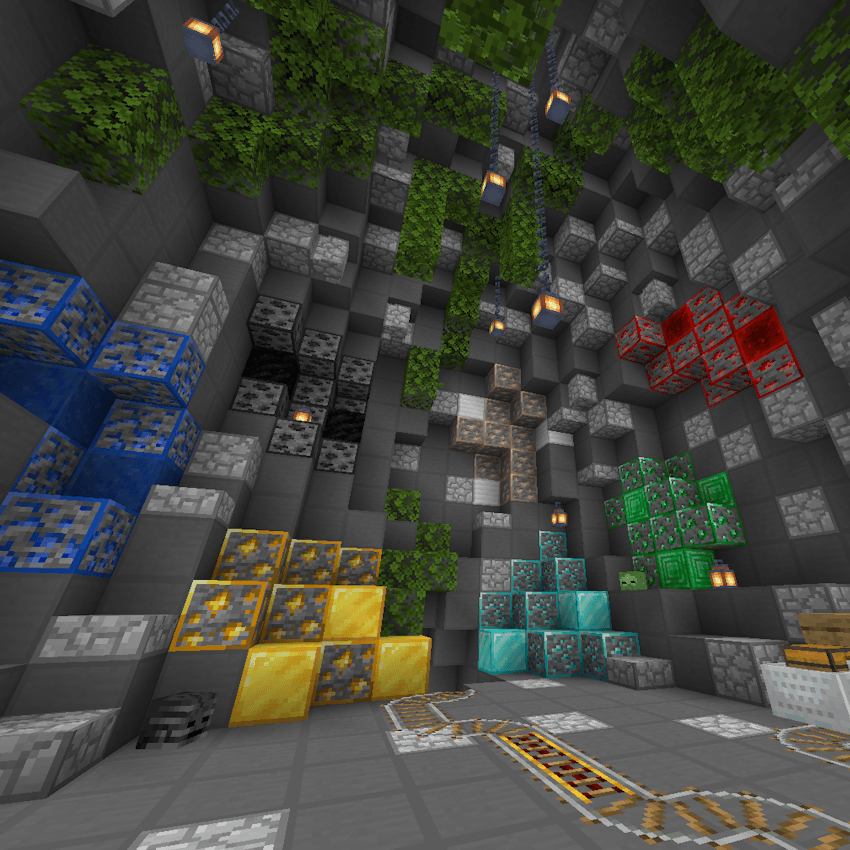
- Custom Blocks.
All this and much more!

Main Additions:
"Subpacks" have been added, allowing for a greater level of customization in your gameplay. You can switch between with or without an active Hitbox and a X-Ray Version.

How to configure Subpacks!
Once you download the texture, simply click on it when it's activated. A gear button (Configuration) will appear. Click on it and a screen with Subpack options will open. Just drag the button to the side and you can change to your preferred option!
Don't worry about the file size, it won't lower your FPS.
NOTE: This was made using the CLASSIC version of the UI. The POCKET version is incomplete.
Ingame Screenshots:
- Armors:
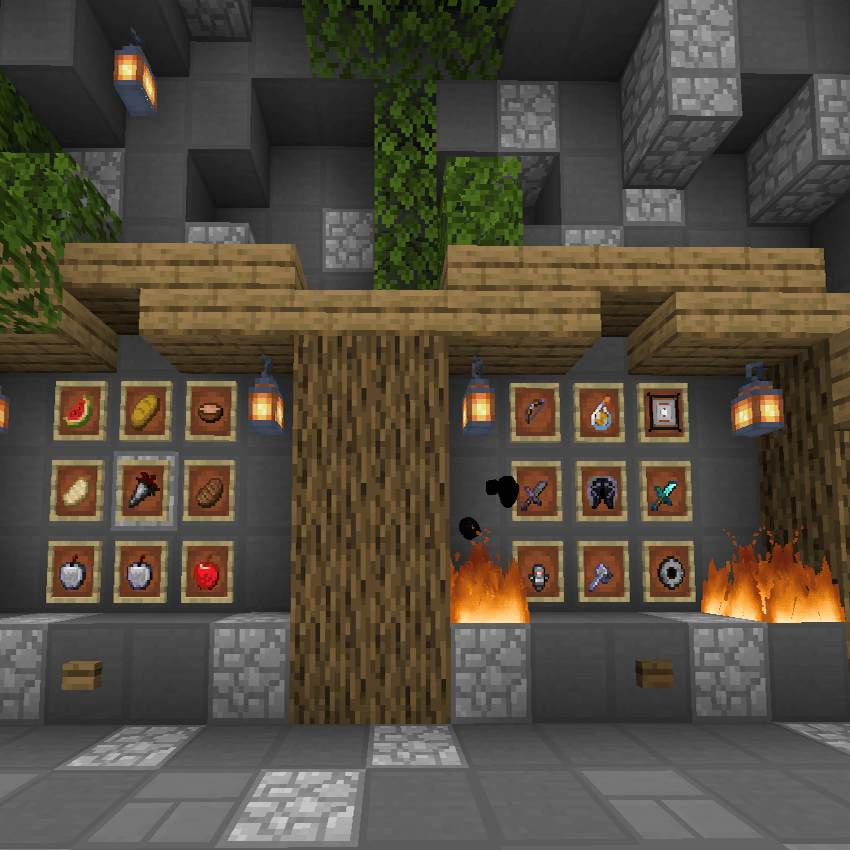
- Items:
- Tools:
- Ores:
- Crystal:
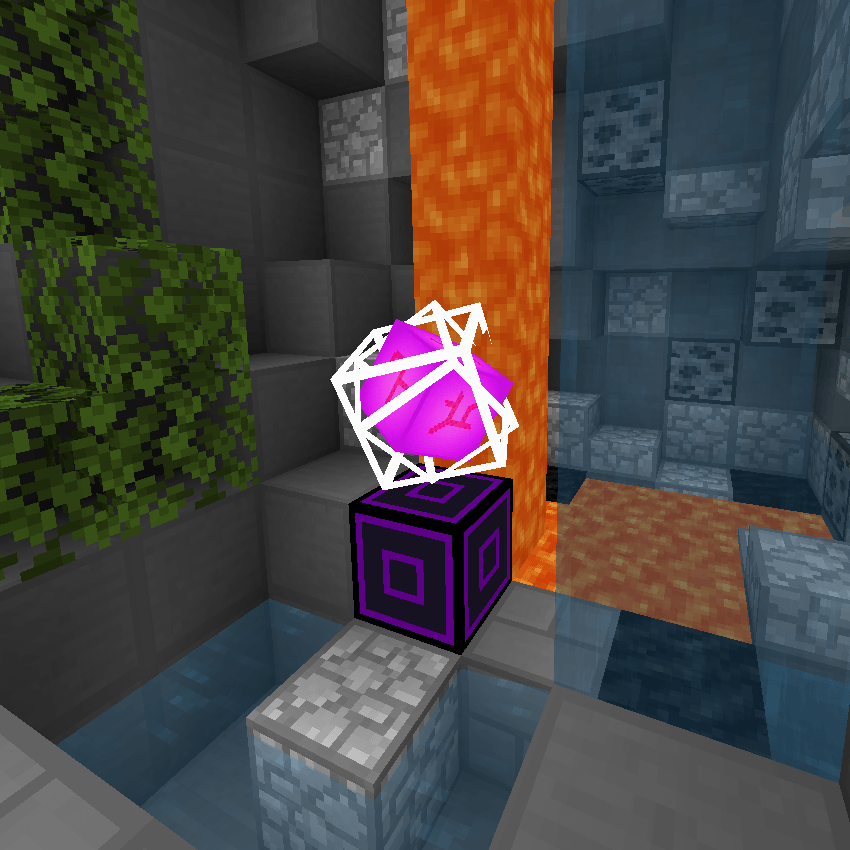
- UI:
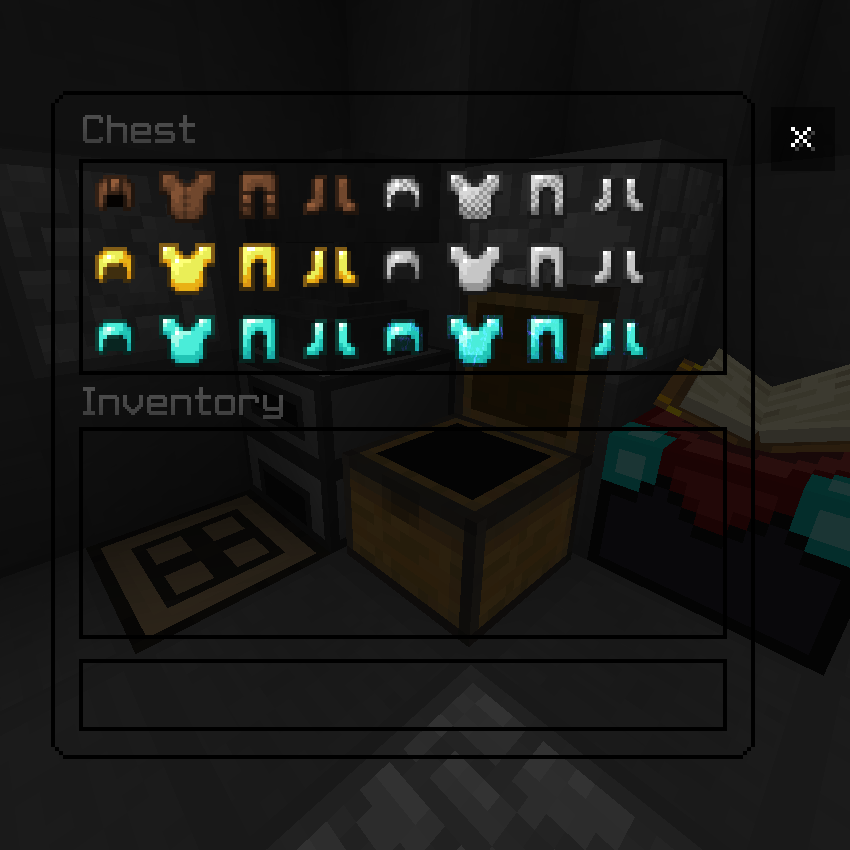
- Cubemap:
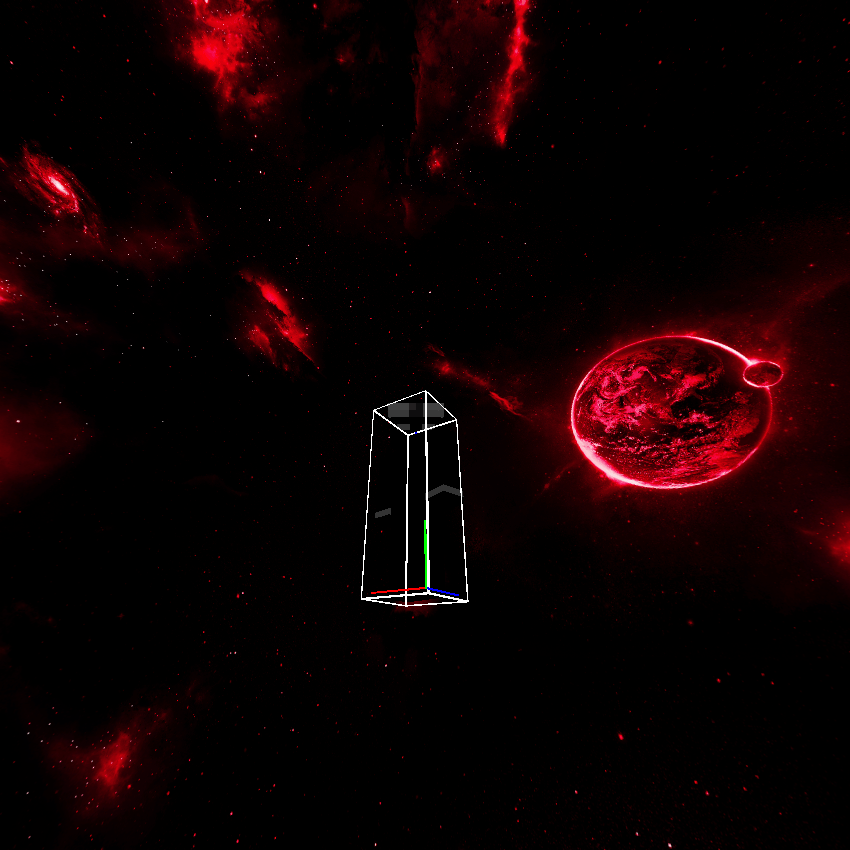
- Credits
Discord: wiitzk
كيفية تثبيت WtzK Pack v2
With Millida Launcher
Install Millida Launcher
The launcher is free: download it at millida.net/launcher and sign in with any nickname.
Click “Install” on this page
The launcher opens and installs the resource pack for Minecraft 1.21.90–1.21.94 automatically.
Launch the game
A profile with it appears in the launcher: click “Play”.
Manually
Download the archive
Pick the file WtzK Pack - v2 - Safe.mcpack (29 MB) for your game version. No need to unpack it.
Put it in the resourcepacks folder
The easiest way: “Options”, then “Resource Packs”, then “Open Pack Folder”, and drag the archive there.
Enable the pack
In the same window, move the pack to the right-hand “Selected” column and click “Done”.
الإصدارات
مع المتطلبات
| Minecraft | المشغّل | الملف | التاريخ | الإجراءات |
|---|---|---|---|---|
| 1.21.93 | — | WtzK Pack - v2.mcpack29.4 ميغابايت |
التقييمات
كن أول من يقيّم WtzK Pack v2


