

Warriors' Client & Ui حزمة موارد لماينكرافت 1.21, 26.10
يعزز Warriors' Client لماينكرافت PE أسلوب اللعب بميزات مثل Inventory Hud وQuick Loot وQuick Craft لإدارة أسرع للعناصر. استمتع بتعزيز معدل الإطارات لأداء أكثر سلاسة وميكانيكا PvP أفضل لقتال محسّن. كما يمتلك واجهة رائعة.
حول حزمة موارد Warriors' Client & Ui

Warriors' Client is a powerful and feature-packed modification for Minecraft PE, carefully designed to enhance your gameplay, streamline item management, and boost performance - all while giving you a competitive edge on the battlefield.
Key Features:
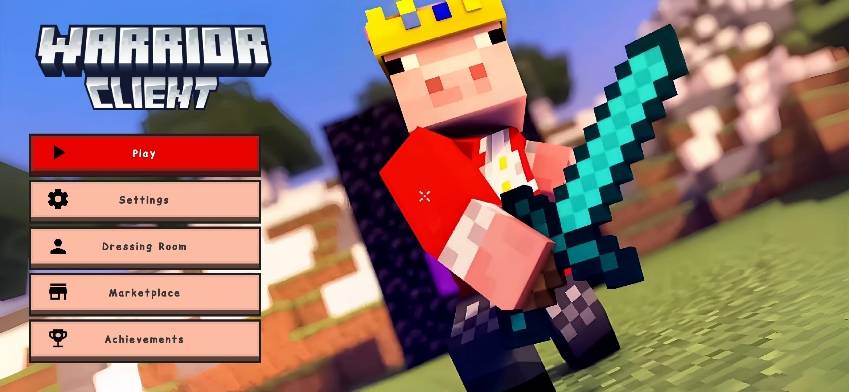
Technoblade Theme - A tribute to the legend.
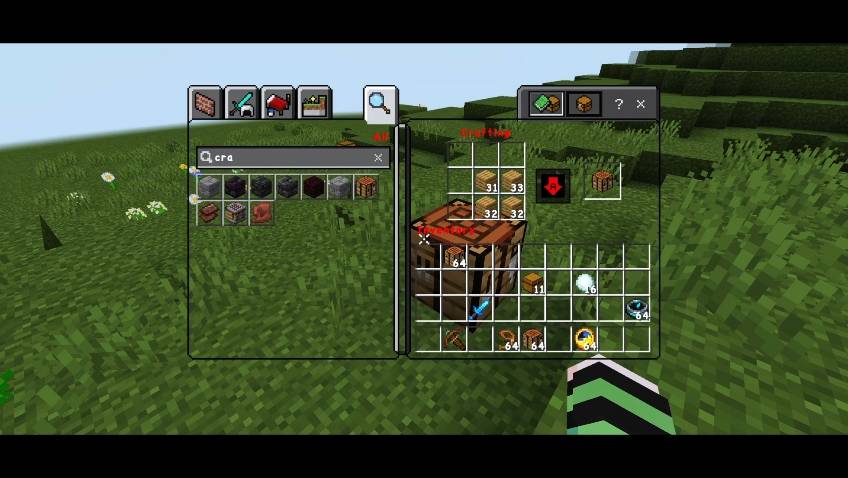
Quick Craft
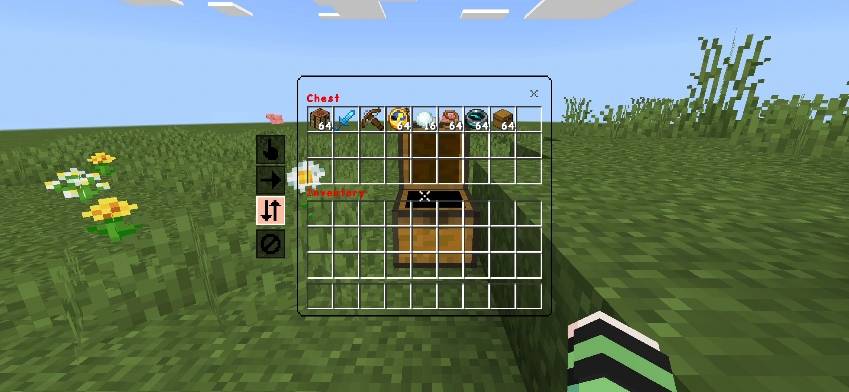
Quick Loot
FPS Boost
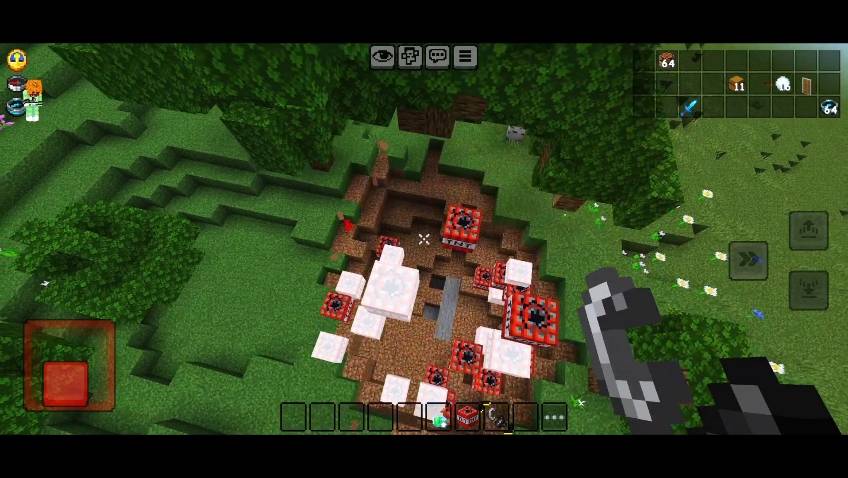
- Transparent Inventory
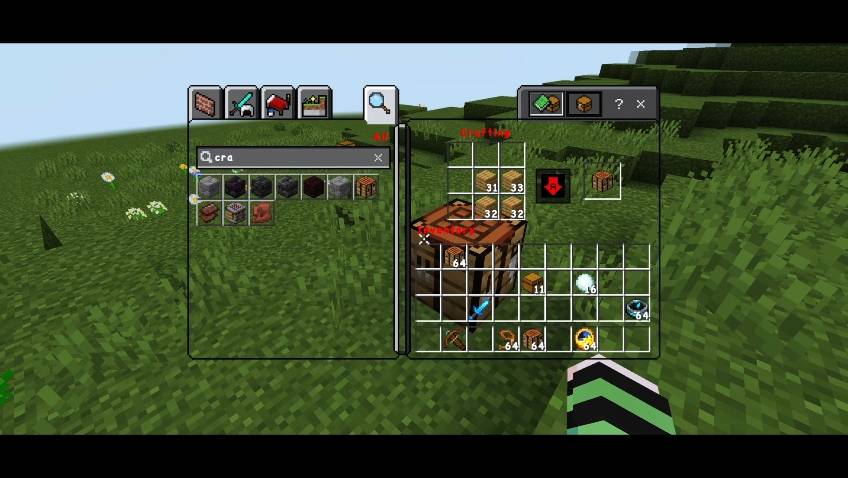
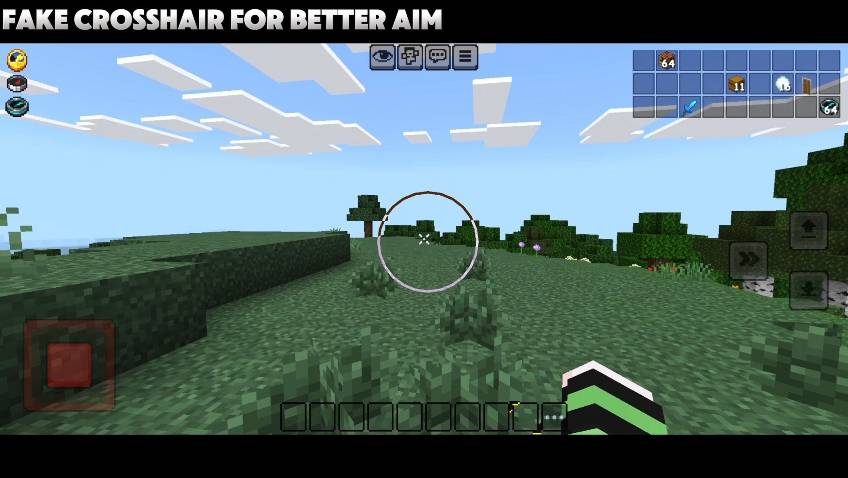
- Touch Crosshair
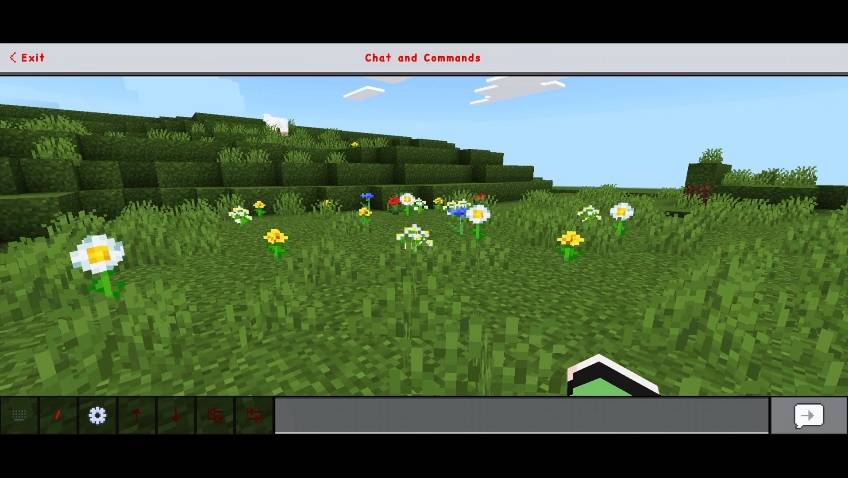
- Quick Chat
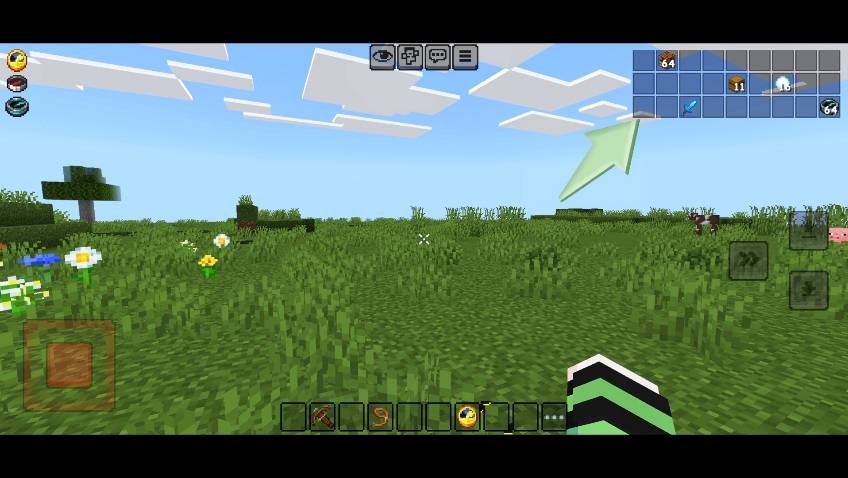
- Inventory HUD
- Potion Texture Upgrade - Cleaner and more vivid visuals for potions.
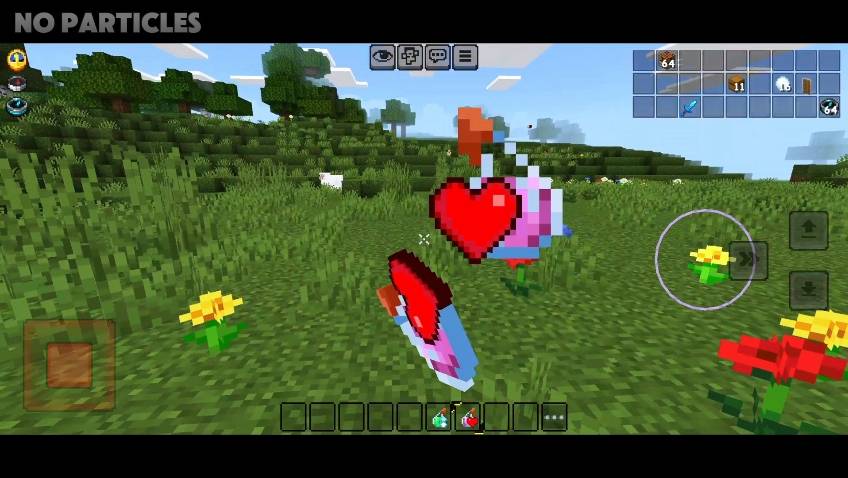
More.....
- short swords
- short shield
- low fire
- Transparent water
- bow indicator
- no pumpkin black hud
Credit:
1)@itzriyo157 (Used Advanced chest 0.1)
Permission From @itzriyo157 : Screenshot

Socials:
Join our discord

Support On Kofi:

You Are Allowed To:
- Showcase my work in videos/streams if you give proper credit (e.g., link to the official download).
- Edit file for personal use only
You Are Not Allowed To:
- Distribute through monetized links (AdFly, Linkvertise, etc.).
- Edit and re-share my projects
If You Give Low Rating ,You Should Comment the Reason
كيفية تثبيت Warriors' Client & Ui
With Millida Launcher
Install Millida Launcher
The launcher is free: download it at millida.net/launcher and sign in with any nickname.
Click “Install” on this page
The launcher opens and installs the resource pack for Minecraft 1.21–26.10 automatically.
Launch the game
A profile with it appears in the launcher: click “Play”.
Manually
Download the archive
Pick the file Warriors' Client v3.6.mcpack (3.3 MB) for your game version. No need to unpack it.
Put it in the resourcepacks folder
The easiest way: “Options”, then “Resource Packs”, then “Open Pack Folder”, and drag the archive there.
Enable the pack
In the same window, move the pack to the right-hand “Selected” column and click “Done”.
الإصدارات
مع المتطلبات
| Minecraft | المشغّل | الملف | التاريخ | الإجراءات |
|---|---|---|---|---|
| 1.21.30 | — | Warriors' Client v3.6.mcpack3.3 ميغابايت 1 |
الأسئلة الشائعة
Which Minecraft versions does Warriors' Client & Ui work on?
There are files for 1.21–26.10, 40 versions in total. The newest is 26.10.
Where can I download Warriors' Client & Ui safely?
On this page: the file Warriors' Client v3.6.mcpack (3.3 MB) is stored on Millida’s server, with no link shorteners. SHA-1 checksum: 582924f0c841e1292ac87abe438c754d61eb3430.
التقييمات
كن أول من يقيّم Warriors' Client & Ui



