
WarmLight shaders حزمة موارد لماينكرافت 1.21, 26.40
يغمر WarmLight Shaders لعبة Minecraft Bedrock بضوء دافئ وسينمائي — أشعة ذهبية، سماء مصبوغة بألوان الغروب، مياه عاكسة واقعية، وخامات محسّنة بـ PBR، وكل ذلك يعمل بسلاسة ومحسّن لكل بيئة.
حول حزمة موارد WarmLight shaders
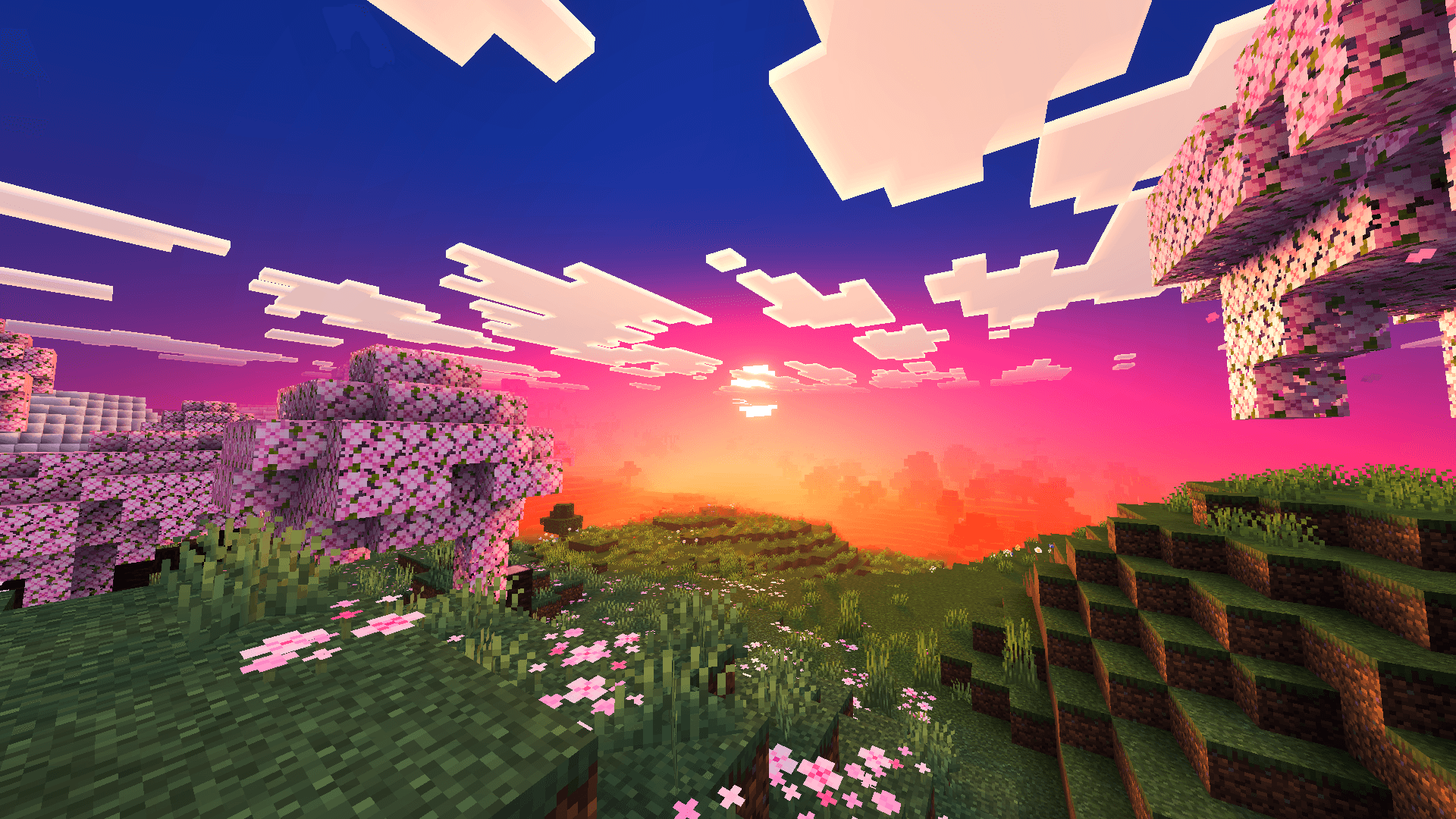
Bathe your world in golden light. WarmLight transforms Minecraft Bedrock with warm, sun-drenched atmospherics, soft volumetric god rays, and richly colored skies that shift from crisp daylight blues to deep sunset pinks and purples.

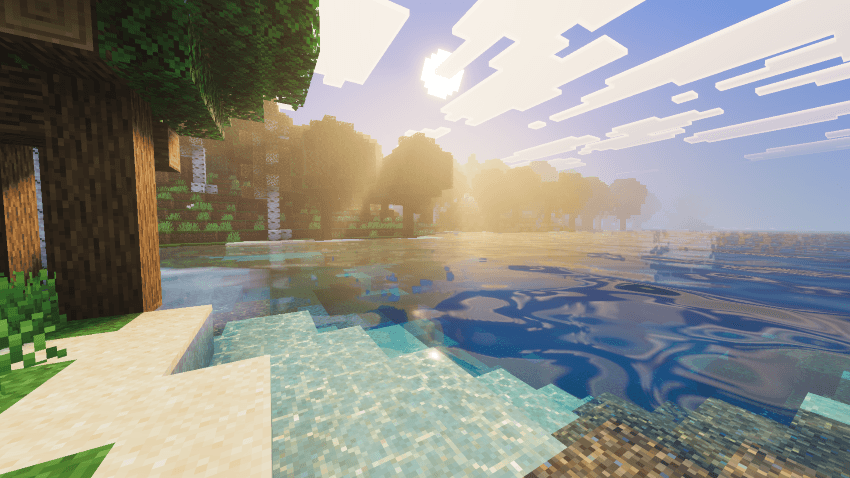
Walk through forests where light filters through the canopy in glowing shafts, and dive into water rendered with realistic reflections, caustics, and depth. Custom PBR ore textures add subtle emissive glow and surface detail to underground mining, while enhanced foliage colormaps keep grass, leaves, and biome tinting vibrant and natural.
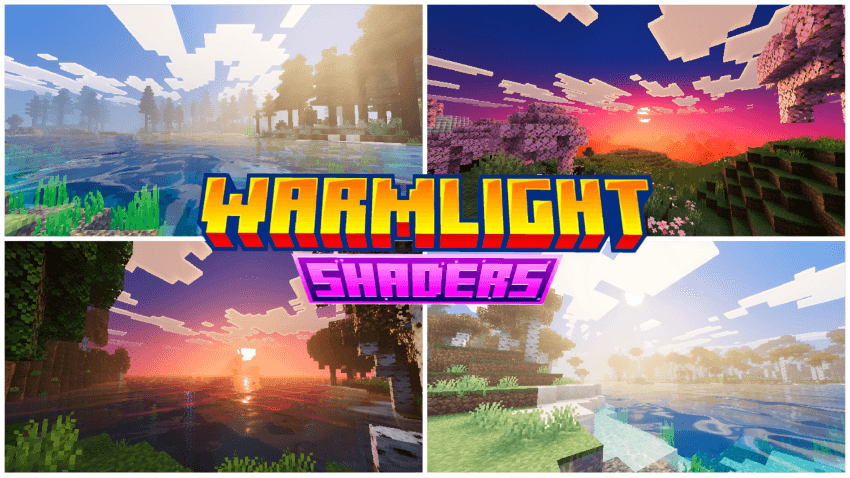
Built for smooth performance without sacrificing atmosphere, WarmLight is designed to make every biome - from misty lakesides to sunset meadows - feel warmer, deeper, and more alive.
Features:
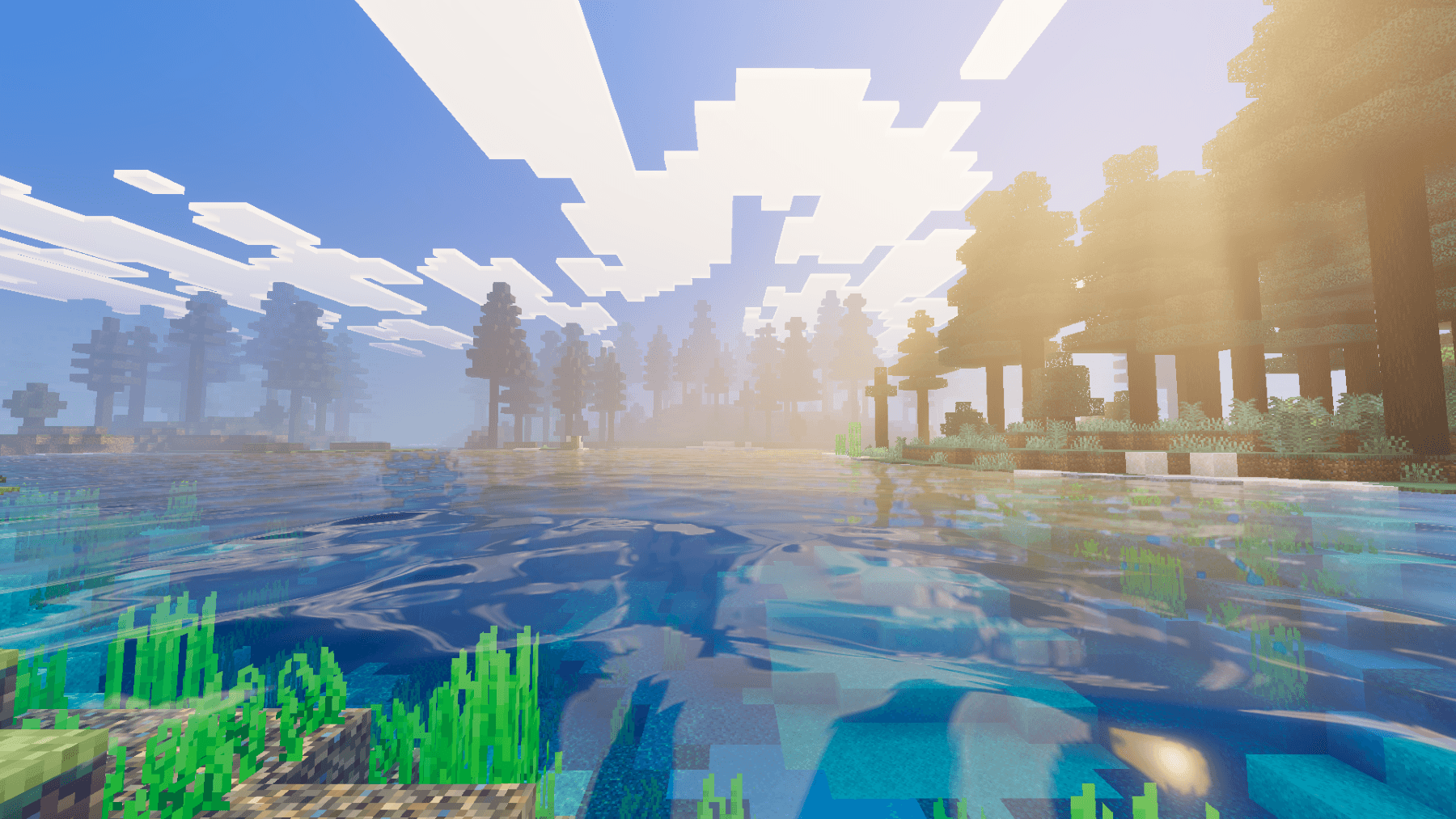
- Warm, cinematic sky and lighting with dynamic sunset/sunrise color grading
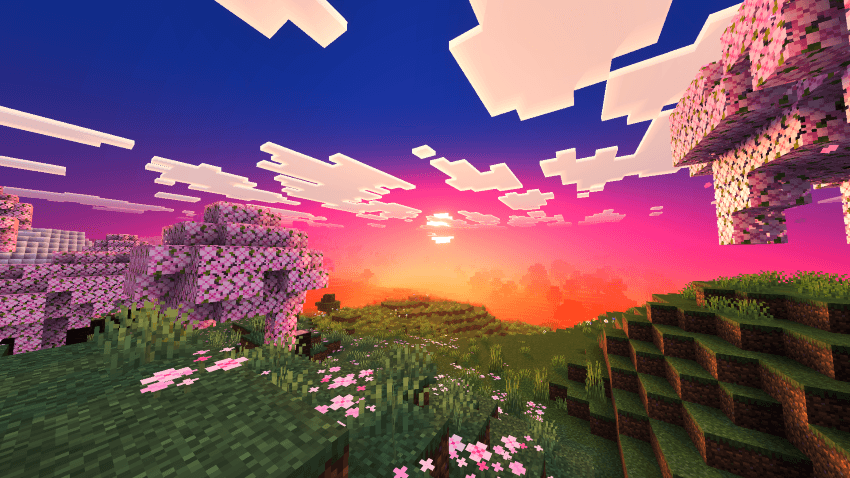
- Volumetric god rays and atmospheric fog
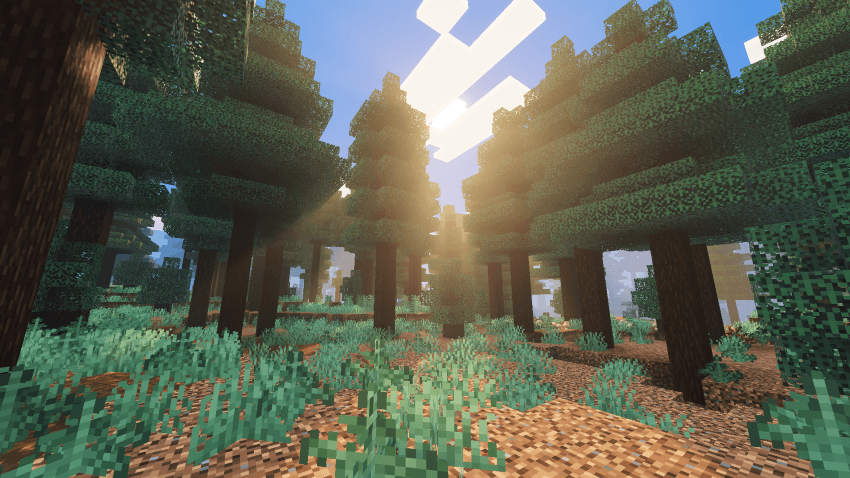
- Realistic water with reflections, caustics, and wave motion
- Outlined PBR-enhanced ore and block textures
- Optimized for stable performance across devices
كيفية تثبيت WarmLight shaders
With Millida Launcher
Install Millida Launcher
The launcher is free: download it at millida.net/launcher and sign in with any nickname.
Click “Install” on this page
The launcher opens and installs the resource pack for Minecraft 1.21–26.40 automatically.
Launch the game
A profile with it appears in the launcher: click “Play”.
Manually
Download the archive
Pick the file WarmLight Shaders v1.2.mcpack (3.2 MB) for your game version. No need to unpack it.
Put it in the resourcepacks folder
The easiest way: “Options”, then “Resource Packs”, then “Open Pack Folder”, and drag the archive there.
Enable the pack
In the same window, move the pack to the right-hand “Selected” column and click “Done”.
الإصدارات
مع المتطلبات
| Minecraft | المشغّل | الملف | التاريخ | الإجراءات |
|---|---|---|---|---|
| 1.21.81 | — | WarmLight Shaders v1.2.mcpack3.2 ميغابايت 3 |
الأسئلة الشائعة
Which Minecraft versions does WarmLight shaders work on?
There are files for 1.21–26.40, 21 versions in total. The newest is 26.40.
Where can I download WarmLight shaders safely?
On this page: the file WarmLight Shaders v1.2.mcpack (3.2 MB) is stored on Millida’s server, with no link shorteners. SHA-1 checksum: f35a2d1d582341fa9a4a93fc0914a801d7aca3f0.
التقييمات
كن أول من يقيّم WarmLight shaders



