

حول حزمة موارد TamTera 24x
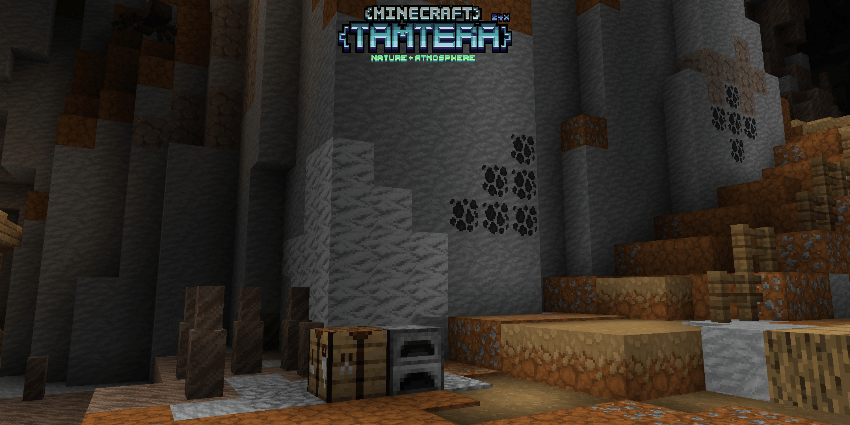
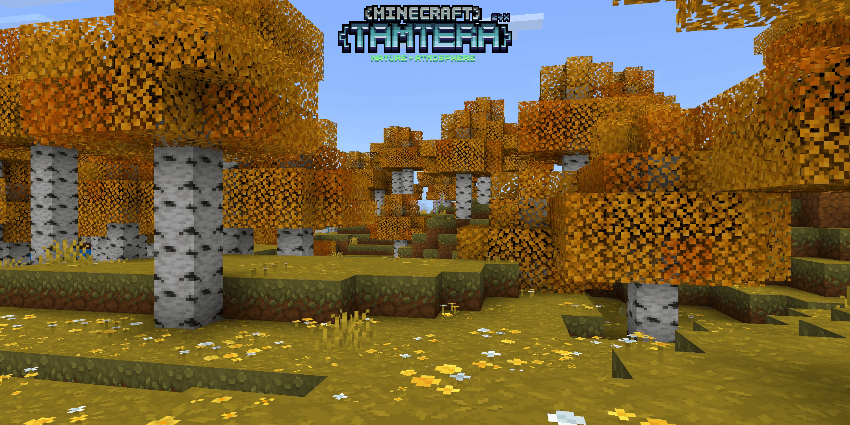
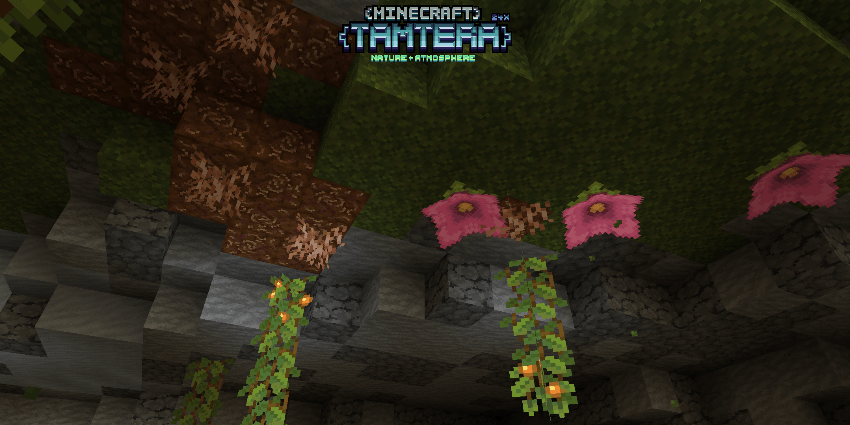
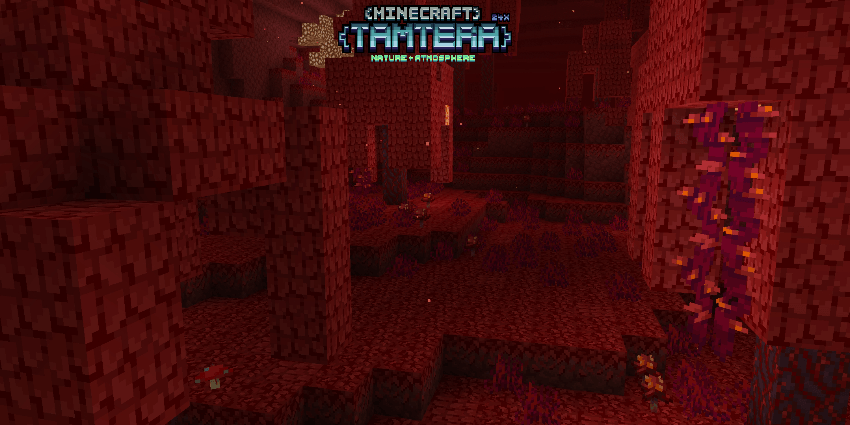
Tired of the default textures feeling flat and repetitive? This 24x24 pixel texture pack brings a warmer, more atmospheric look with smoother details and refined colors, creating a world that feels more immersive without losing its original identity. This resource pack was created by Tama one of our team and published by Covyns Studio.

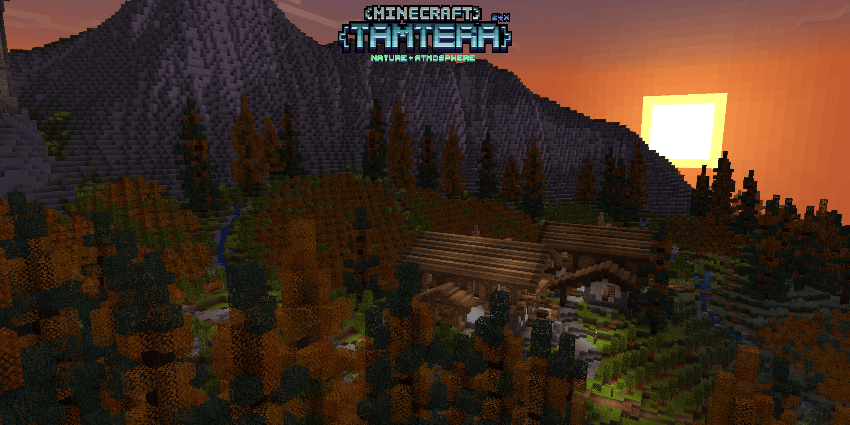
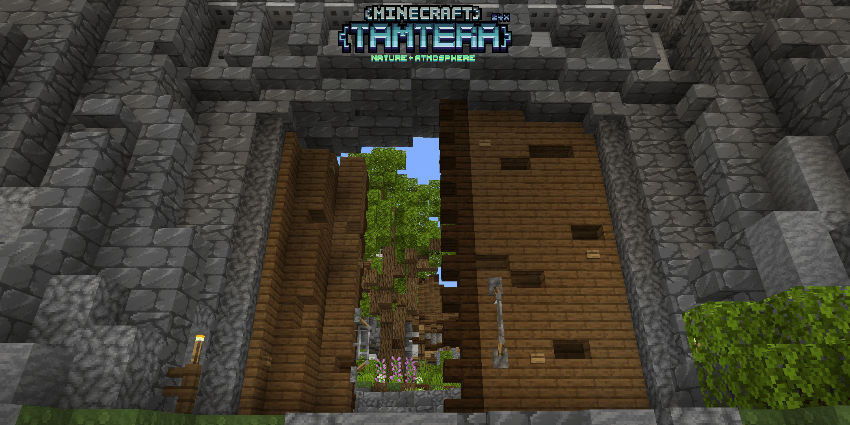
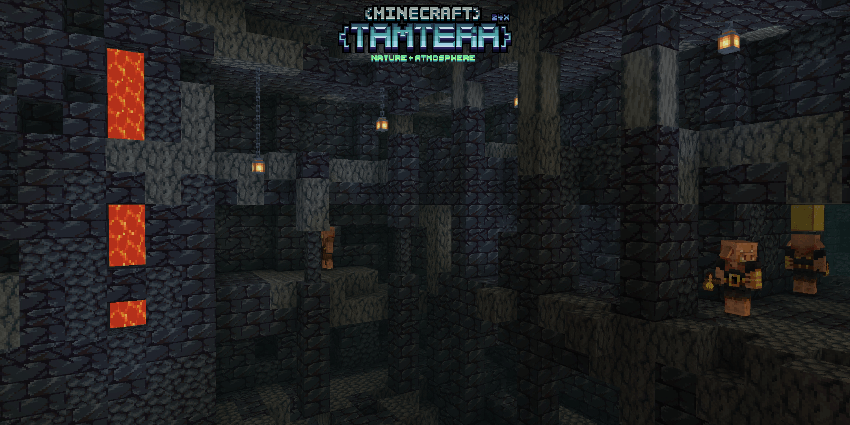
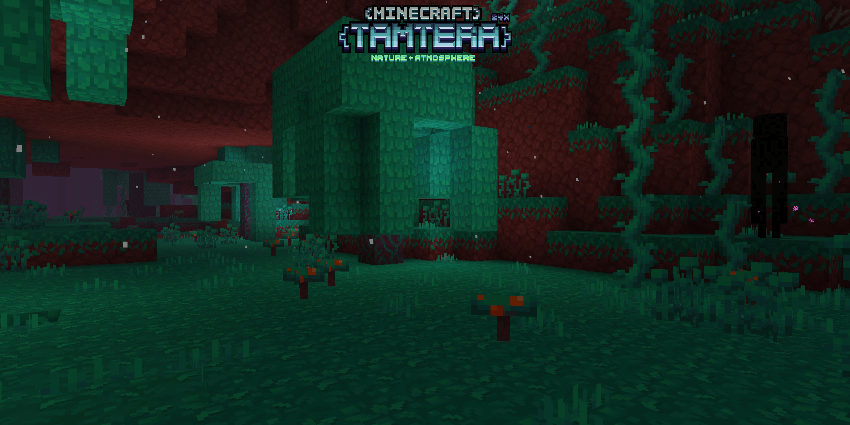
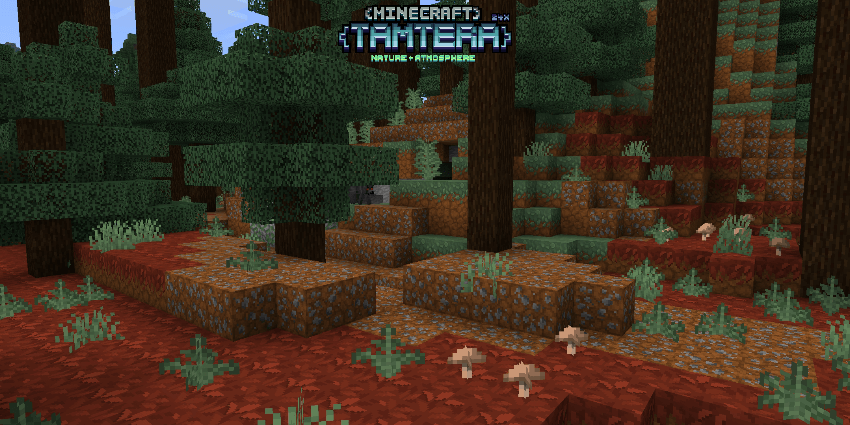
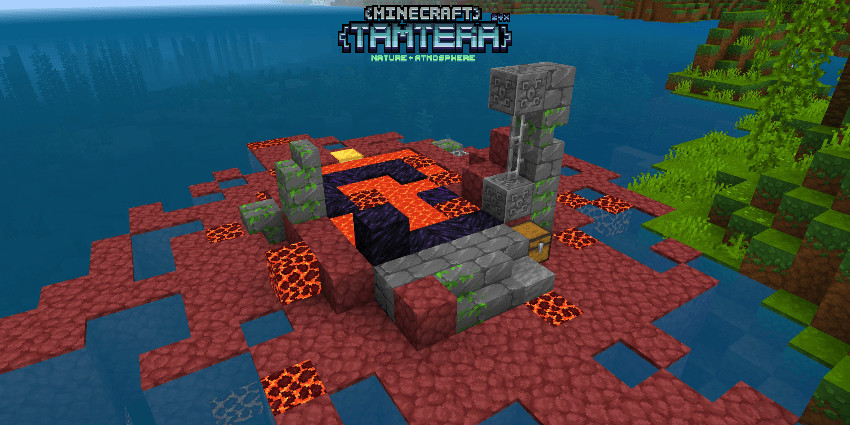
This texture pack is designed to bring a warm and atmospheric feel to Minecraft through refined colors and smoother details. It enhances the overall look of the world by creating a more immersive environment, where each biome feels more alive while still maintaining consistency with the game’s original style.
The focus is on subtle improvements rather than drastic changes. Landscapes feel richer, lighting appears softer, and colors are balanced to create a more cinematic and comfortable experience without straying too far from vanilla. Every adjustment is made to keep the world visually cohesive and easy to explore.
Currently in early access, only a portion of the textures have been changed. Future updates will continue expanding coverage and improving consistency, gradually bringing more parts of the game into the same cohesive visual style. This texture pack is ideal for players who want a more atmospheric and polished experience while staying close to the original game.






This texture pack requires version 26.0 or higher to function properly. Achievements remain enabled, and no experimental gameplay toggles are required. Simply install the pack and use it in your world without additional setup.


Personal use and content creation including YouTube and streaming are permitted. Use in other add-ons is allowed with proper credit. Redistribution without permission, claiming the work as your own, and selling or monetizing this add-on directly are strictly not allowed.
كيفية تثبيت TamTera 24x
With Millida Launcher
Install Millida Launcher
The launcher is free: download it at millida.net/launcher and sign in with any nickname.
Click “Install” on this page
The launcher opens and installs the resource pack for Minecraft 26.0–26.10 automatically.
Launch the game
A profile with it appears in the launcher: click “Play”.
Manually
Download the archive
Pick the file TamTera 24x [ 1.0.0 ].mcpack (437 KB) for your game version. No need to unpack it.
Put it in the resourcepacks folder
The easiest way: “Options”, then “Resource Packs”, then “Open Pack Folder”, and drag the archive there.
Enable the pack
In the same window, move the pack to the right-hand “Selected” column and click “Done”.
الإصدارات
مع المتطلبات
| Minecraft | المشغّل | الملف | التاريخ | الإجراءات |
|---|---|---|---|---|
| 26.0.02 | — | TamTera 24x [ 1.0.0 ].mcpack437 KB 2 |
الأسئلة الشائعة
Which Minecraft versions does TamTera 24x work on?
There are files for 26.10, 26.3, 26.0.02, 26.0. The newest is 26.10.
Where can I download TamTera 24x safely?
On this page: the file TamTera 24x [ 1.0.0 ].mcpack (437 KB) is stored on Millida’s server, with no link shorteners. SHA-1 checksum: 27ab5dddf3732c94c3a85c2f05ad53e36630712e.
التقييمات
كن أول من يقيّم TamTera 24x


