
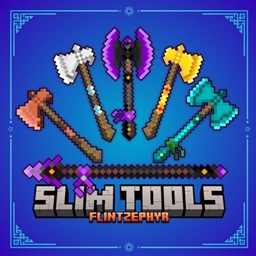
Slim Tools TP حزمة موارد لماينكرافت 26.0
امنح أدواتك مظهرًا أنيقًا ونحيفًا مع هذه الحزمة البسيطة! جميع الأدوات القياسية أصبحت أنحف وأكثر أناقة.
حول حزمة موارد Slim Tools TP

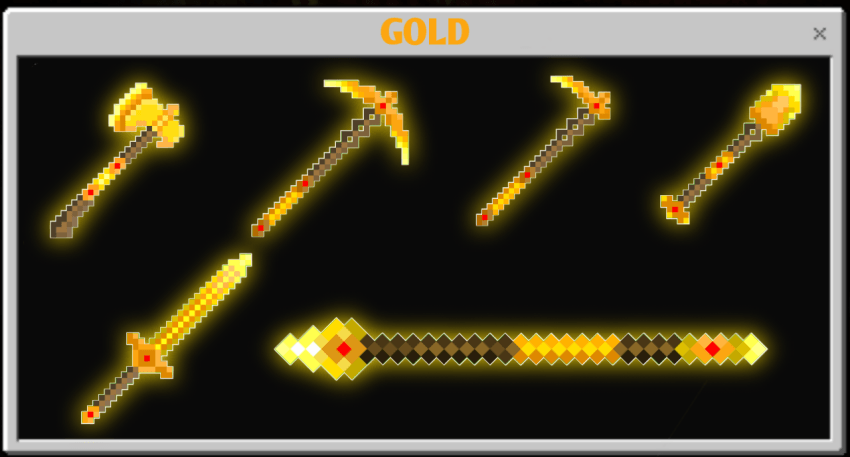
Slim, stylish, and simple!
NOTE:
Trident and mace not included, as they require an entity model to render in-game.

New Subpack Size Options!
You can now use the Subpacks slider to choose your preferred tool size:
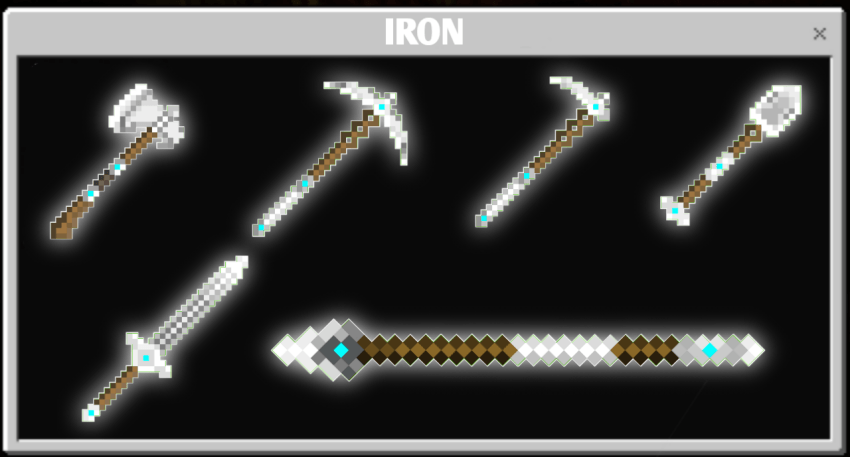
- SLIM TOOLS - standard size
- SLIM TOOLS Medium - smaller than the standard Slim Tools
- SLIM TOOLS L + Small - extra-small/compact design
Simply use the Subpacks settings slider to switch between the different sizes and find the one you like.
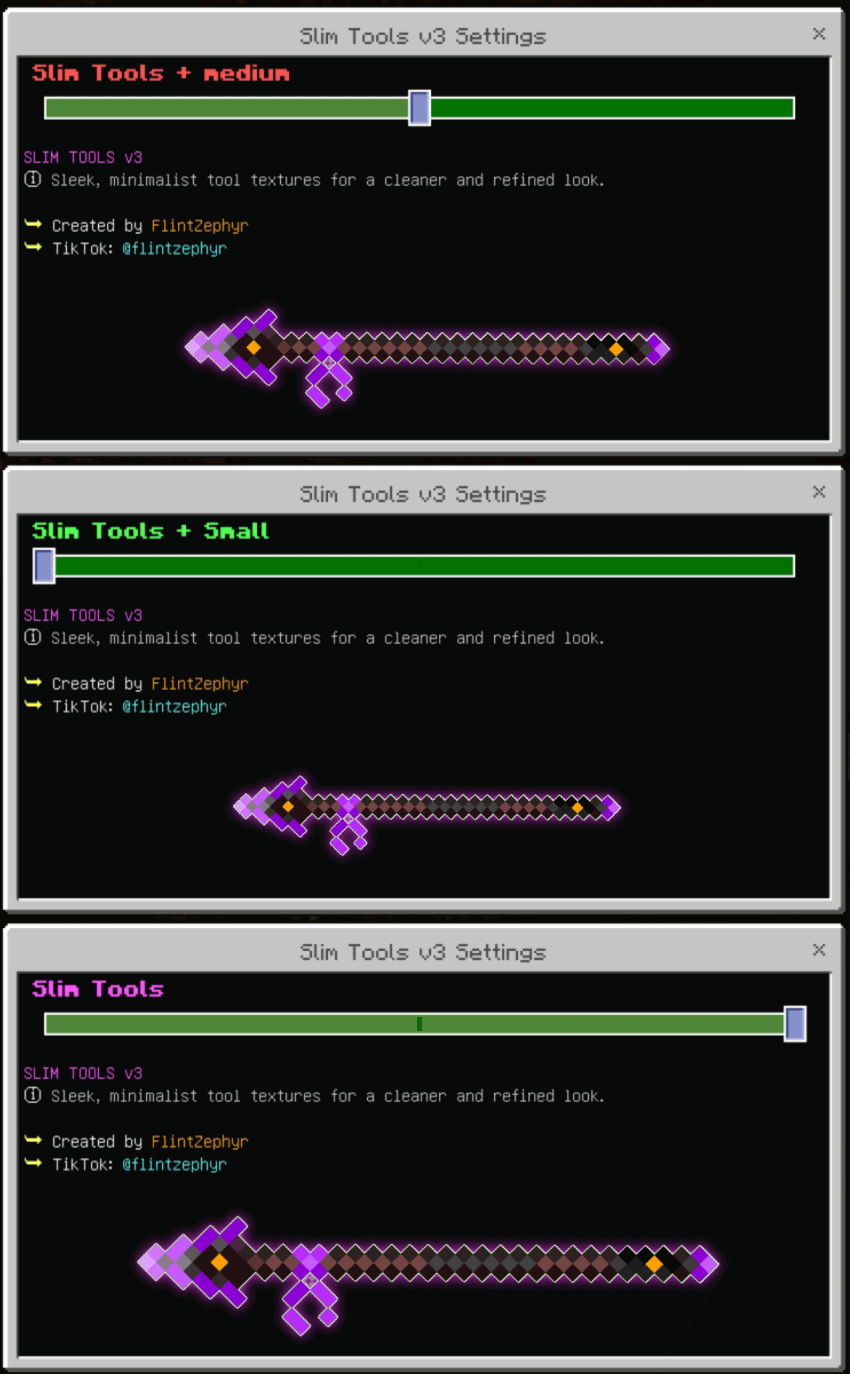
More sizes. More choice. Same clean Slim Tools style.
♥️ If you’re enjoying my pack, please follow me! It really means a lot!

كيفية تثبيت Slim Tools TP
Install Millida Launcher
The launcher is free: download it at millida.net/launcher and sign in with any nickname.
Click “Install” on this page
The launcher opens and installs the resource pack for Minecraft 26.0 automatically.
Launch the game
A profile with it appears in the launcher: click “Play”.
الإصدارات
مع المتطلبات
| Minecraft | المشغّل | الملف | التاريخ | الإجراءات |
|---|---|---|---|---|
| 26.0 | — | Slim Tools TP v3866 KB |
الأسئلة الشائعة
Which Minecraft versions does Slim Tools TP work on?
Only Minecraft 26.0: there are no files for other versions.
How do I download Slim Tools TP?
With Millida Launcher: it installs Slim Tools TP into a modpack by itself, for the right game version and loader. The launcher is free.
التقييمات
كن أول من يقيّم Slim Tools TP


