
حول حزمة موارد ShaderTech
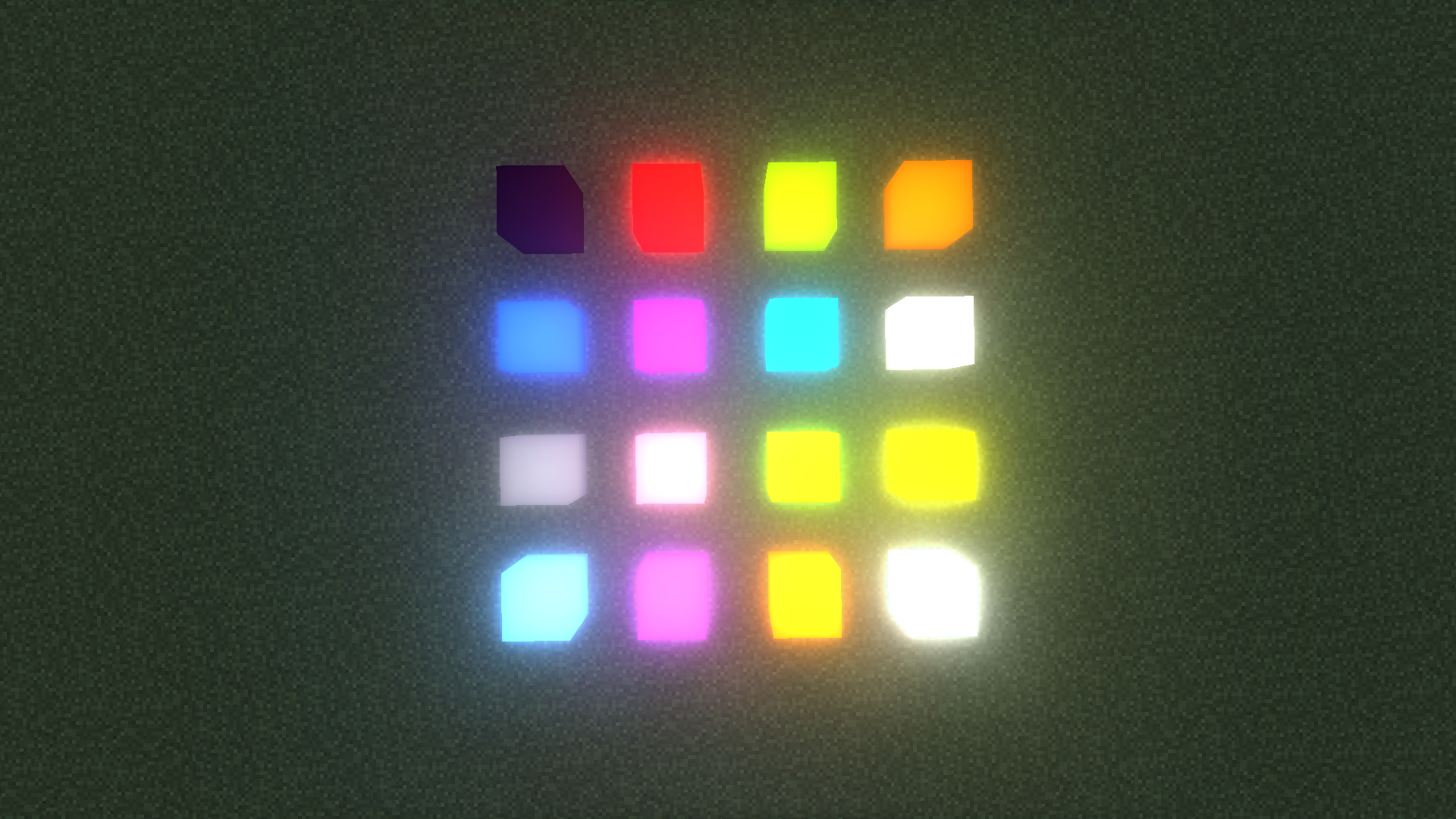
This resource pack provides special shaders effects utilising a functionality of GTCEu. It works like any other resource pack, and has a negligible performance impact.
Currently supports:
- Most light emitting vanilla blocks
- Chisel antiblocks
كيفية تثبيت ShaderTech
With Millida Launcher
Install Millida Launcher
The launcher is free: download it at millida.net/launcher and sign in with any nickname.
Click “Install” on this page
The launcher opens and installs the resource pack for Minecraft 1.12.2 automatically.
Launch the game
A profile with it appears in the launcher: click “Play”.
Manually
Download the archive
Pick the file ShaderTech.zip (80 KB) for your game version. No need to unpack it.
Put it in the resourcepacks folder
The easiest way: “Options”, then “Resource Packs”, then “Open Pack Folder”, and drag the archive there.
Enable the pack
In the same window, move the pack to the right-hand “Selected” column and click “Done”.
الإصدارات
مع المتطلبات
| Minecraft | المشغّل | الملف | التاريخ | الإجراءات |
|---|---|---|---|---|
| 1.12.2 | — | ShaderTech 1.080 KB | ||
| 1.12.2 | — | ShaderTech.zip81 KB |
الأسئلة الشائعة
Which Minecraft versions does ShaderTech work on?
Only Minecraft 1.12.2: there are no files for other versions.
Where can I download ShaderTech safely?
On this page: the file ShaderTech.zip (80 KB) is stored on Millida’s server, with no link shorteners. SHA-1 checksum: 4d3f8ebd2c4b3e881cec0d2e2be6893b040bb24d.
التقييمات
كن أول من يقيّم ShaderTech


