

Plastic Texture Pack لماينكرافت 1.21.1, 1.21
اجعل عوالمك بسيطة وملوّنة ونابضة بالحياة! نسخة منقولة من Legacy Console Edition.
- تنزيلات
- 27 تنزيلات
- مشاهدة
- 134 مشاهدة
- محدّث
- محدّث 07.10.2026
- 1.20.2 — 26.3
 اللعبة الأصلية
- العميل
حول حزمة موارد Plastic Texture Pack
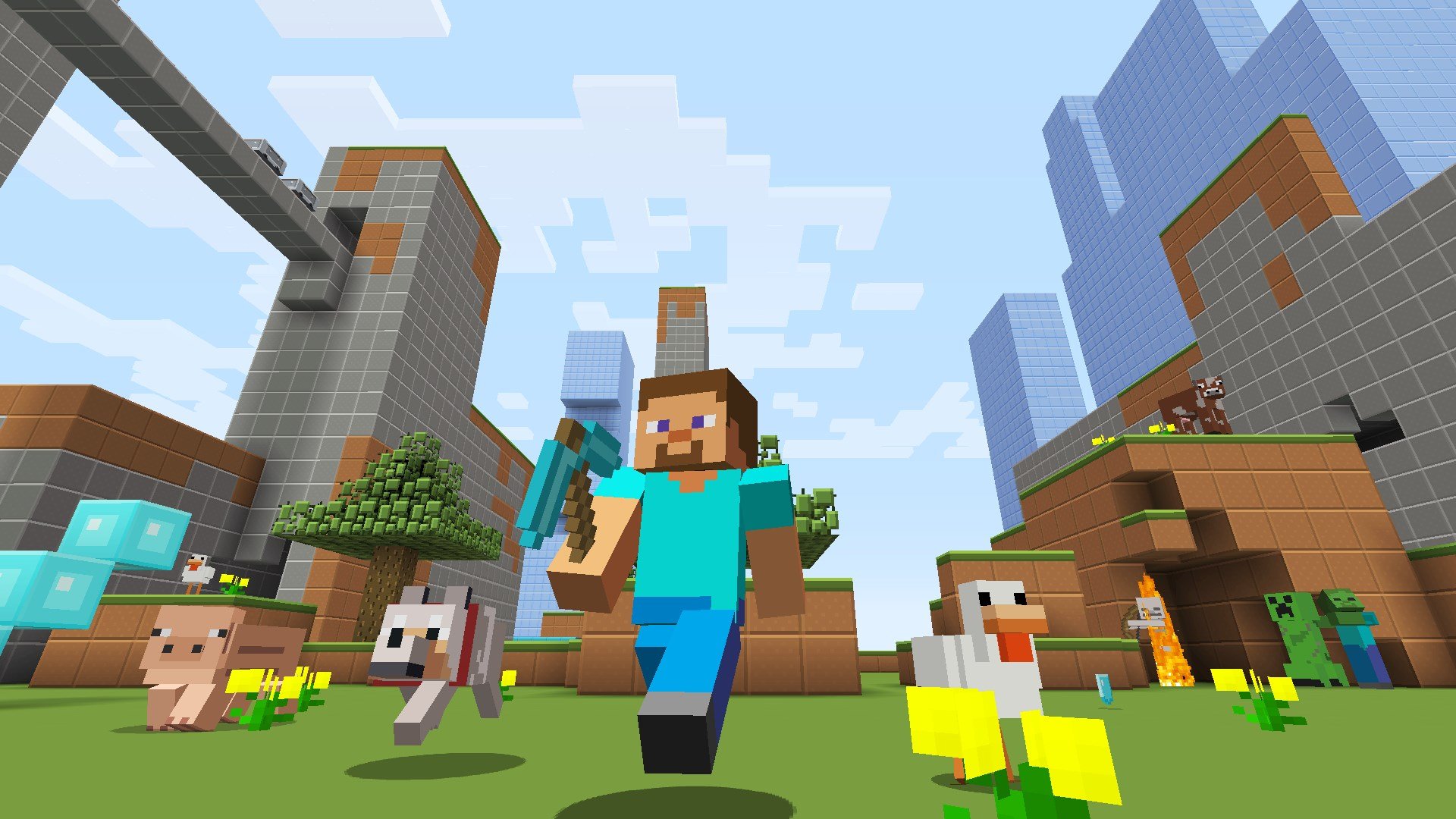
Plastic Texture Pack
Make your worlds simple, colorful and vibrant!

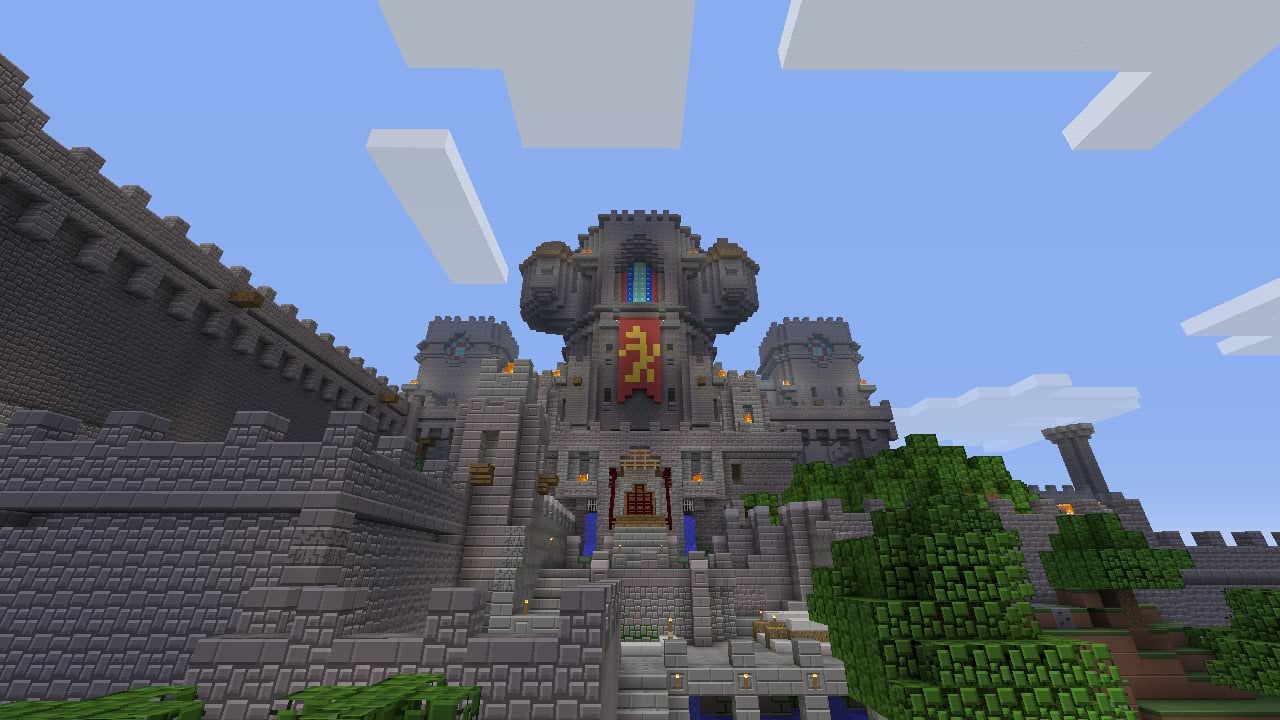
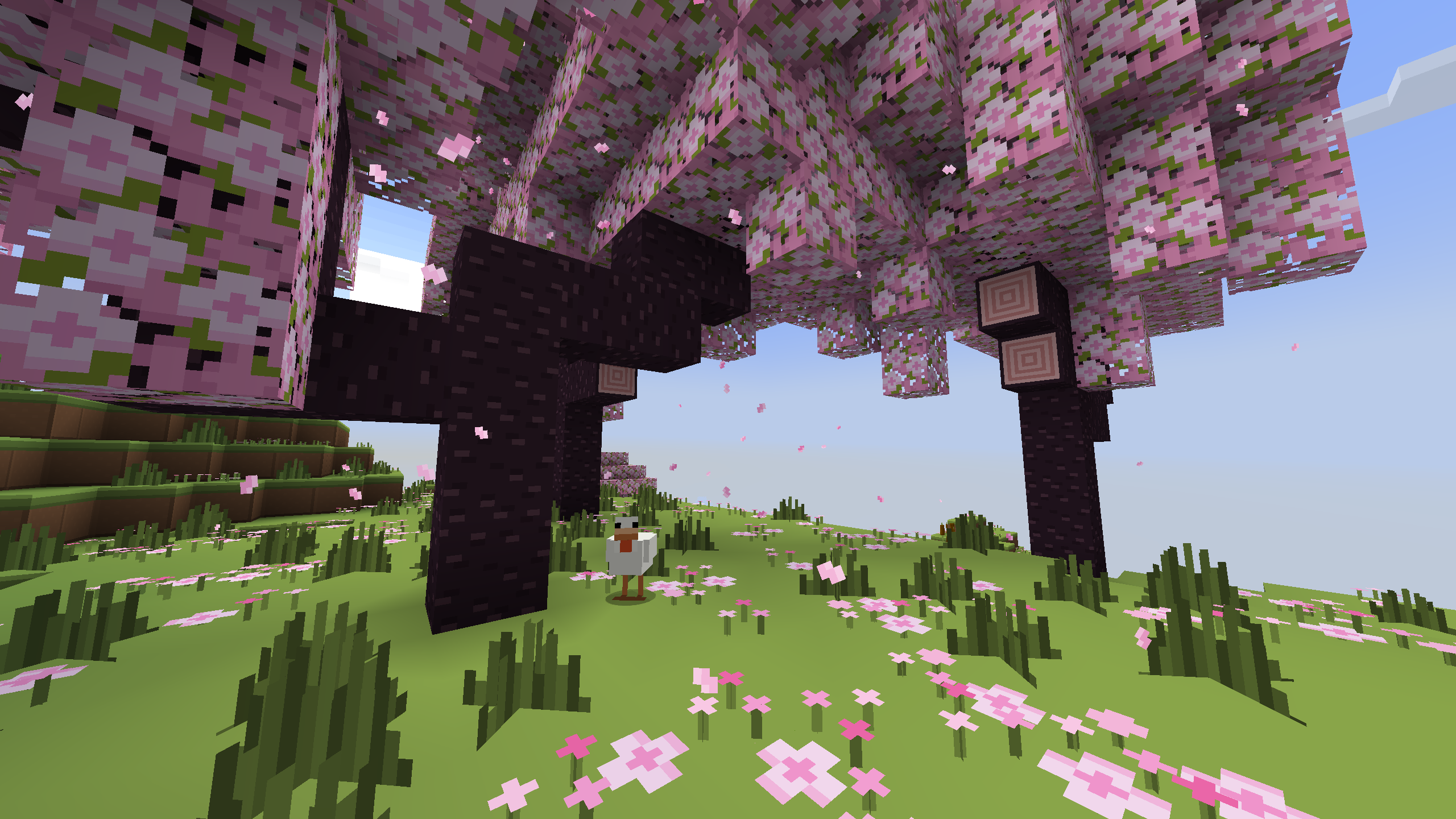
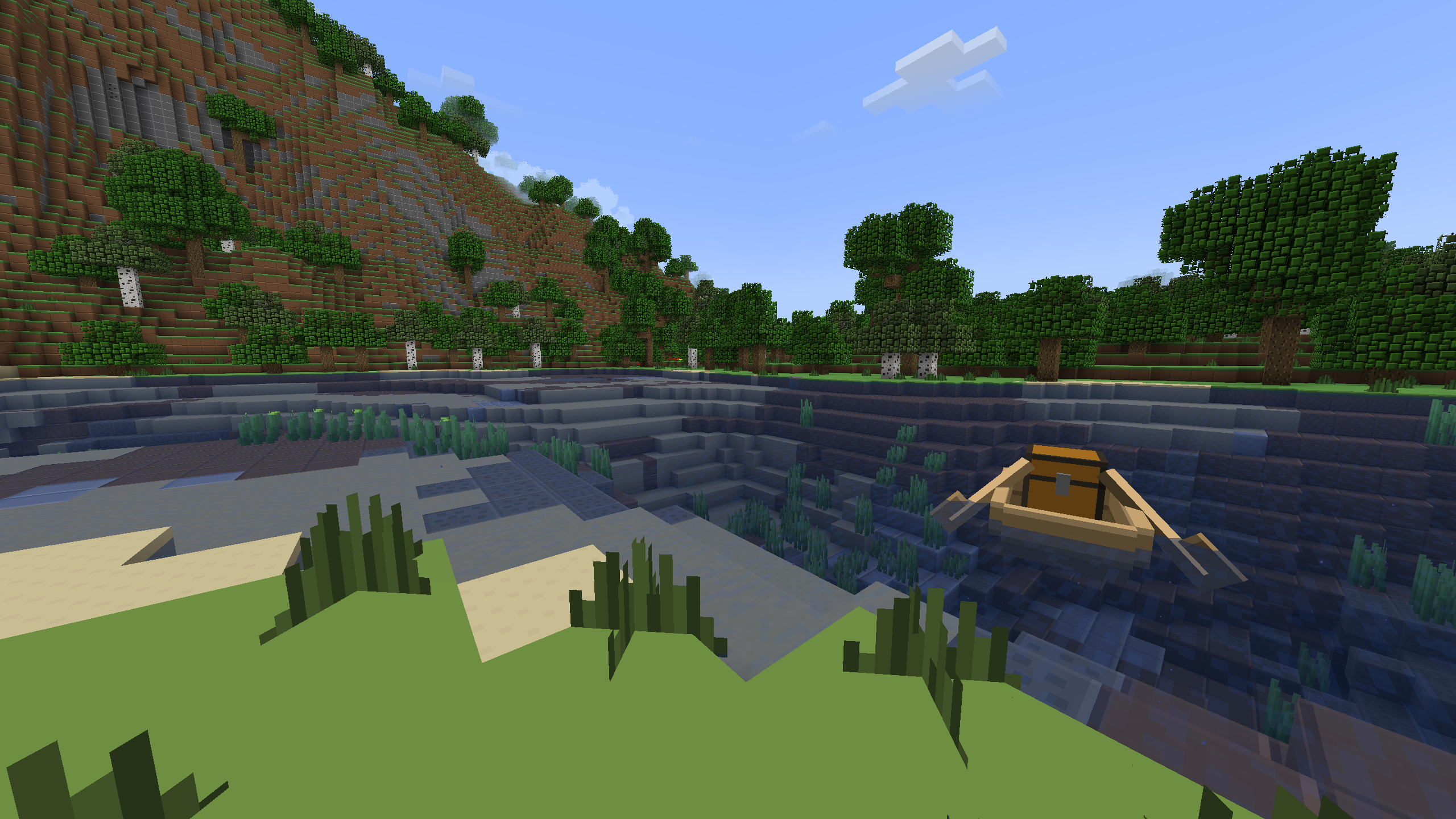
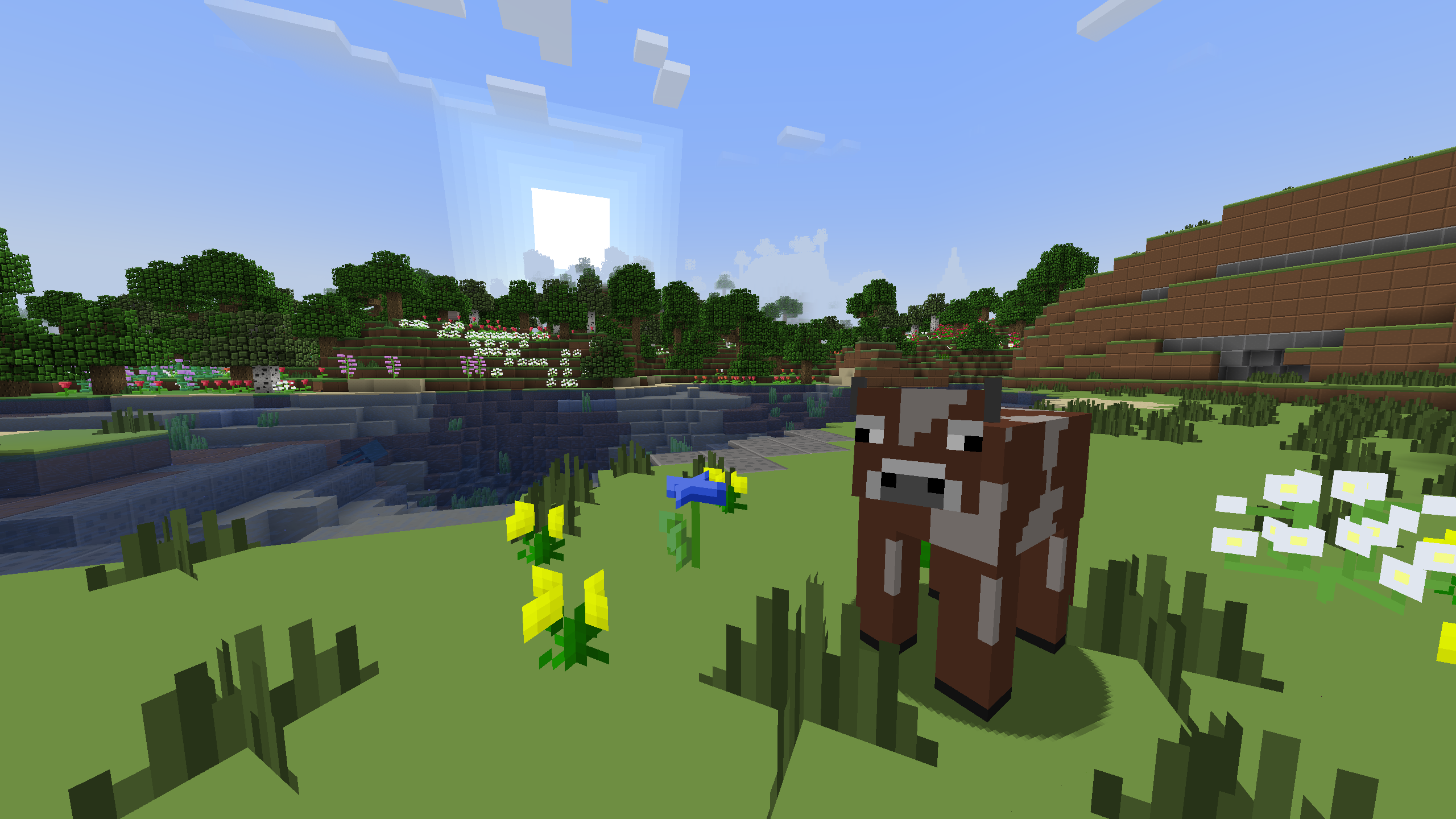
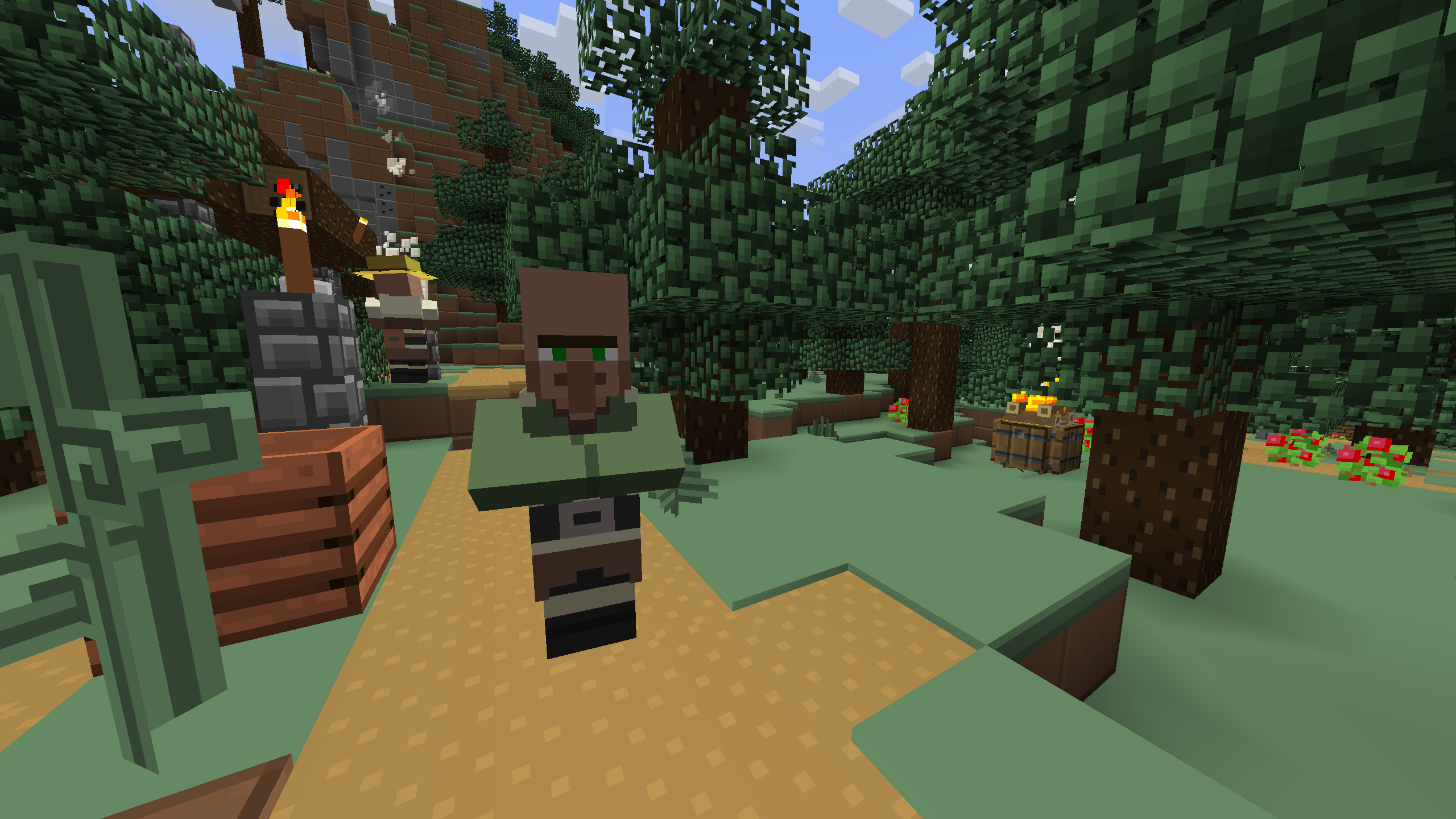
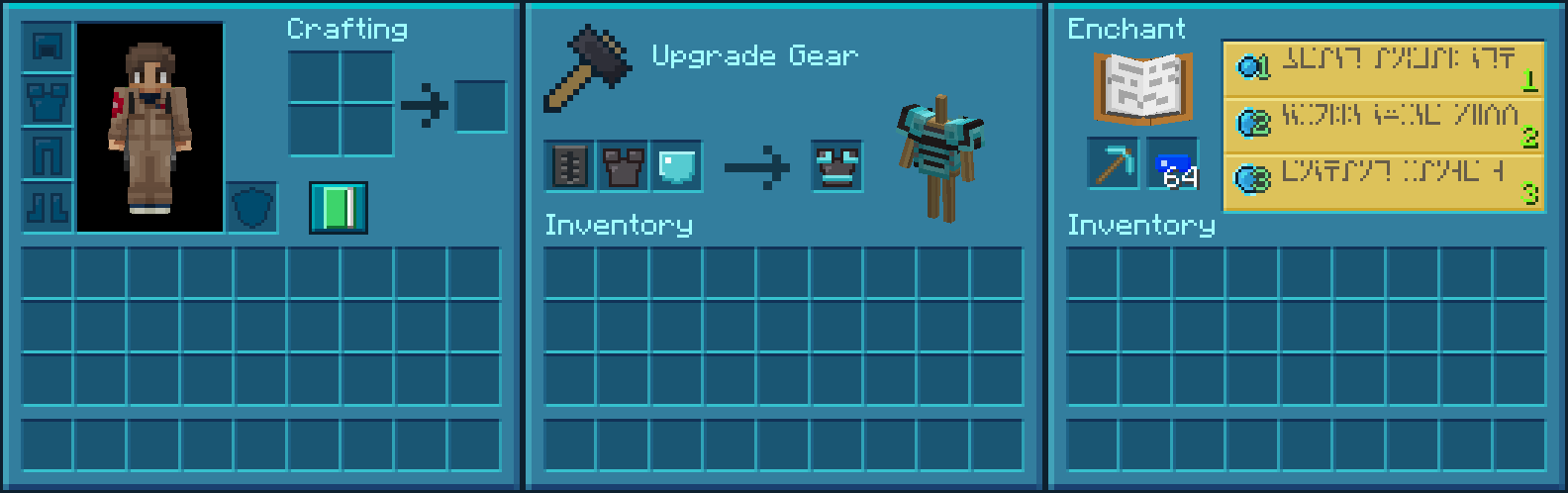
This brightly colored and simple pack adds plastic-themed textures for blocks, items, and entities, along with a completely transformed UI.
Preview
More Resource Packs
Icon Name Downloads

Plastic Texture Pack

Halloween Mash-up

Natural Texture Pack

Festive Mash-up

Fantasy Texture Pack

City Texture Pack

Candy Texture Pack

Greek Mythology Mash-up

Chinese Mythology Mash-up

Cartoon Texture Pack

Norse Mythology Mash-up

Super Cute Texture Pack

Pattern Texture Pack

Pirates of the Caribbean Mash-up

Mass Effect Mash-up

Steampunk Texture Pack

Egyptian Mythology Mash-up
This resource pack is a port of the Plastic Texture Pack from Legacy Console Edition with updated textures from Bedrock Edition. Original textures by 4J Studios.

كيفية تثبيت Plastic Texture Pack
With Millida Launcher
Install Millida Launcher
The launcher is free: download it at millida.net/launcher and sign in with any nickname.
Click “Install” on this page
The launcher opens and installs the resource pack for Minecraft 1.20.2–26.3 automatically.
Launch the game
A profile with it appears in the launcher: click “Play”.
Manually
Download the archive
Pick the file Plastic Texture Pack.zip (39 MB) for your game version. No need to unpack it.
Put it in the resourcepacks folder
The easiest way: “Options”, then “Resource Packs”, then “Open Pack Folder”, and drag the archive there.
Enable the pack
In the same window, move the pack to the right-hand “Selected” column and click “Done”.
الإصدارات
مع المتطلبات
| Minecraft | المشغّل | الملف | التاريخ | الإجراءات |
|---|---|---|---|---|
| 26.3 | — | 26.338.6 ميغابايت 24 | ||
| 26.3 | — | 26.329 ميغابايت | ||
| 26.3 | — | 26.329 ميغابايت | ||
| 26.2 | — | 26.229 ميغابايت | — | |
| 26.1 | — | 26.129 ميغابايت | — | |
| 1.21.11 | — | 1.21.1129 ميغابايت | — | |
| 1.21 | — | 1.2129 ميغابايت | — |
ما يلزم لتشغيله
- [EMF] Entity Model Featuresاختياري
- Dependencyاختياري
- [ETF] Entity Texture Featuresاختياري
- Transparency Fixاختياري
- Dependencyاختياري
- Legacy4Jاختياري
- Raisedاختياري
الأسئلة الشائعة
Which Minecraft versions does Plastic Texture Pack work on?
There are files for 1.20.2–26.3, 22 versions in total. The newest is 26.3.
Does Plastic Texture Pack need mods?
No, the resource pack works in the plain game without loaders: put it into the resourcepacks folder and enable it in the options.
Where can I download Plastic Texture Pack safely?
On this page: the file Plastic Texture Pack.zip (39 MB) is stored on Millida’s server, with no link shorteners. SHA-1 checksum: a79fa82d55202eec12d8d41fe2fde31ddda85706.
التقييمات
كن أول من يقيّم Plastic Texture Pack



