
NeBux GUI حزمة موارد لماينكرافت 1.21.130
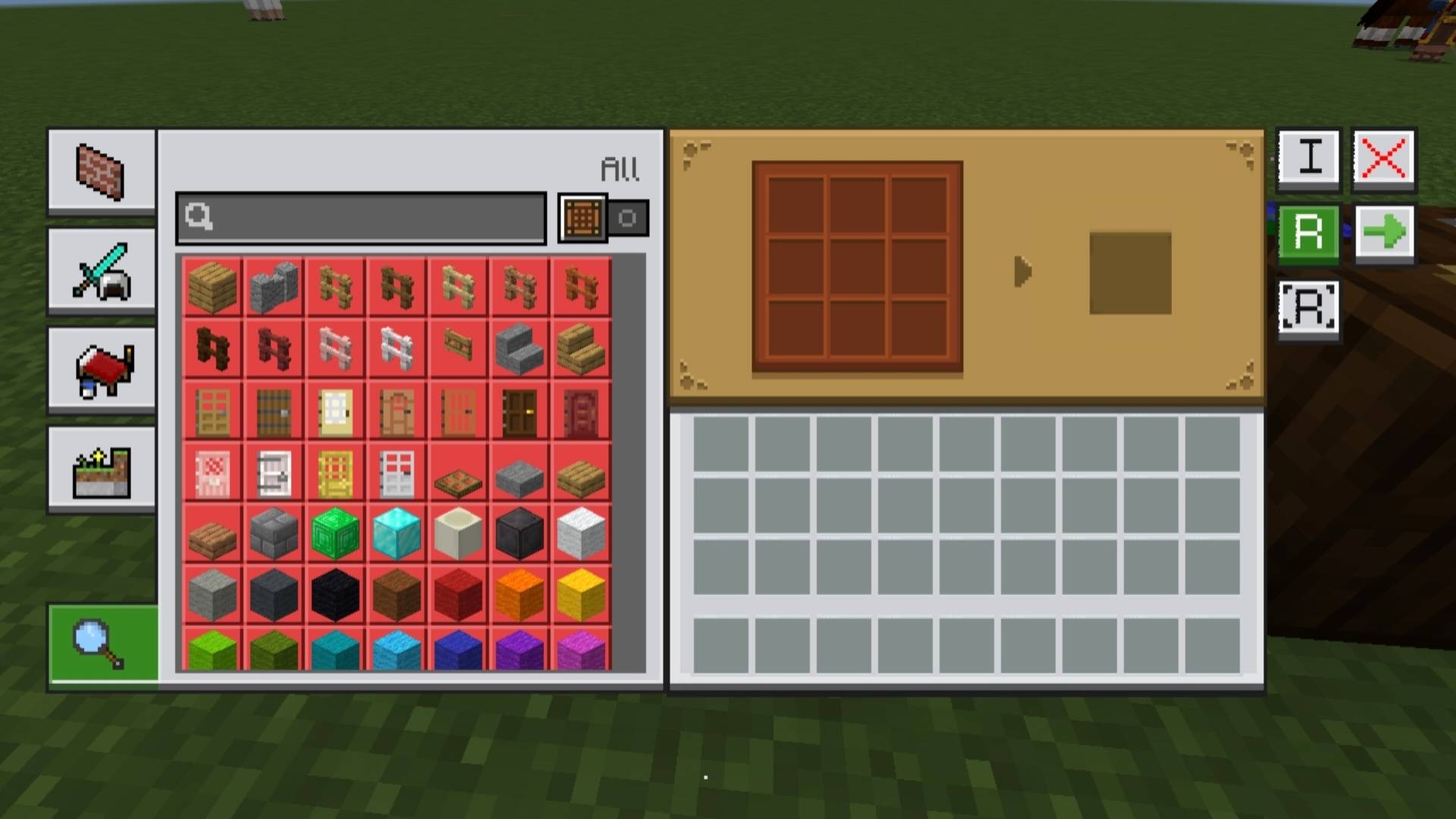
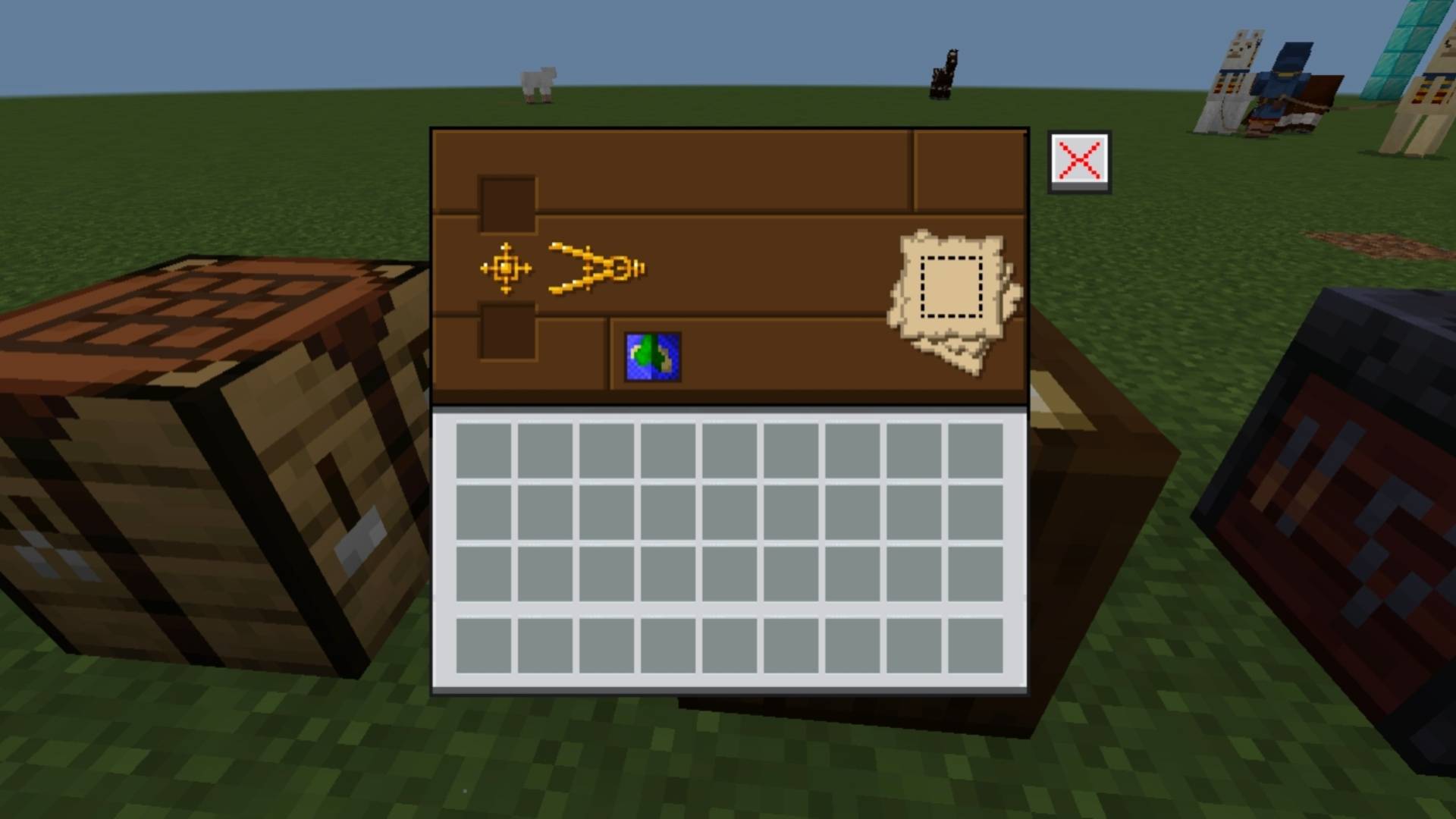
NeBux GUI يضيف واجهة أنيقة بطابع موحد لكل كتلة قابلة للاستخدام في Minecraft Bedrock، مما يمنح كل كتلة واجهتها الخاصة المتناسقة لمظهر متسق وغامر.
NeBux GUI
NeBux GUI is a Minecraft Bedrock resource pack that gives every usable block its own themed interface. Each block has a matching GUI for a clean and consistent look, enhancing the visual experience.
This pack is a standalone version of my NeBux UI.
If you want this GUI along with additional features like Guides, Quick Loot, Drop One Item, Drop All Items, and Quick Move, check:
- Pocket GUI pack on CurseForge
- Pocket GUI on MCPEDL
NeBux GUI Dark Mode
Features
- Themed GUIs for all usable blocks (crafting table, furnace, anvil, etc.)
- Clean and consistent design for immersive gameplay
Support My Work
If you find my packs helpful and would like to support my work, you can do so here:
Support me on Ko-fi
كيفية تثبيت NeBux GUI
With Millida Launcher
Install Millida Launcher
The launcher is free: download it at millida.net/launcher and sign in with any nickname.
Click “Install” on this page
The launcher opens and installs the resource pack for Minecraft 1.21.130 automatically.
Launch the game
A profile with it appears in the launcher: click “Play”.
Manually
Download the archive
Pick the file NeBuxGUI_v1.1.2.mcpack (3.2 MB) for your game version. No need to unpack it.
Put it in the resourcepacks folder
The easiest way: “Options”, then “Resource Packs”, then “Open Pack Folder”, and drag the archive there.
Enable the pack
In the same window, move the pack to the right-hand “Selected” column and click “Done”.
الإصدارات
مع المتطلبات
| Minecraft | المشغّل | الملف | التاريخ | الإجراءات |
|---|---|---|---|---|
| 1.21.130 | — | NeBuxGUI_v1.1.2.mcpack3.2 ميغابايت |
التقييمات
كن أول من يقيّم NeBux GUI



