

Distinguished GUI حزمة موارد لماينكرافت 1.20.1, 1.21.1
تهدف حزمة واجهة المستخدم هذه إلى جعل واجهة اللعبة الأصلية أكثر تميزًا.
- مشاهدة
- 19 مشاهدة
- محدّث
- محدّث 01.10.2026
- 1.19.3 — 1.21.4
 اللعبة الأصلية
- العميل
Distinguished GUI
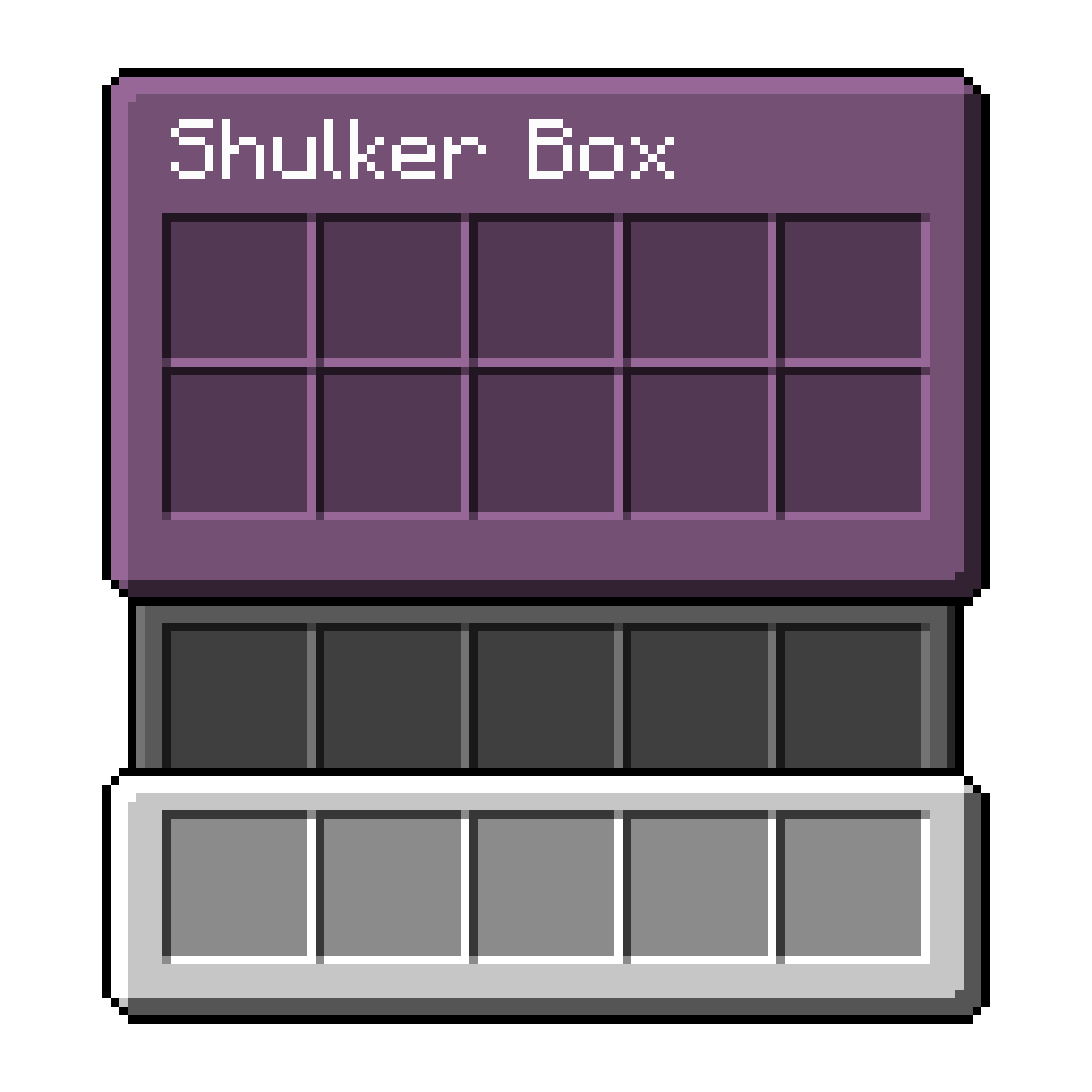
This quintessential GUI resource-pack aims to make the vanilla GUI more distinguishable from itself by separating the hotbar, inventory, and container from each other.
Screenshots of in-game GUIs
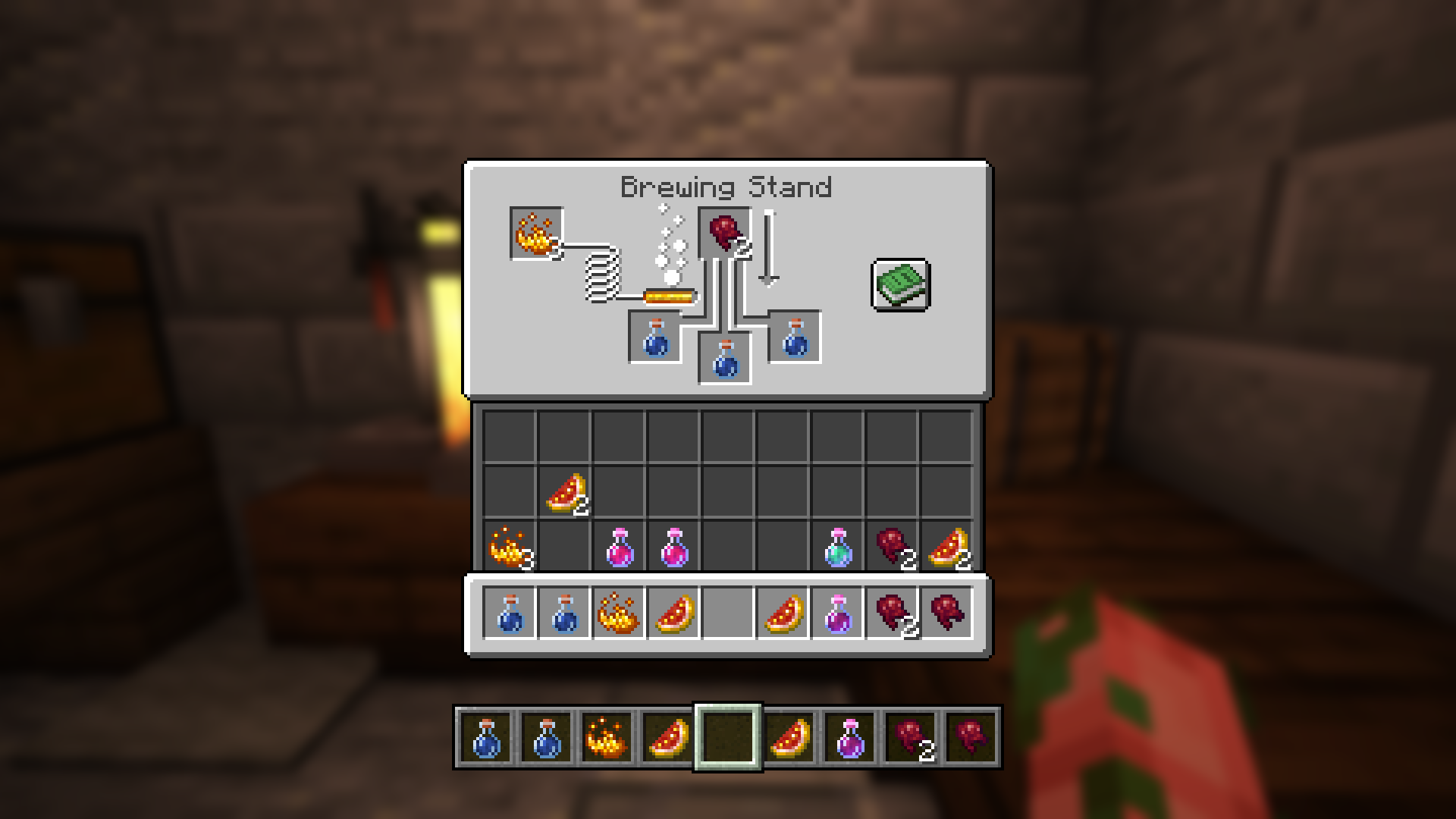
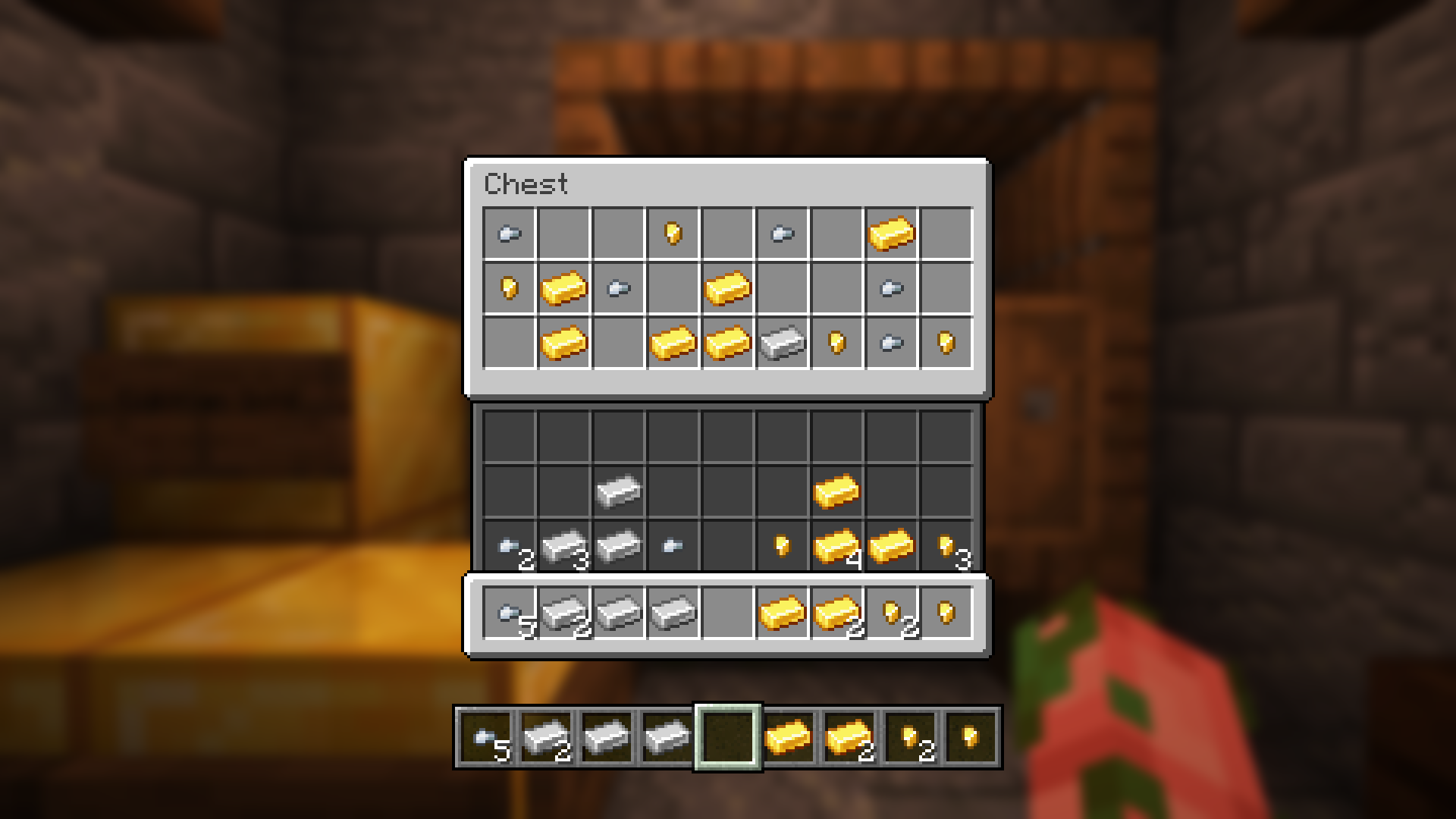
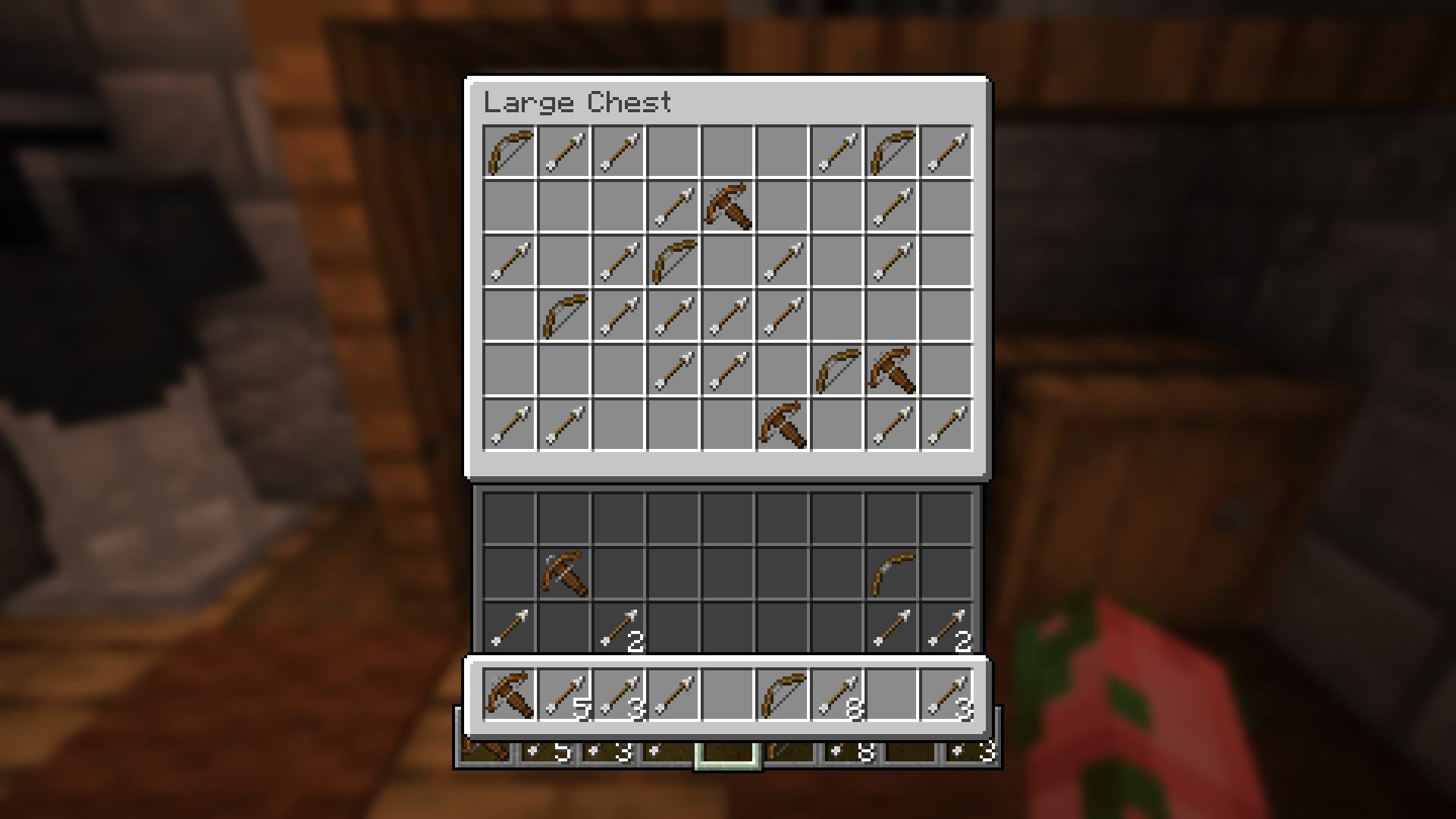
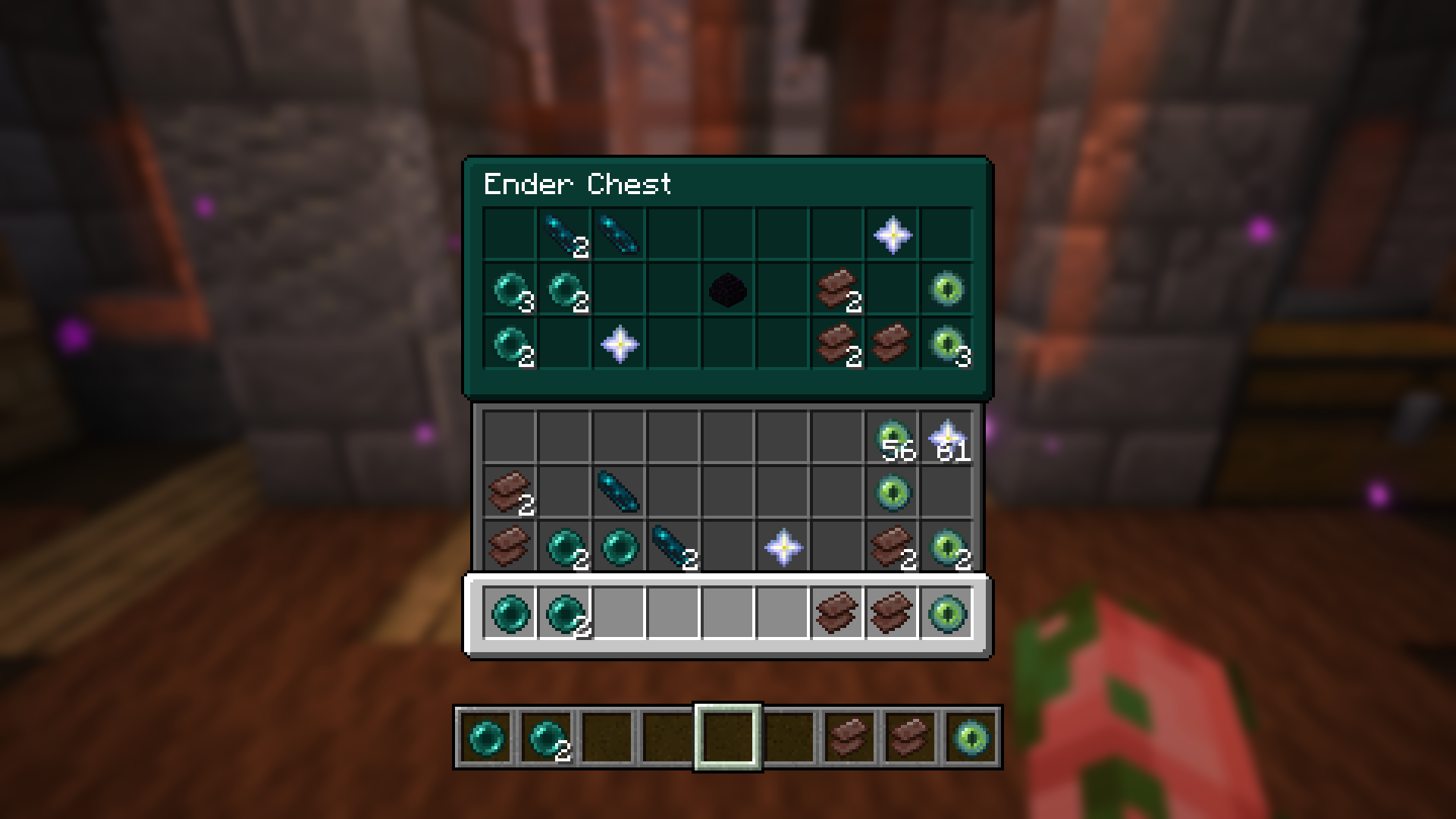
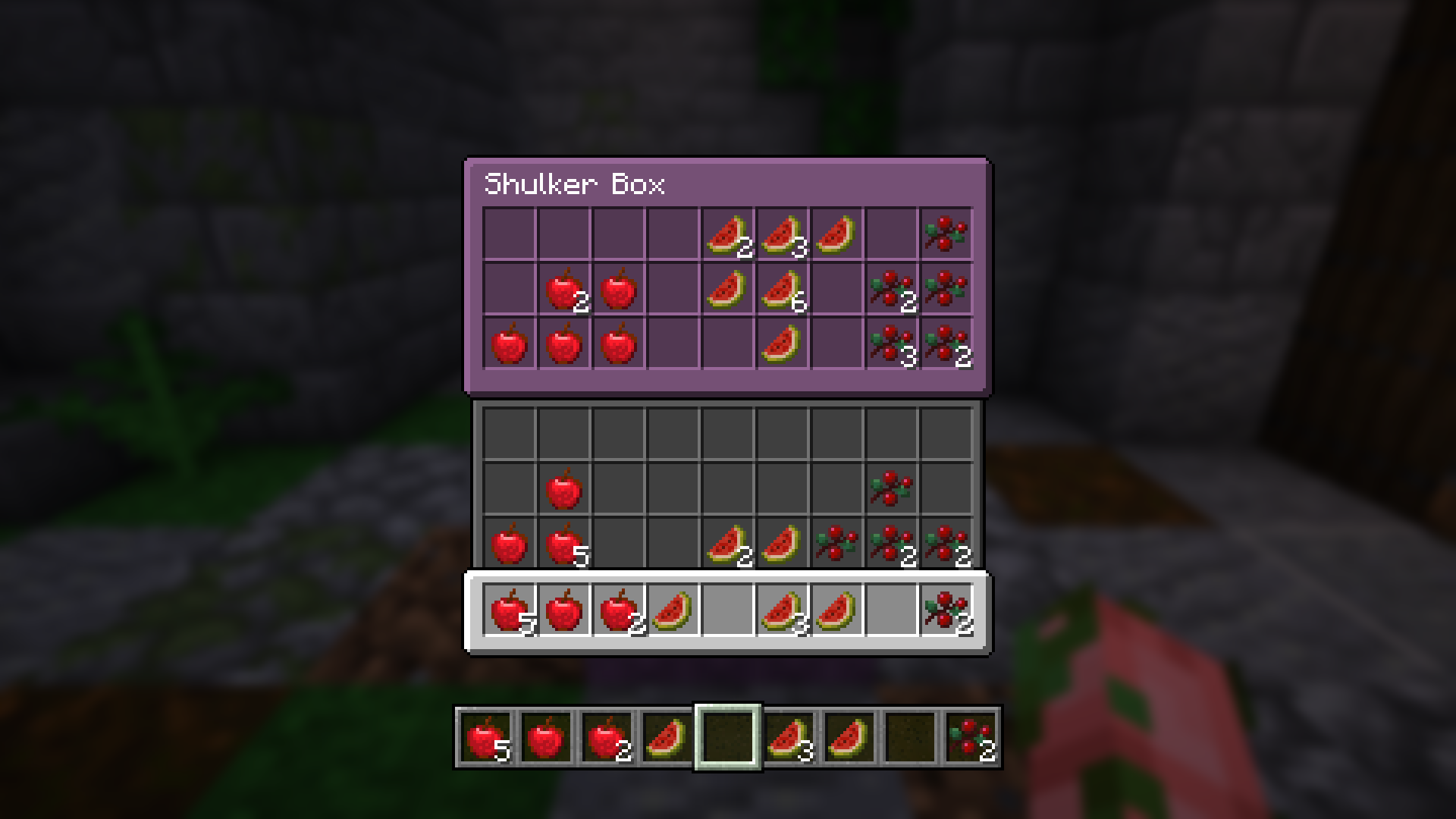
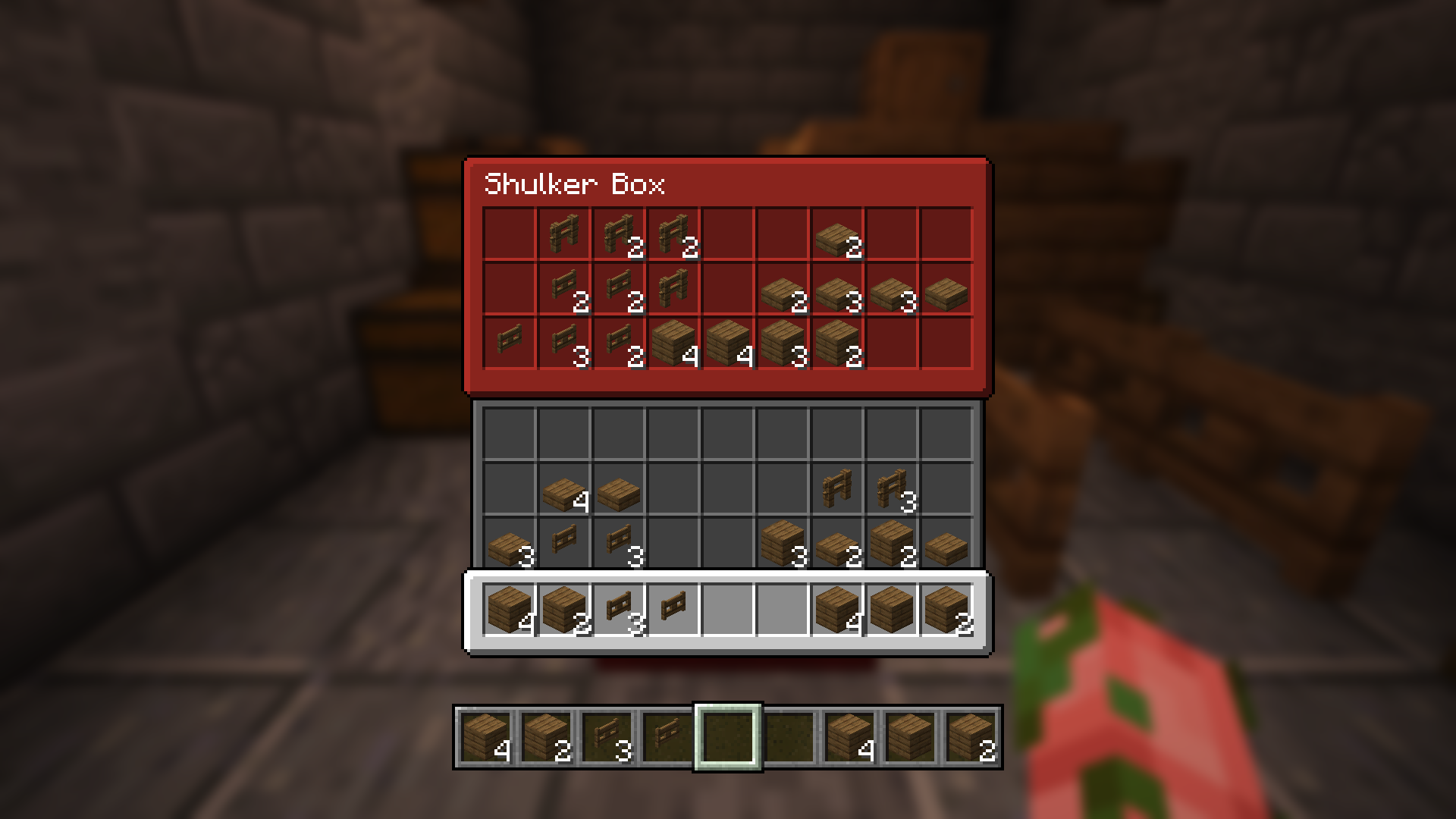
This resource-pack updates the vanilla textures for these GUIs to make them more distinguishable from themselves.
Check out my other projects! https://modrinth.com/user/zanderest

In order for the custom-colored containers to work you'll need OptiFine or OptiGUI installed.
Containers Updated - Containers Updated - Containers w/ Colors
Anvil - Grindstone - Shulker Boxes Beacon - Hopper - Ender Chest Blast Furnace - Entity Inventory - --- Brewing Stand - Inventory - --- Cartography Table - Loom - --- Crafting Table - Smithing Table - --- Double Chest - Smoker - --- Enchanting Table - Stonecutter - --- Chest - Villager Trading - ---

كيفية تثبيت Distinguished GUI
With Millida Launcher
Install Millida Launcher
The launcher is free: download it at millida.net/launcher and sign in with any nickname.
Click “Install” on this page
The launcher opens and installs the resource pack for Minecraft 1.19.3–1.21.4 automatically.
Launch the game
A profile with it appears in the launcher: click “Play”.
Manually
Download the archive
Pick the file Distinguished GUI 1.3.zip (61 KB) for your game version. No need to unpack it.
Put it in the resourcepacks folder
The easiest way: “Options”, then “Resource Packs”, then “Open Pack Folder”, and drag the archive there.
Enable the pack
In the same window, move the pack to the right-hand “Selected” column and click “Done”.
الإصدارات
مع المتطلبات
| Minecraft | المشغّل | الملف | التاريخ | الإجراءات |
|---|---|---|---|---|
| 1.21.4 | — | 1.21.460.6 KB | ||
| 1.21.1 | — | 1.21.160.6 KB | ||
| 1.20.1 | — | 1.20.179.6 KB | ||
| 1.20.1 | — | 1.20.177.7 KB | ||
| 1.19.3 | — | 1.19.375.7 KB |
ما يلزم لتشغيله
- OptiGUIاختياري
التقييمات
كن أول من يقيّم Distinguished GUI



