
Dark UI mode حزمة موارد لماينكرافت 1.21, 26.30
الوضع الداكن في Minecraft Bedrock: اللعبة تفتقر إلى وضع داكن، سواء كنت تحب أن تكون جميع التطبيقات أو البرامج في الوضع الداكن أو في الليل، لا تريد أن تحرق واجهة Minecraft عينيك، أياً كان اختيارك لهذه الحزمة النسيجية
حول حزمة موارد Dark UI mode

The dark mode for Minecraft bedrock is missing a dark mode for the game, whether you like to have all the apps or programs in dark mode or at night, you don't want the Minecraft interface to burn your eyes, you whichever this texture pack or addon you will like.
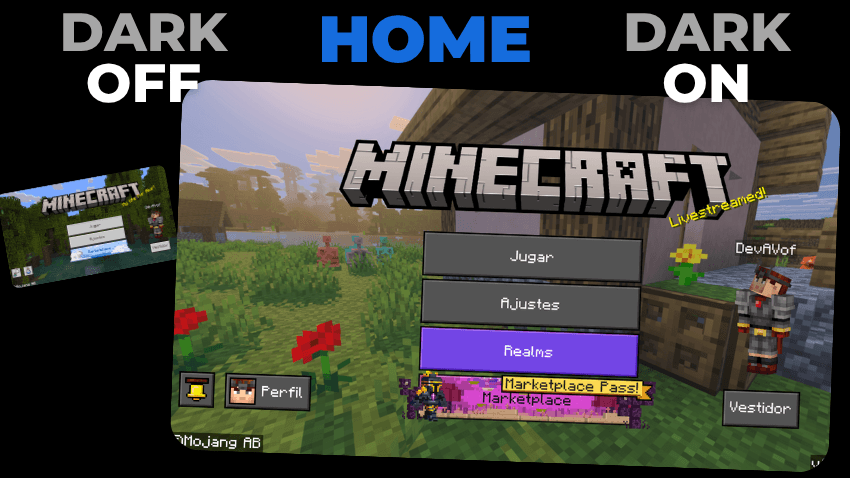
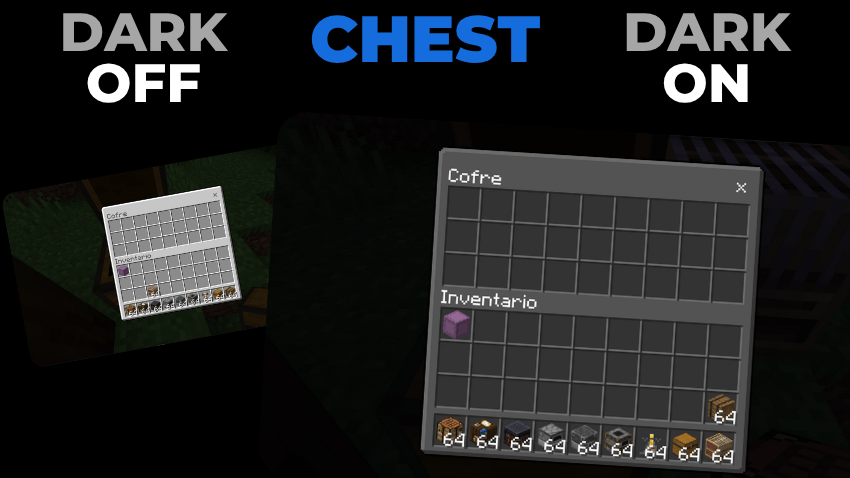
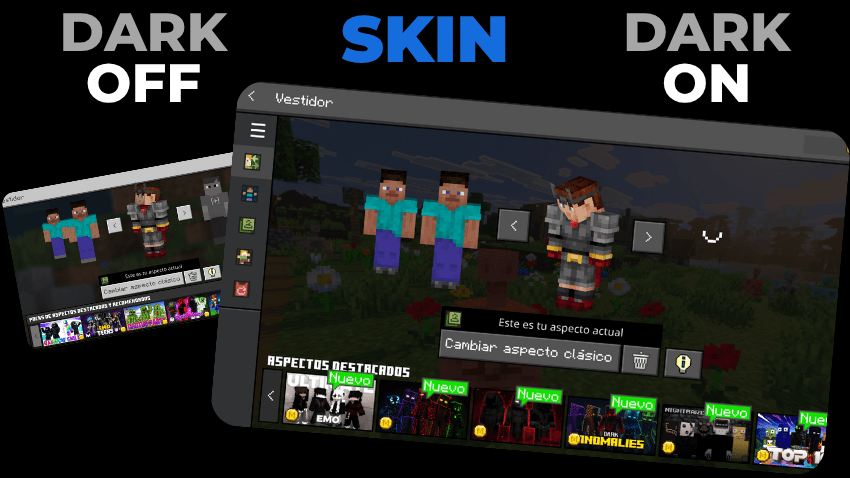
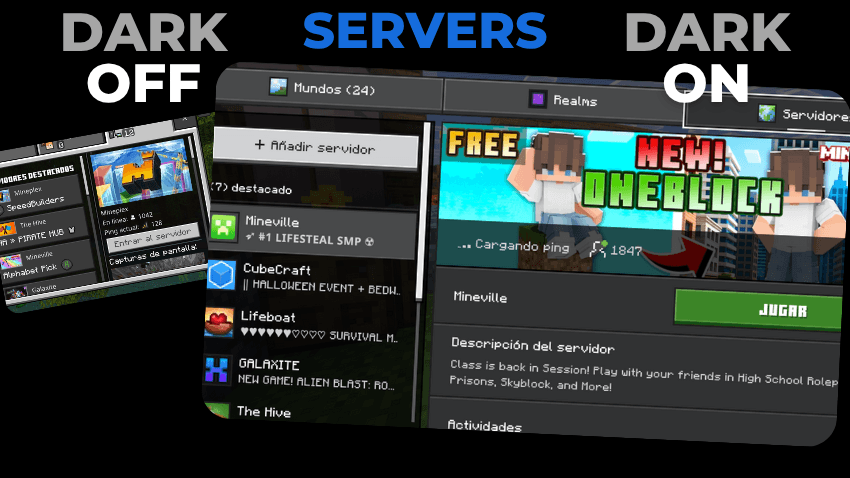
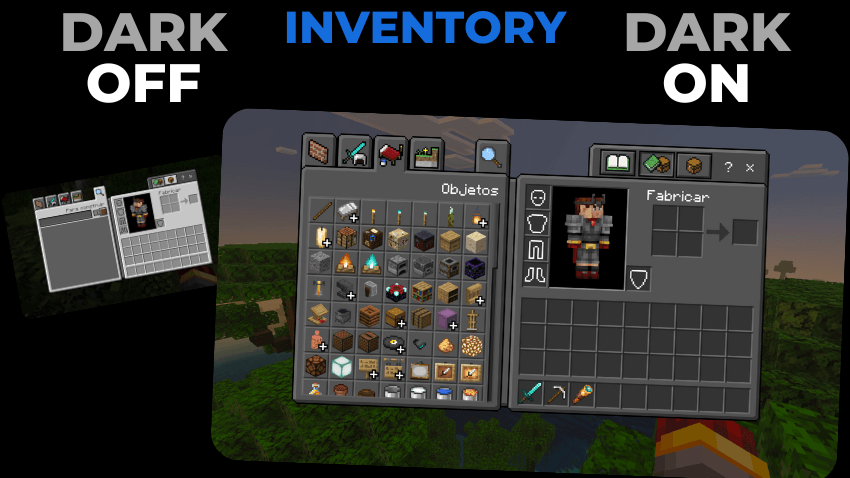
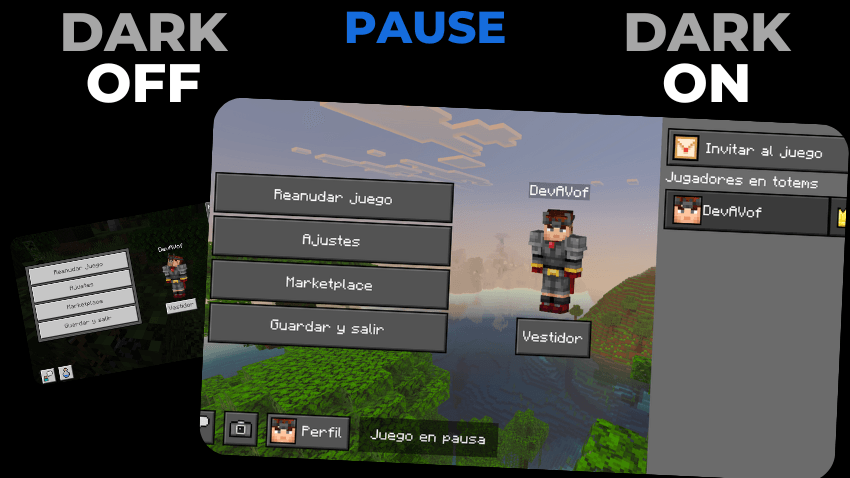
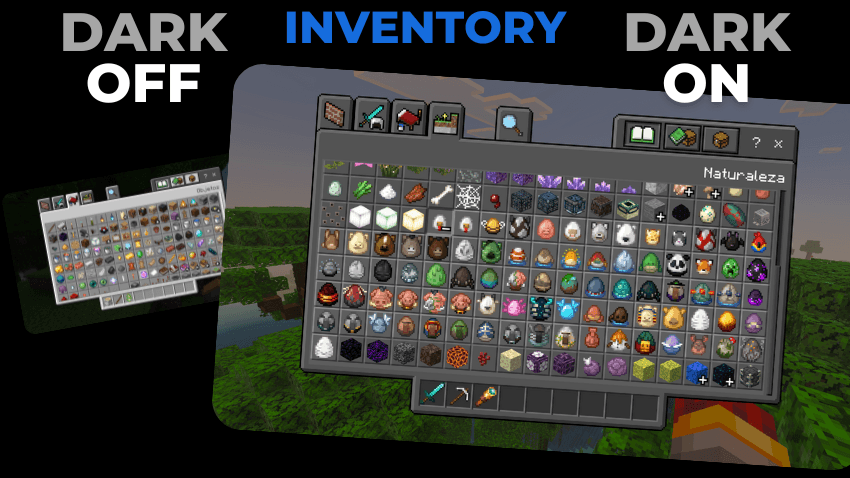
AND MUCH MORE BUT I GOT LAZY 😅
Everything absolutely everything is in dark mode
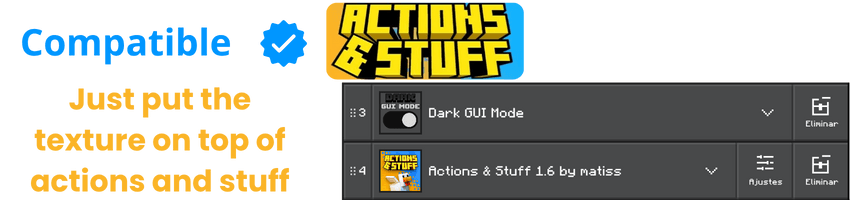
This Texture Pack is tested on Android and iOS phones also on Windows 10 and 11 and because of how Minecraft Bedrock works it should work on all versions of the on different platforms it works with all addons and texture packs you don't need to activate the experimental features.
DISCLAIMER OF LIABILITY
If You Are Recording And Show The Texture, Be Sure To Leave The Original MCPEDL Link.
PLEASE DO NOT PUT DIRECT LINK OR CUSTOM LINK.
THANKS A LOT.
Installation
- Download the file
- Open the file called Dark GUI mode.mcpack
- once installed, you must go to settings
- look for the global resources section
- choose the Dark Mode UI texture pack
- and ready you already have the pack active


🧡SUPPORT THE CREATOR🧡
If you'd like to support my work, you can complete a quick ad step through Linkvertise. It takes just a few seconds and directly supports future project updates!
This is completely optional - no downloads are required here, just a simple way to show your support if you appreciate the content.

كيفية تثبيت Dark UI mode
With Millida Launcher
Install Millida Launcher
The launcher is free: download it at millida.net/launcher and sign in with any nickname.
Click “Install” on this page
The launcher opens and installs the resource pack for Minecraft 1.20–26.30 automatically.
Launch the game
A profile with it appears in the launcher: click “Play”.
Manually
Download the archive
Pick the file Dark UI Mode v1.1.5.mcpack (251 KB) for your game version. No need to unpack it.
Put it in the resourcepacks folder
The easiest way: “Options”, then “Resource Packs”, then “Open Pack Folder”, and drag the archive there.
Enable the pack
In the same window, move the pack to the right-hand “Selected” column and click “Done”.
الإصدارات
مع المتطلبات
| Minecraft | المشغّل | الملف | التاريخ | الإجراءات |
|---|---|---|---|---|
| 1.20 | — | Dark UI Mode v1.1.5.mcpack251 KB |
الأسئلة الشائعة
Which Minecraft versions does Dark UI mode work on?
There are files for 1.20–26.30, 8 versions in total. The newest is 26.30.
Where can I download Dark UI mode safely?
On this page: the file Dark UI Mode v1.1.5.mcpack (251 KB) is stored on Millida’s server, with no link shorteners. SHA-1 checksum: ebdc509b0654ed18672830ba9c71786229220789.
التقييمات
كن أول من يقيّم Dark UI mode



