

 Fabric
 OptiFine
VECTOR
Minecraft Retro-computing
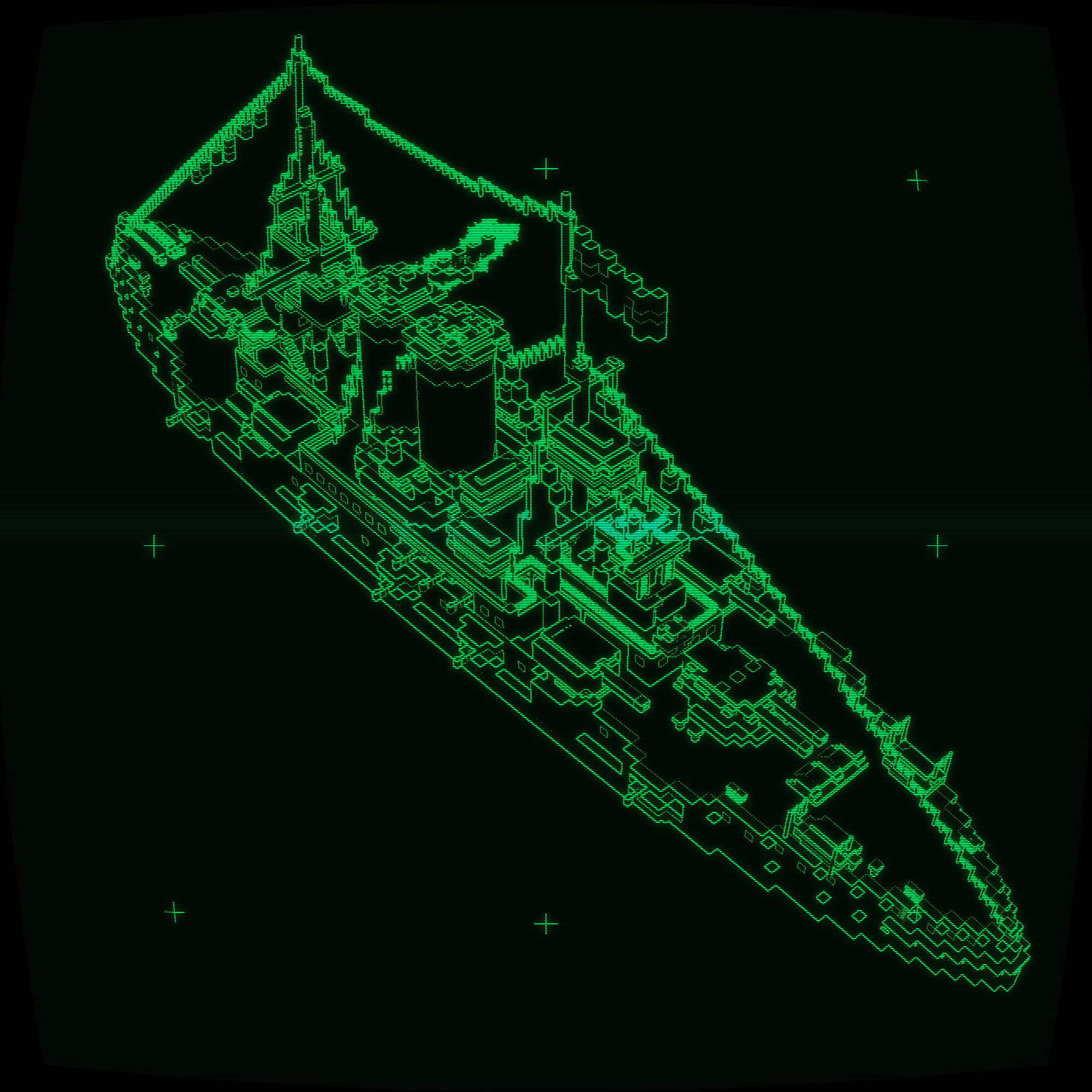
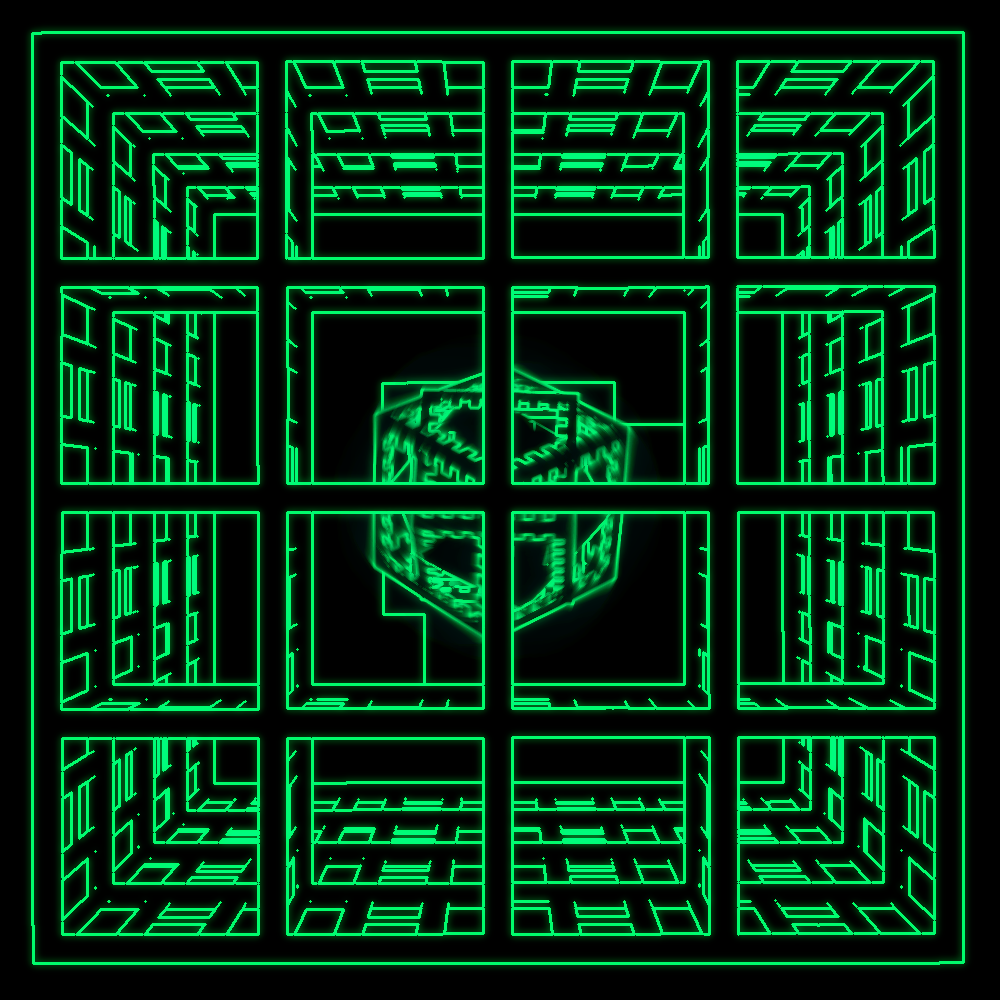
Did you own an IBM PC? Or maybe you had an Apple II? This is how Minecraft might have looked on it. In the same vein as Epoch, VECTOR allows you to pretend like it's the 1980s.

Features
- Line graphics
- CRT distortion
- Monochrome
- HUD (Iris only)
كيفية تثبيت VECTOR
With Millida Launcher
Install Millida Launcher
The launcher is free: download it at millida.net/launcher and sign in with any nickname.
Click “Install” on this page
The launcher opens and installs the shaders for Minecraft 1.17–26.2 automatically.
Launch the game
A profile with it appears in the launcher: click “Play”.
Manually
Install Iris or OptiFine
Without a shader mod the game cannot see shaders. Install it for the same Minecraft version.
Download the shader archive
Pick the file VECTOR_v1.4.0.zip (28 KB) and do not unpack it.
Put it in the shaderpacks folder
“Options”, then “Video Settings”, then “Shader Packs”, then “Open Shader Pack Folder”, and drag the archive there.
Select the shaders
In the same window, click the pack name and “Apply”.
الإصدارات
مع المتطلبات
| Minecraft | المشغّل | الملف | التاريخ | الإجراءات |
|---|---|---|---|---|
| 26.2 | Iris, OptiFine | 26.227.6 KB 19 | ||
| 1.20.4 | Iris, OptiFine | 1.20.429.1 KB | ||
| 1.20.4 | Iris, OptiFine | 1.20.426.8 KB | ||
| 1.20.1 | Iris, OptiFine | 1.20.123.5 KB | ||
| 1.20 | Iris, OptiFine | 1.2022.9 KB |
التقييمات
كن أول من يقيّم VECTOR


