

Screen Mirror Shader لماينكرافت 1.20.1, 1.21.1
شيدر يسمح لك بتدوير الصورة في اللعبة عموديًا وأفقيًا والمزيد
 Fabric
 OptiFine
Screen Mirror Shader 🪞
🔔 Note: Only the visuals are mirrored. Player controls and UI remain normal — your movement will not be reversed.
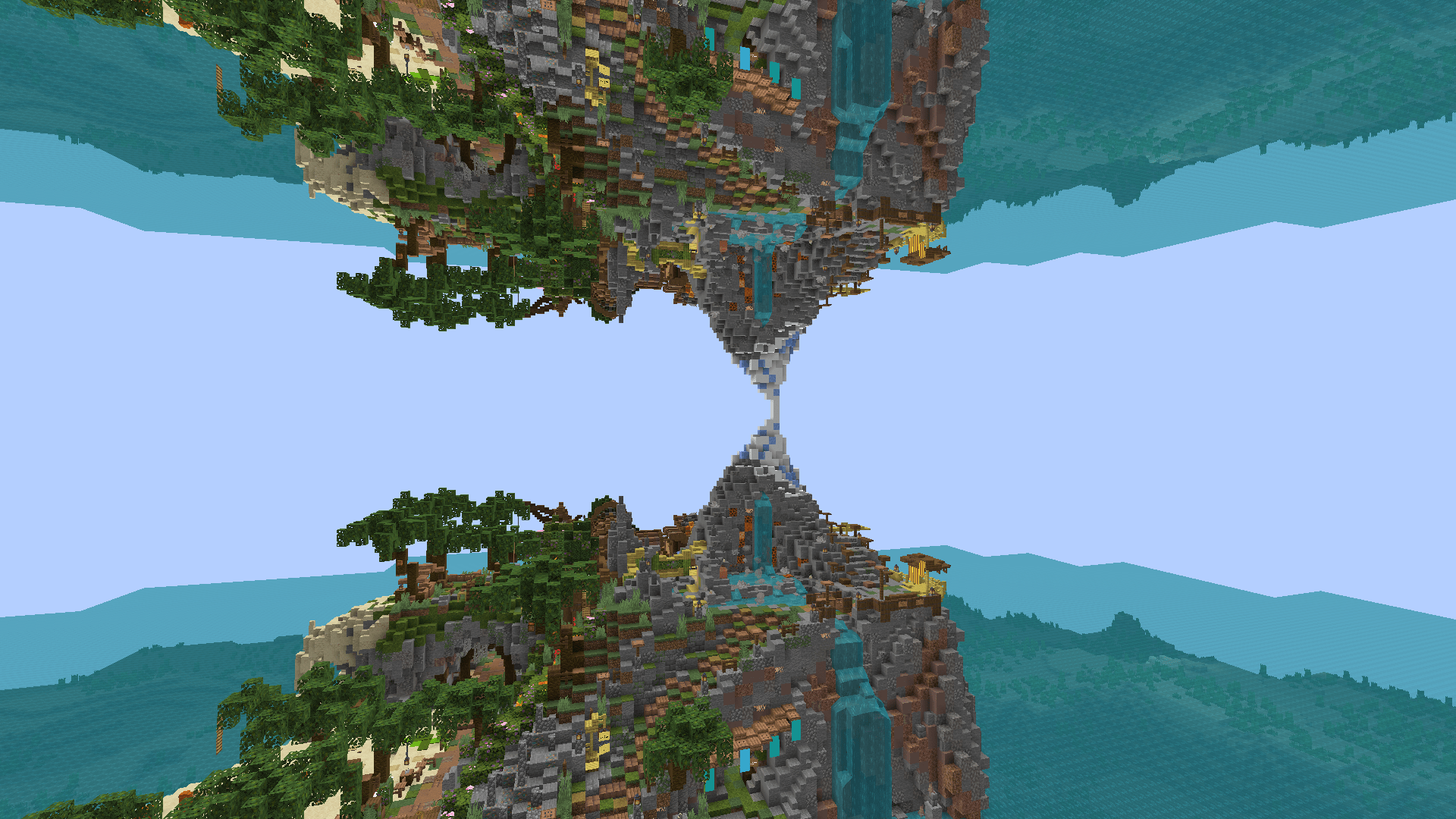
Screen Mirror Shader adds customizable horizontal and vertical mirroring effects to your Minecraft visuals. Whether you're aiming for artistic screenshots, experimental gameplay visuals, or simply want to play in a fully mirrored world — this shader gives you full control over how the screen is reflected.

🖼️ Preview
✨ Features
🔁 Horizontal Symmetry Mirror the screen from right to left, or across the center axis.
🔃 Vertical Symmetry Mirror the screen from bottom to top, or across the center axis.
🧩 Combine Symmetry Modes Horizontal and vertical mirroring modes can be combined freely for unique visuals.

❓How it works
No mirroring
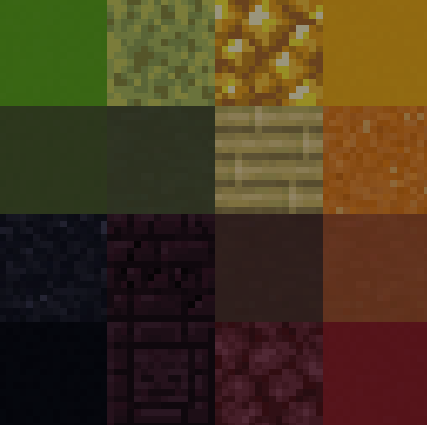
Horizontal mirror across the entire screen
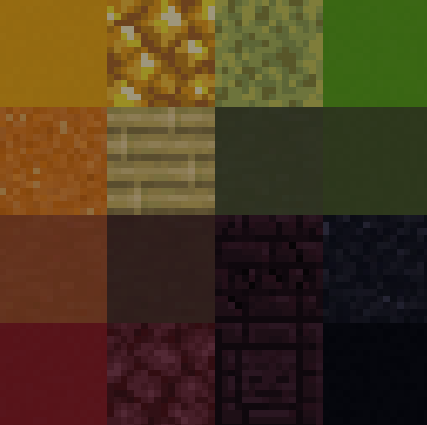
Mirrors across the vertical center
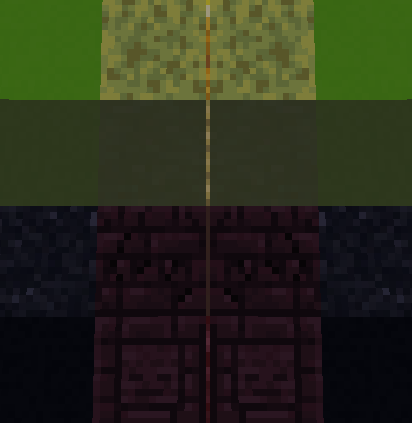
Vertical mirror across the full screen
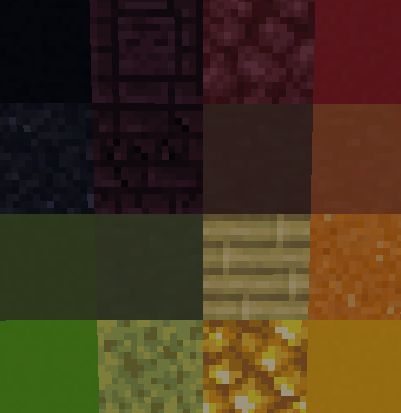
Mirrors across the horizontal center
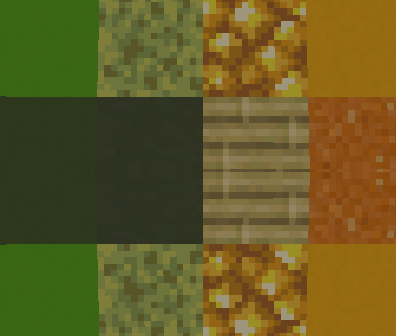
⚙️ Installation
- Install Iris or OptiFine.
- Download and place the shader pack into your shaderpacks folder.
- Launch Minecraft and select the shader in the options menu.
- Adjust symmetry settings in the shader options to your preference.
📄 License
Released under the MIT License. You are free to modify, distribute, or include this shader in larger shaderpacks or modpacks.
كيفية تثبيت Screen Mirror Shader
With Millida Launcher
Install Millida Launcher
The launcher is free: download it at millida.net/launcher and sign in with any nickname.
Click “Install” on this page
The launcher opens and installs the shaders for Minecraft 1.16–1.21.10 automatically.
Launch the game
A profile with it appears in the launcher: click “Play”.
Manually
Install Iris or OptiFine
Without a shader mod the game cannot see shaders. Install it for the same Minecraft version.
Download the shader archive
Pick the file Screen Mirror Shader_V1.0.zip (15 KB) and do not unpack it.
Put it in the shaderpacks folder
“Options”, then “Video Settings”, then “Shader Packs”, then “Open Shader Pack Folder”, and drag the archive there.
Select the shaders
In the same window, click the pack name and “Apply”.
الإصدارات
مع المتطلبات
| Minecraft | المشغّل | الملف | التاريخ | الإجراءات |
|---|---|---|---|---|
| 1.17.1 | Iris, OptiFine | 1.17.114.6 KB | ||
| 1.21 | Iris, OptiFine | 1.2114.6 KB | — | |
| 1.20.1 | Iris, OptiFine | 1.20.114.6 KB | — | |
| 1.19.2 | Iris, OptiFine | 1.19.214.6 KB | — | |
| 1.18.2 | Iris, OptiFine | 1.18.214.6 KB | — | |
| 1.16.5 | Iris, OptiFine | 1.16.514.6 KB | — |
التقييمات
كن أول من يقيّم Screen Mirror Shader


