

OG Shaders لماينكرافت 1.20.1, 1.21.1
OG Shaders يحسّن Minecraft مع الحفاظ على روحه الأصلية حية. يبقى مخلصاً للمظهر والأسلوب الأصلي
 Fabric
 OptiFine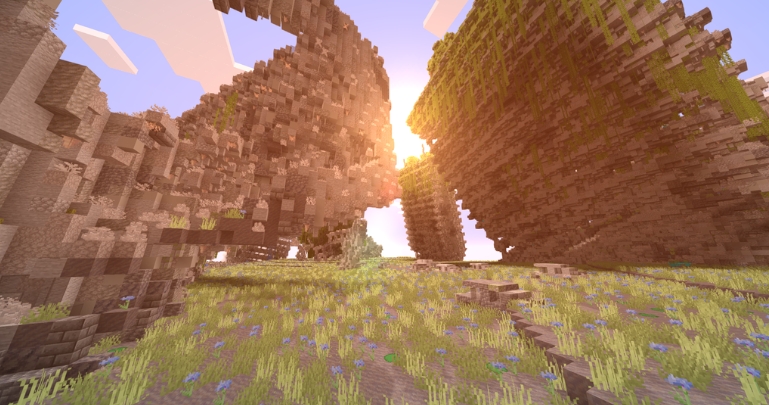
OG Shaders
enhances Minecraft while keeping its original spirit alive. It stays true to the OG look and feel — the classic colors, simplicity, and pixel charm — while adding natural lighting, soft reflections, and a modern yet faithful atmosphere. Lightweight, smooth, and authentic, it keeps the soul of Minecraft untouched.
⚠️ It is essential to have a PBR resource pack like this one to fully enjoy the shader. Vanilla PBR - Minecraft Resource Packs - ⚠️
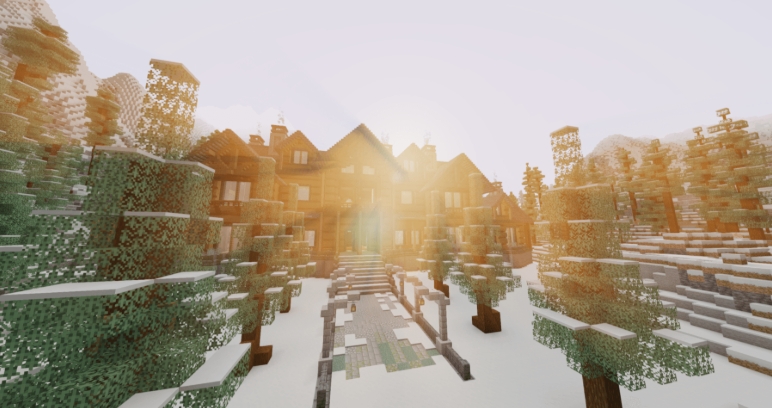
This shader is inspired by the early versions of the SEUS shader from the early days of Minecraft.

كيفية تثبيت OG Shaders
With Millida Launcher
Install Millida Launcher
The launcher is free: download it at millida.net/launcher and sign in with any nickname.
Click “Install” on this page
The launcher opens and installs the shaders for Minecraft 1.12–26.2 automatically.
Launch the game
A profile with it appears in the launcher: click “Play”.
Manually
Install Iris or OptiFine
Without a shader mod the game cannot see shaders. Install it for the same Minecraft version.
Download the shader archive
Pick the file OGshadersTCT_1.0_PBR.zip (21 KB) and do not unpack it.
Put it in the shaderpacks folder
“Options”, then “Video Settings”, then “Shader Packs”, then “Open Shader Pack Folder”, and drag the archive there.
Select the shaders
In the same window, click the pack name and “Apply”.
الإصدارات
مع المتطلبات
| Minecraft | المشغّل | الملف | التاريخ | الإجراءات |
|---|---|---|---|---|
| 26.2 | Iris, OptiFine | 26.221.2 KB |
التقييمات
كن أول من يقيّم OG Shaders


