
Grayscale Lightmap الشيدرات لماينكرافت 26.2
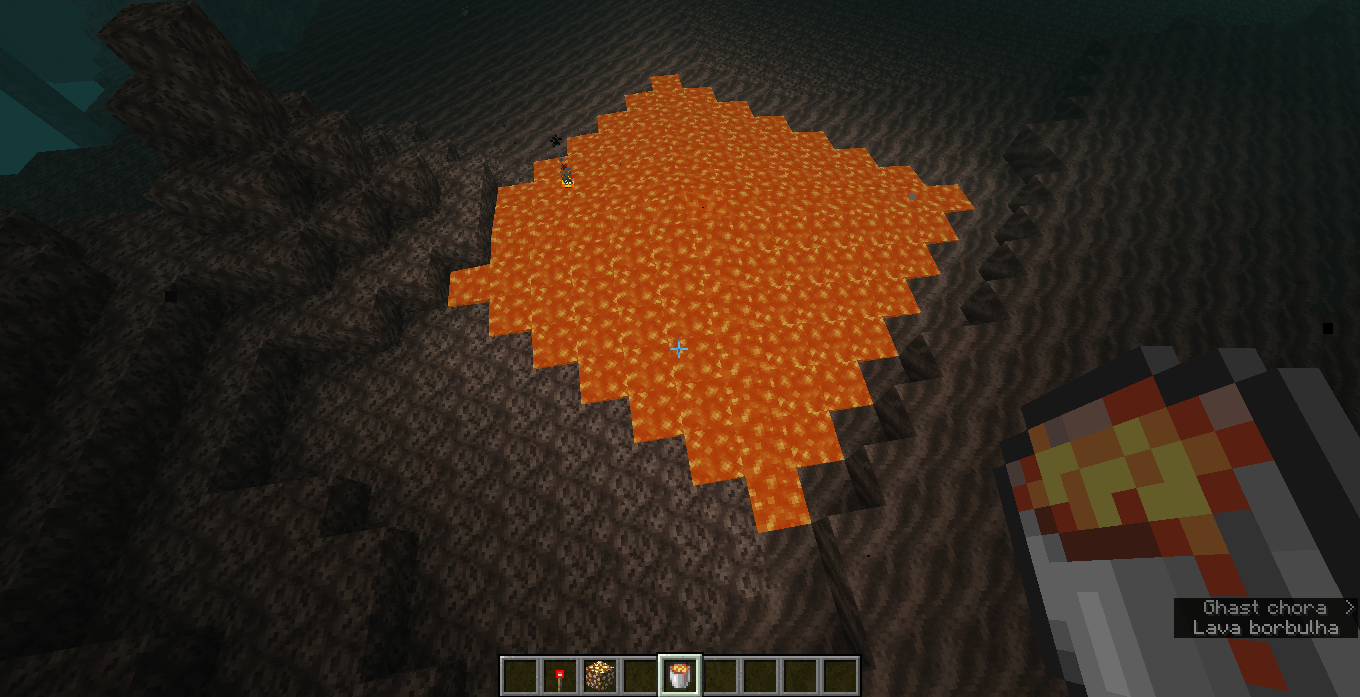
حزمة موارد تغير الإضاءة لتبدو مثل ما قبل الإصدار التجريبي 1.8، لكن ليس بدقة عالية.
حول شيدرات Grayscale Lightmap
This is a cool little project i made with the help of ChatGPT (no longer the case since 1.0.1) because i suck at coding. This resource pack only grayscales the lightmap of the game, in fact, it is just a modified version of the original 'lightmap.fsh' file. This resource pack does not add fog or anything else. since this is not accurate to pre-beta 1.8, the night is not super dark as it used to be. it is just the vanilla lightmap grayscaled, as i've stated before. set the brightness to 'moody' for a better experience. that's it, enjoy. ik this one was made with the help of AI but i would appreciate if you give credit if you use my resource pack somewhere, thanks.
This pack works on 1.21.2 (idk about that statement since 1.0.1) and newer. i cant guarantee it will work if you have real shaders enabled such as complementary shaders or any other iris related stuff.
كيفية تثبيت Grayscale Lightmap
With Millida Launcher
Install Millida Launcher
The launcher is free: download it at millida.net/launcher and sign in with any nickname.
Click “Install” on this page
The launcher opens and installs the shaders for Minecraft 1.21.2–26.2 automatically.
Launch the game
A profile with it appears in the launcher: click “Play”.
Manually
Install Iris or OptiFine
Without a shader mod the game cannot see shaders. Install it for the same Minecraft version.
Download the shader archive
Pick the file Grayscale Lightmap.zip (66 KB) and do not unpack it.
Put it in the shaderpacks folder
“Options”, then “Video Settings”, then “Shader Packs”, then “Open Shader Pack Folder”, and drag the archive there.
Select the shaders
In the same window, click the pack name and “Apply”.
الإصدارات
مع المتطلبات
| Minecraft | المشغّل | الملف | التاريخ | الإجراءات |
|---|---|---|---|---|
| 1.21.8 | — | Grayscale Lightmap - Version 1.0.365.7 KB |
الأسئلة الشائعة
Which Minecraft versions does Grayscale Lightmap work on?
There are files for 1.21.2–26.2, 14 versions in total. The newest is 26.2.
Where can I download Grayscale Lightmap safely?
On this page: the file Grayscale Lightmap.zip (66 KB) is stored on Millida’s server, with no link shorteners. SHA-1 checksum: 96ca2a10cdb03a0399d346b580dd51e45fb9d32f.
التقييمات
كن أول من يقيّم Grayscale Lightmap


