

 Fabric
 OptiFine
حول شيدرات Goldelion Shaders

A lightweight and minimalist shader that preserves the vanilla visual style of the game, while adding small effects that enhance the experience.

✨ Features:
- Animated vegetation: Leaves, grass, ferns, crops, flowers, mushrooms, and hanging roots sway with the wind.
- Water and marine life: Waving water, algae, kelp, corals, and marine plants.
- Livelier Nether: Crimson/warped roots, weeping and twisting vines with their own sway.
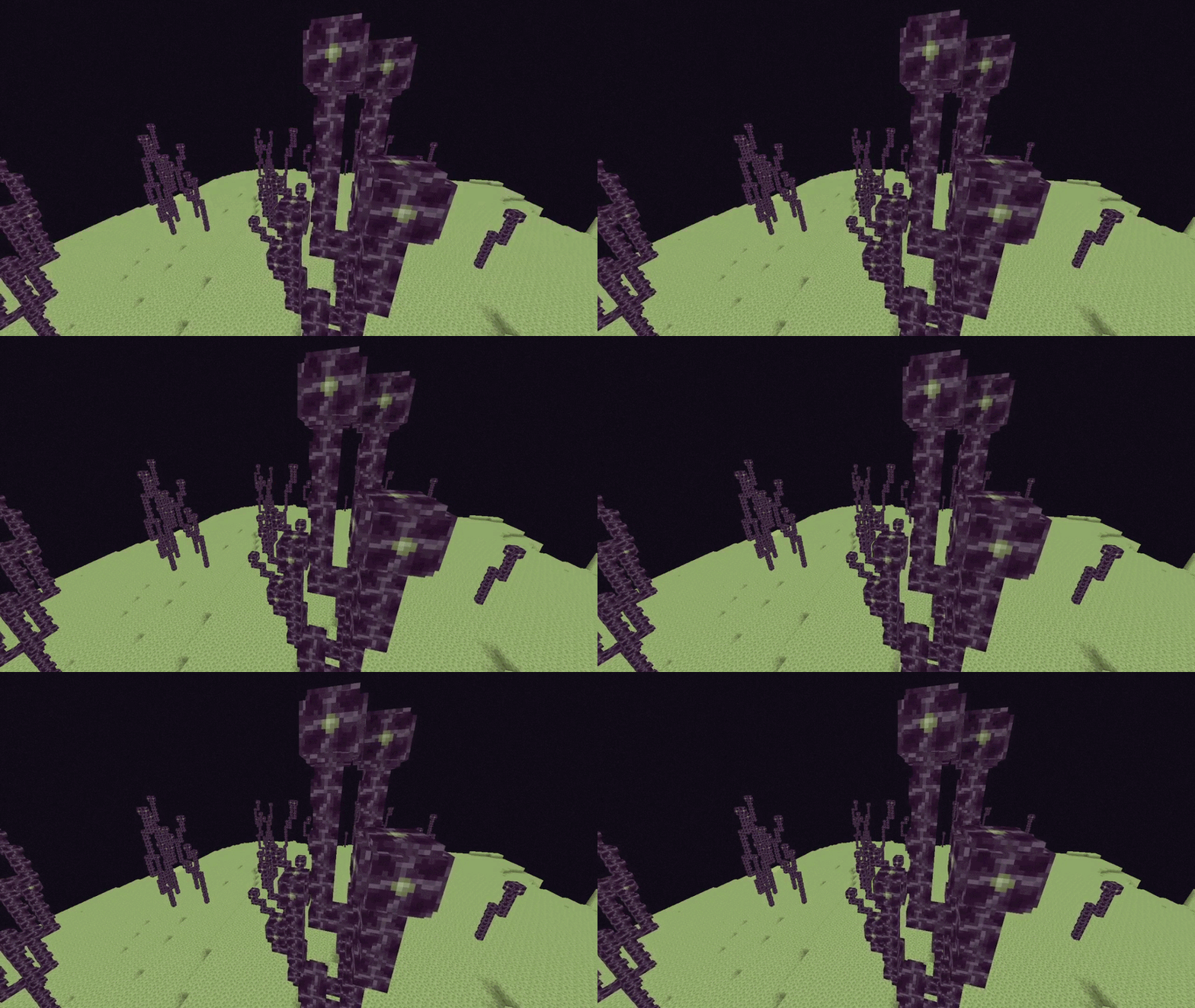
- Livelier End: End vegetation also animates.
- Extra details: Occasional rotation of the Sniffer egg and a subtle 3D effect when breaking blocks.
- Configuration: Each block group has its own sliders for intensity and speed, organized into tabs to adjust the shader to your liking.
- Performance/optimization: Designed to remain lightweight and compatible.
- Multilanguage: Options interface available in multiple languages (currently EN-US, ES-ES).

🎬 See It in Action
📥 Installation:
- Go to Options > Graphics > Shaders... > Shaders Folder.
- Copy the .zip file, without extracting, into that folder.
- Select "Goldelion Shaders" from the list and open Shader Options to customize it.
🔧 Requirements:
You need a mod that supports shaders (such as Iris or OptiFine) to load this pack.
🚧 In development:
Goldelion is constantly evolving. Wind and wave animations are just the beginning — more effects and adjustments will be added in future versions, always ensuring the result feels 100% vanilla.
كيفية تثبيت Goldelion Shaders
With Millida Launcher
Install Millida Launcher
The launcher is free: download it at millida.net/launcher and sign in with any nickname.
Click “Install” on this page
The launcher opens and installs the shaders for Minecraft 1.21–26.3 automatically.
Launch the game
A profile with it appears in the launcher: click “Play”.
Manually
Install Iris or OptiFine
Without a shader mod the game cannot see shaders. Install it for the same Minecraft version.
Download the shader archive
Pick the file Goldelion Shaders V7.zip (12 KB) and do not unpack it.
Put it in the shaderpacks folder
“Options”, then “Video Settings”, then “Shader Packs”, then “Open Shader Pack Folder”, and drag the archive there.
Select the shaders
In the same window, click the pack name and “Apply”.
الإصدارات
مع المتطلبات
| Minecraft | المشغّل | الملف | التاريخ | الإجراءات |
|---|---|---|---|---|
| 26.3 | Iris, OptiFine | 26.312.1 KB 2 | ||
| 26.3 | Iris, OptiFine | 26.312.4 KB | ||
| 26.2 | Iris, OptiFine | 26.212 KB |
الأسئلة الشائعة
Which Minecraft versions does Goldelion Shaders work on?
There are files for 1.21–26.3, 17 versions in total. The newest is 26.3.
What do I need to run Goldelion Shaders?
Shaders are loaded through Iris or OptiFine: without one of them the game cannot see them.
Where can I download Goldelion Shaders safely?
On this page: the file Goldelion Shaders V7.zip (12 KB) is stored on Millida’s server, with no link shorteners. SHA-1 checksum: f720504733cd0d74f946d63c196f0ee5cc5affc0.
التقييمات
كن أول من يقيّم Goldelion Shaders


