
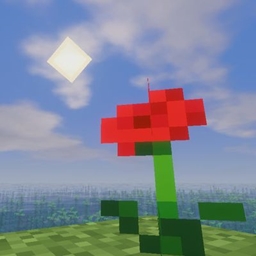
Colorful✨ الشيدرات لماينكرافت 1.20.1, 1.21.1
Shader مستوحى من Mellow يضيف ميزات ويتيح لك أخيرًا تشغيل shader على جهازك القديم.
حول شيدرات Colorful✨
To Change the Outline Mode to Raimbow : shader settings / camera effects / outline settings / outline mode
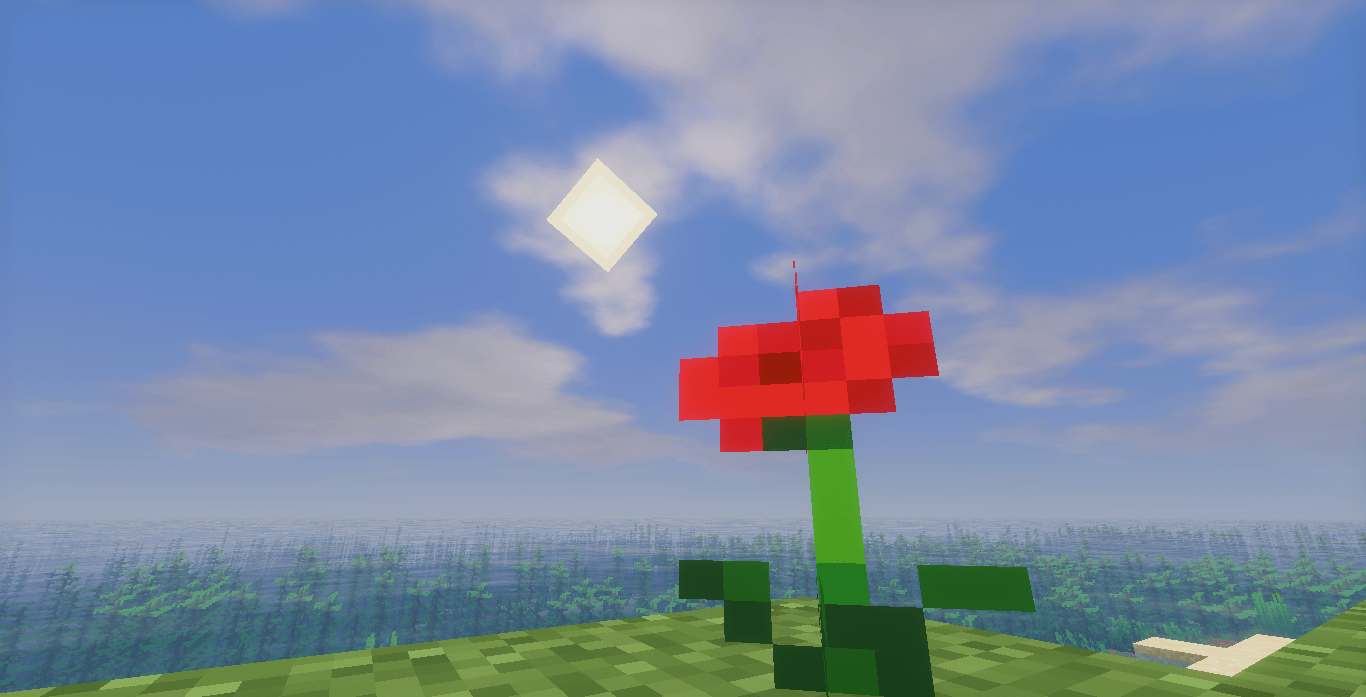
Colorfull is a visual pack for Minecraft that emphasizes vibrant colors and a bright atmosphere.
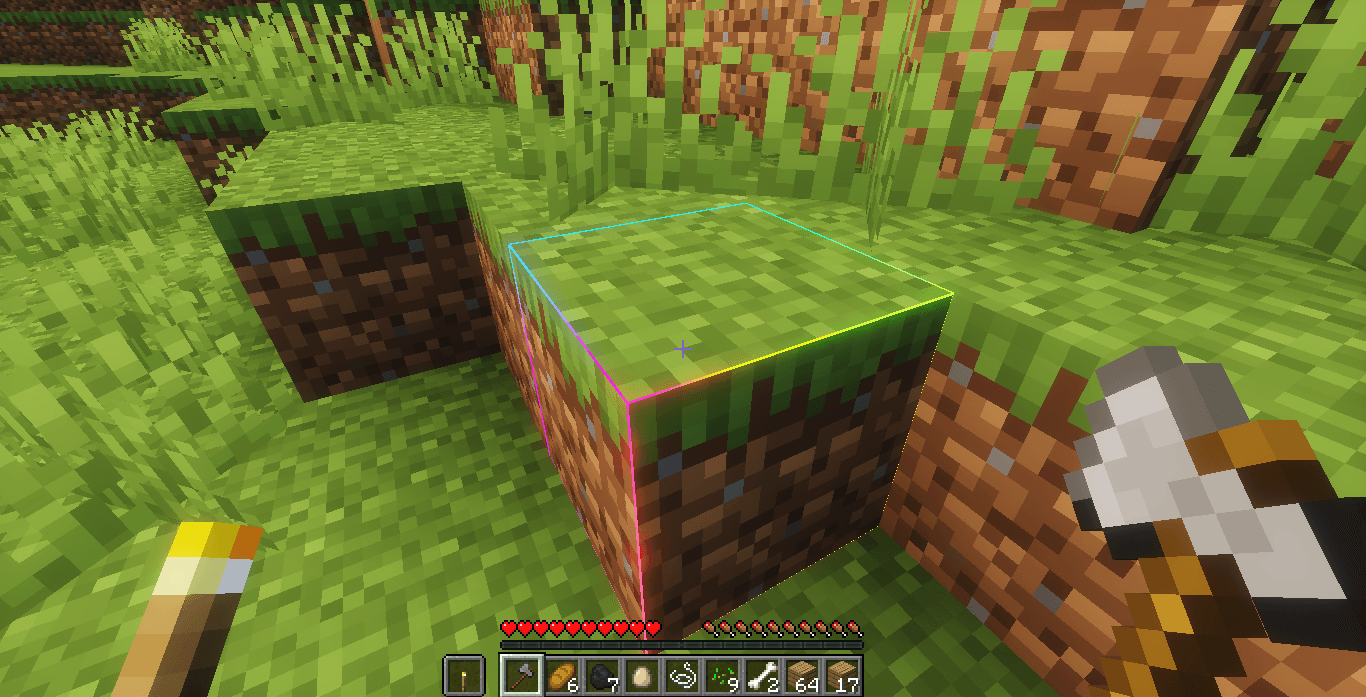
The pack includes:
- More saturated and vibrant hues
- A soft sky with bright sunshine
- Clear and luminous water
- More lifelike vegetation
- Pleasant visual effects
The overall effect is a colorful and soothing look, perfect for enjoying landscapes and builds in a warmer atmosphere.
(c)️Based on Mellow Shader
كيفية تثبيت Colorful✨
With Millida Launcher
Install Millida Launcher
The launcher is free: download it at millida.net/launcher and sign in with any nickname.
Click “Install” on this page
The launcher opens and installs the shaders for Minecraft 1.19.4–26.3 automatically.
Launch the game
A profile with it appears in the launcher: click “Play”.
Manually
Install Iris or OptiFine
Without a shader mod the game cannot see shaders. Install it for the same Minecraft version.
Download the shader archive
Pick the file ColorFull4.zip (646 KB) and do not unpack it.
Put it in the shaderpacks folder
“Options”, then “Video Settings”, then “Shader Packs”, then “Open Shader Pack Folder”, and drag the archive there.
Select the shaders
In the same window, click the pack name and “Apply”.
الإصدارات
مع المتطلبات
| Minecraft | المشغّل | الملف | التاريخ | الإجراءات |
|---|---|---|---|---|
| 1.21 | — | ColorFull4.zip646 KB 202 | ||
| 1.21 | — | ColorFull3.zip662 KB |
الأسئلة الشائعة
Which Minecraft versions does Colorful✨ work on?
There are files for 1.19.4–26.3, 25 versions in total. The newest is 26.3.
Where can I download Colorful✨ safely?
On this page: the file ColorFull4.zip (646 KB) is stored on Millida’s server, with no link shorteners. SHA-1 checksum: 975cbc83f46b0c67f23399a18ab5c2bebc241940.
التقييمات
كن أول من يقيّم Colorful✨


