
TC-HangRail إضافة لماينكرافت
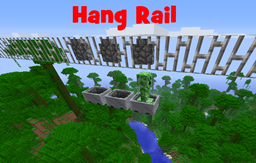
إضافة Hang Rail TrainCarts تتيح لك استخدام قضبان الحديد كمسارات تتدلى تحتها العربات
We will no longer continue development of our plugins
We would like to thanx everyone for the support!
Development builds are no longer available after 15-10-2014 00:00
Version: 1.01
Bukkit: 1.7.2 R0.3 (requires TrainCarts v1.54+)
Introduction
The Hang Rail add-on was a TrainCarts request that I liked as well. However, it was a bit too 'different' to just put it in Train Carts (causing everyone that used iron bars as visual styling to get bugs). For that reason, you can install this add-on next to TrainCarts to add minecarts suspended on iron bars.
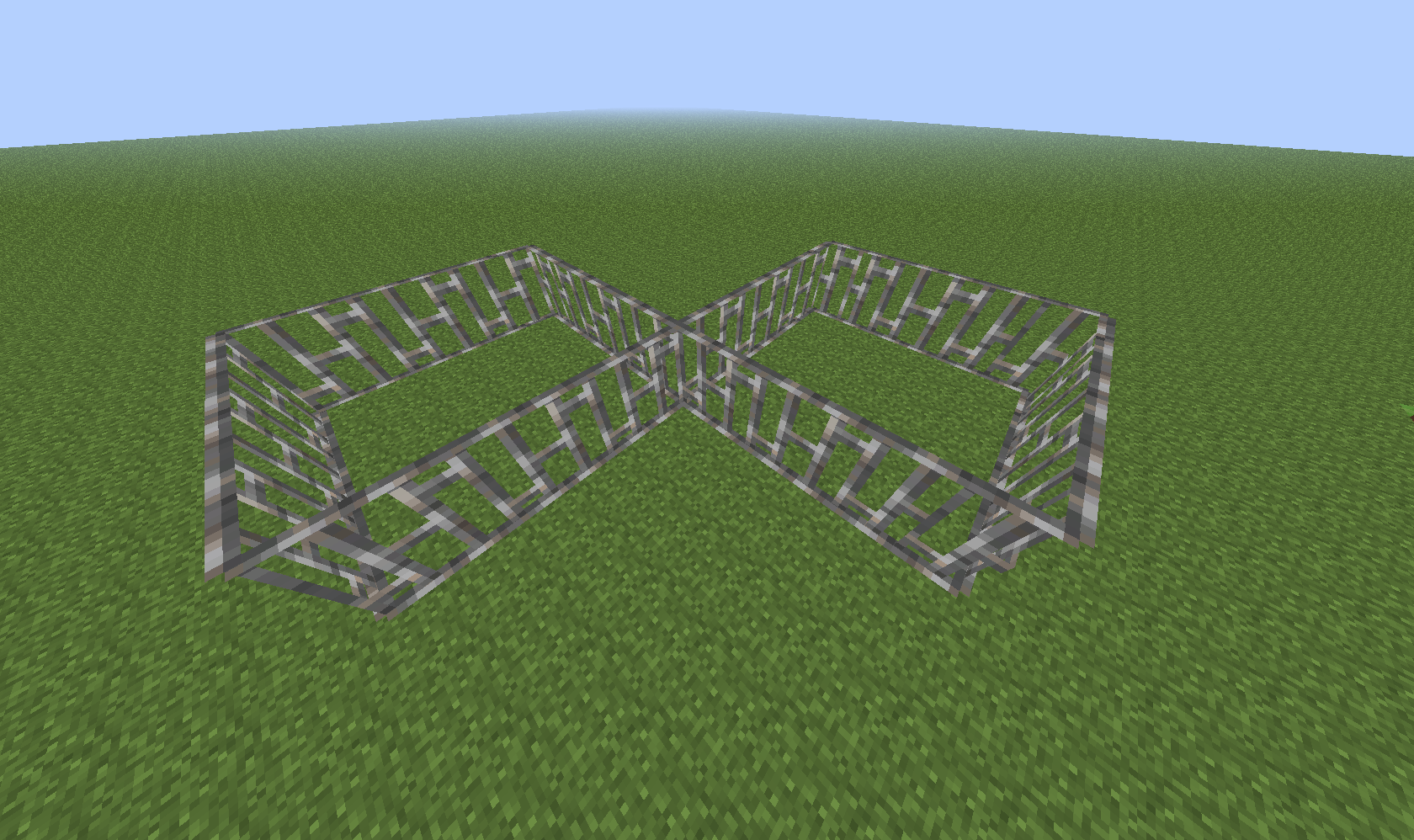
Other than that the rail is now not below the minecart but above it, there is no change in minecart movement physics. You can make turns, go up and down and can even make X-crossings and T-splits. Everything blends in with other rail types by utilizing the (new) TrainCarts rail API.
Installation
Install TrainCarts and then add the jar file of this add-on to the plugins folder as well. It will automatically register the new available rail type.
Usage
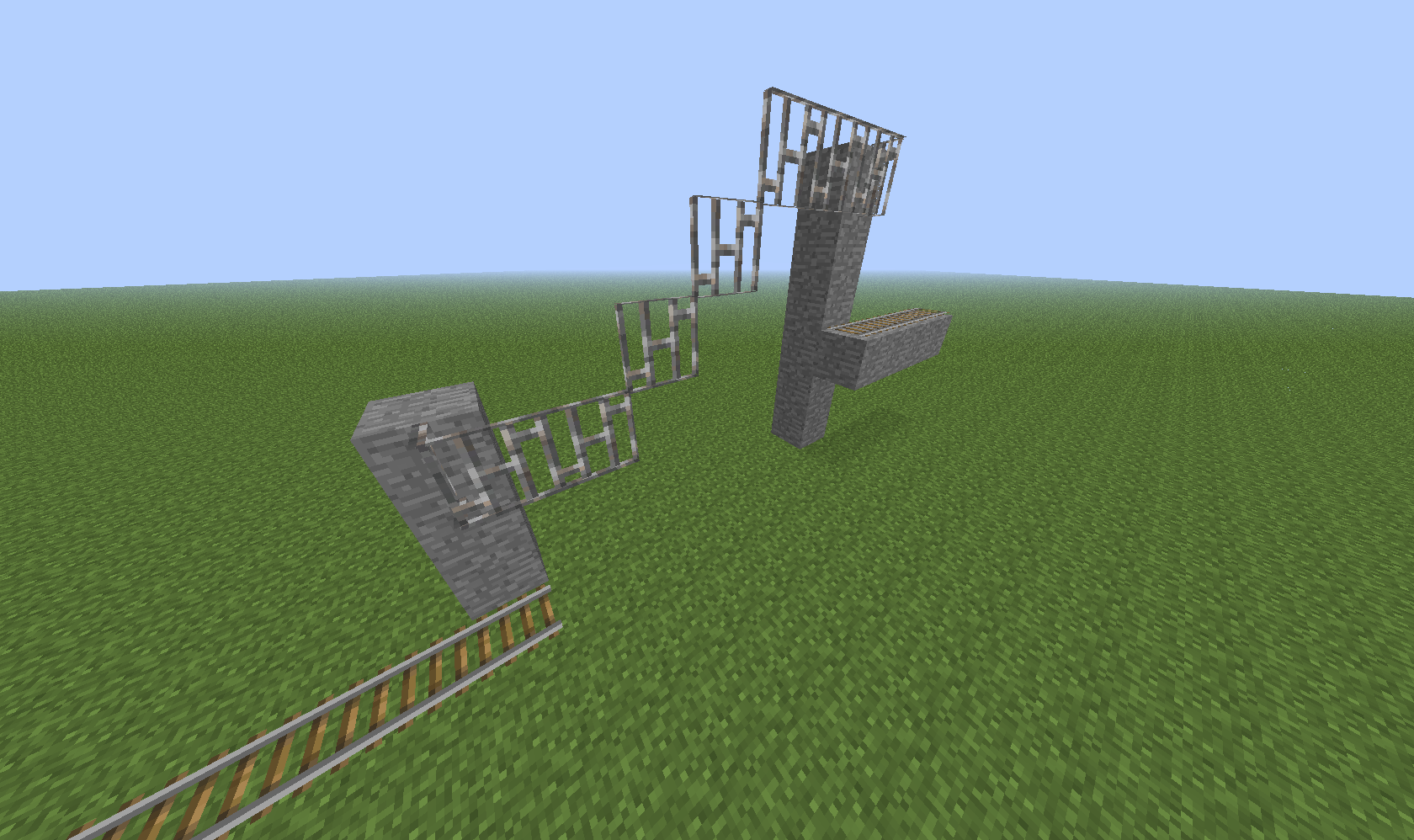
By placing iron bars in a horizontal line you can create tracks. To get a minecart on these tracks, place a normal track leading to it 2 blocks below it. When the minecart leaves the tracks it goes onto the hang rail and stays there. There are no commands or permissions you have to set up: just place the rails and you're done.
TrainCarts signs can be placed on top of the rail, that is, place a block (such as stone, grass, wood, etc.) on top of the rail and attach signs to it. All signs, including stations, spawners, etc, function. Path finding also supports hangrails.
How to show that suspension block above?
You can change the block displayed in the Minecart to be this block. In this case, use the two commands:
/train setblock cobblewall /train blockoffset 48
Similarly, with a blockchanger sign:
[train] blockchanger 48 cobblewall
Examples
Stations and sign usage
Horizontal line with some curves
Slopes
X-crossing (8-track)
Metrics
This plugin sends server count and dependency statistics to MCStats.org. You can (globally) opt out in the PluginMetrics/config.yml file.
Links
- TrainCarts dev-bukkit page
- BKCommonLib dev-bukkit page
- Source code (GitHub)
كيفية تثبيت TC-HangRail
A server on Paper or Spigot
The plugin runs on the server core; players do not need to install anything.
File goes into the plugins folder
Download the file TCHangRail.jar (9 KB) and put it into the server’s plugins folder.
Restart the server
On startup the plugin creates its own settings folder in plugins.
Use the “To server” button
On Millida Hosting, the button at the top of the page uploads the file to your server and restarts it for you.
الإصدارات
مع المتطلبات
| Minecraft | المشغّل | الملف | التاريخ | الإجراءات |
|---|---|---|---|---|
| — | — | v1.019.4 KB |
الأسئلة الشائعة
Where can I download TC-HangRail safely?
On this page: the file TCHangRail.jar (9 KB) is stored on Millida’s server, with no link shorteners. SHA-1 checksum: 85946da65e0de334476354071711f6548a63f612.
التقييمات
كن أول من يقيّم TC-HangRail


