
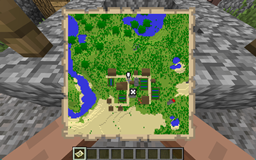
ServerMinimap إضافة لماينكرافت 1.18.1
A minimap without clientmod using Maps!
حول إضافة ServerMinimap البرمجية
This plugin is not in active development anymore. I might update it for a new Minecraft version from time to time, but don't expect feature updates. The source code is available on GitHub, though. ;)
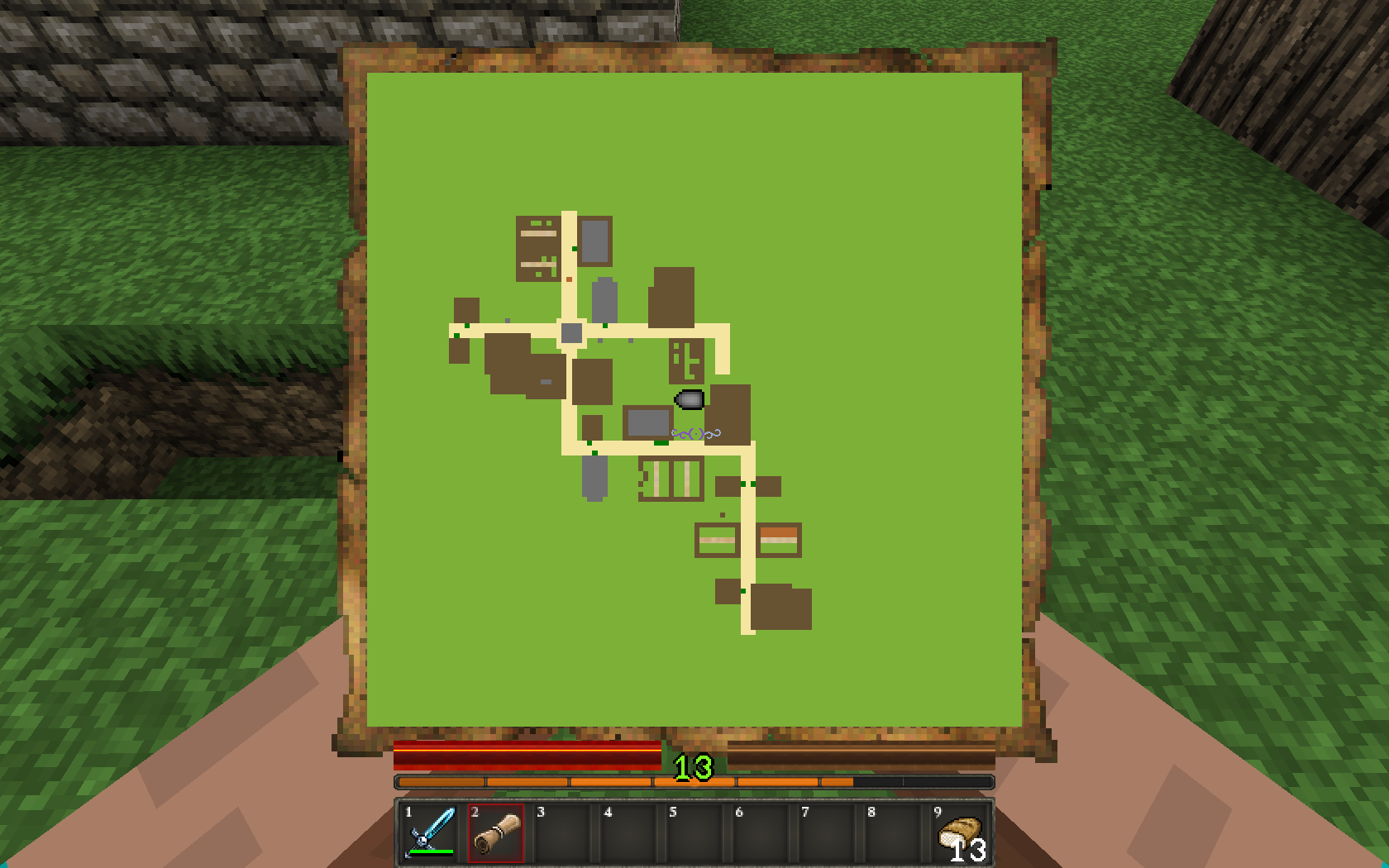
ServerMinimap
This plugin allows you to provide a minimap to your users, without any client mod by using the vanilla maps. You can configure the scale, updatetime and colors at which blocks are rendered. There is also a option to show other players on the minimap. It also features a simple waypoint system and custom events to display own cursors on the map. (E.g. for more advanced waypoint systems)
The plugin is based on a idea from toxictroop and the team at: http://www.crossfiregaming.net. Request Thread
This plugin will break with every Minecraft update. It currently supports 1.5.2 to 1.10
Beta Notice
This plugin is in beta state. If you find bugs, please report them. Also, this plugin can use big amounts of CPU, Bandwidth and RAM, depending on your settings.
Usage
Installing is, as every Bukkit plugin, just downloading and moving into the plugins folder. After the first run, the plugin should create a default config with default values.
When you start up the server, it'll tell you which mapID the plugin uses together with a command to obtain the map a OP.
Configuration
scale Defines the scale of the map. 1 map pixel is scale*scale blocks. Biggers scales need more CPU to render the map in the first run, while using less RAM to cache the values.
runPerTicks After how much ticks (1/20 sec) the plugin should calculate the current renderer queue. Higher values give the server more time to recover from lag, lower values allow the server to distribute the load more evenly. (I recommend lower values)
chunksPerRun This value determins who much 16x16 pixelblocks (map chunks) and block changes are rendered per run. Higher values will speed up the rendering of new areas, while using more CPU resources in a shorter timespan (if there is enough to render). Every map chunk is only rendered once after a server start. Make sure this value is not too low, otherwise the renderer may be slower than the queue is filled.
fastTicks This value allows you to set the time in ticks (1/20 sec) after which users with the permission "minimap.fastupdate" get a complete update of the map. The additional bandwidth usage of every complete send is about 16KiB per Update, per player.
canSeeOthers When activated, every player can see other player's on their minimap. This may be changed when plugins modify the MinimapPlayerCursorEvent.
mapID This is the id of the map, the plugin uses. It will be shown every server startup in log. It is no recommended to change this id unless you know that a map with the new id already exists.
showDistantWaypoints Sets whether waypoints, that are out of range, shall be displayed on the cornor of the map.
mysql Under this section you need to put all needed information to connect to your MySQL server and if you want to use it. The host, port, username, password and the target database are needed.
worlds This section allows you to set several things per world. It follows the format: <worldname>: <key>: <value>
possible keys are: enabled Allows you to disable the map renderer in certain worlds. The renderer is enabled by default.
scale Same as above but overrides the default value.
drawHeight Allows you to set the upper border of the rendering algorythm. (Default the worlds max height - 255) Use this for things like cave mapping. (e.g. Nether)
Default Configuration
scale: 1 chunksPerRun: 4 runPerTicks: 5 fastTicks: 20 canSeeOthers: true showDistantWaypoints: false mysql: enabled: false host: localhost port: 3306 user: user pass: password database: database worlds: world_nether: enabled: true drawHeight: 75 scale: 2
Commands
Permissions for the commands can be found below
/minimap - gives you the minimap item /waypoint help [command] - gives you information about this command /waypoint add [x] [z] - adds a waypoint either on your current location, or to the specified x and z coordinates. /waypoint list - lists all your waypoints together with their index /waypoint remove <index> - removes the waypoint with the index <index>. Note: indcies change, when removing waypoints. /waypoint hide <index> [true|false] - either toggles visibility of a waypoint, or sets it to the given boolean.
Permissions
minimap.fastupdate Makes a full update of the player's minimap every defined amount of ticks. Uses big amounts of Bandwidth. Player's without this node may need to stand still for about 5 seconds to have a clear map.
minimap.command.minimap Allows you to use the /minimap command.
minimap.command.waypoint.help Allows you to use the /waypoint help command
minimap.command.waypoint.list Allows you to use the /waypoint list command
minimap.command.waypoint.add Allows you to use the /waypoint add command
minimap.command.waypoint.remove Allows you to use the /waypoint remove command
minimap.command.waypoint.hide Allows you to use the /waypoint hidecommand
Metrics
This plugin utilises Hidendra's plugin metrics system. You can opt-out under <yourPluginFolder>/PluginMetrics/config.yml
The following informations will be collected:
- A unique identifier
- The server's version of Java
- Whether the server is in offline or online mode
- The plugin's version
- The server's implementation and game version
- The OS version/name and architecture
- The core count for the CPU
- The number of players online
- The Metrics version
- Your online-mode
- Your server location
- Your config values for scale, runPerTicks, fastTicks, and chunksPerRun
Source Code on GitHub
كيفية تثبيت ServerMinimap
A server on Paper or Spigot
The plugin runs on the server core for Minecraft 1.14–1.18.1; players do not need to install anything.
File goes into the plugins folder
Download the file ServerMinimap.jar (142 KB) and put it into the server’s plugins folder.
Restart the server
On startup the plugin creates its own settings folder in plugins.
Use the “To server” button
On Millida Hosting, the button at the top of the page uploads the file to your server and restarts it for you.
Minecraft 1.18.1 runs on Java 17: with a different Java version the game may close right after launch.
الإصدارات
مع المتطلبات
| Minecraft | المشغّل | الملف | التاريخ | الإجراءات |
|---|---|---|---|---|
| 1.16 | — | ServerMinimap v0.7.25142 KB | ||
| — | — | ServerMinimap v0.429.9 KB |
التقييمات
كن أول من يقيّم ServerMinimap


