

Giant Caves إضافة لماينكرافت 1.10
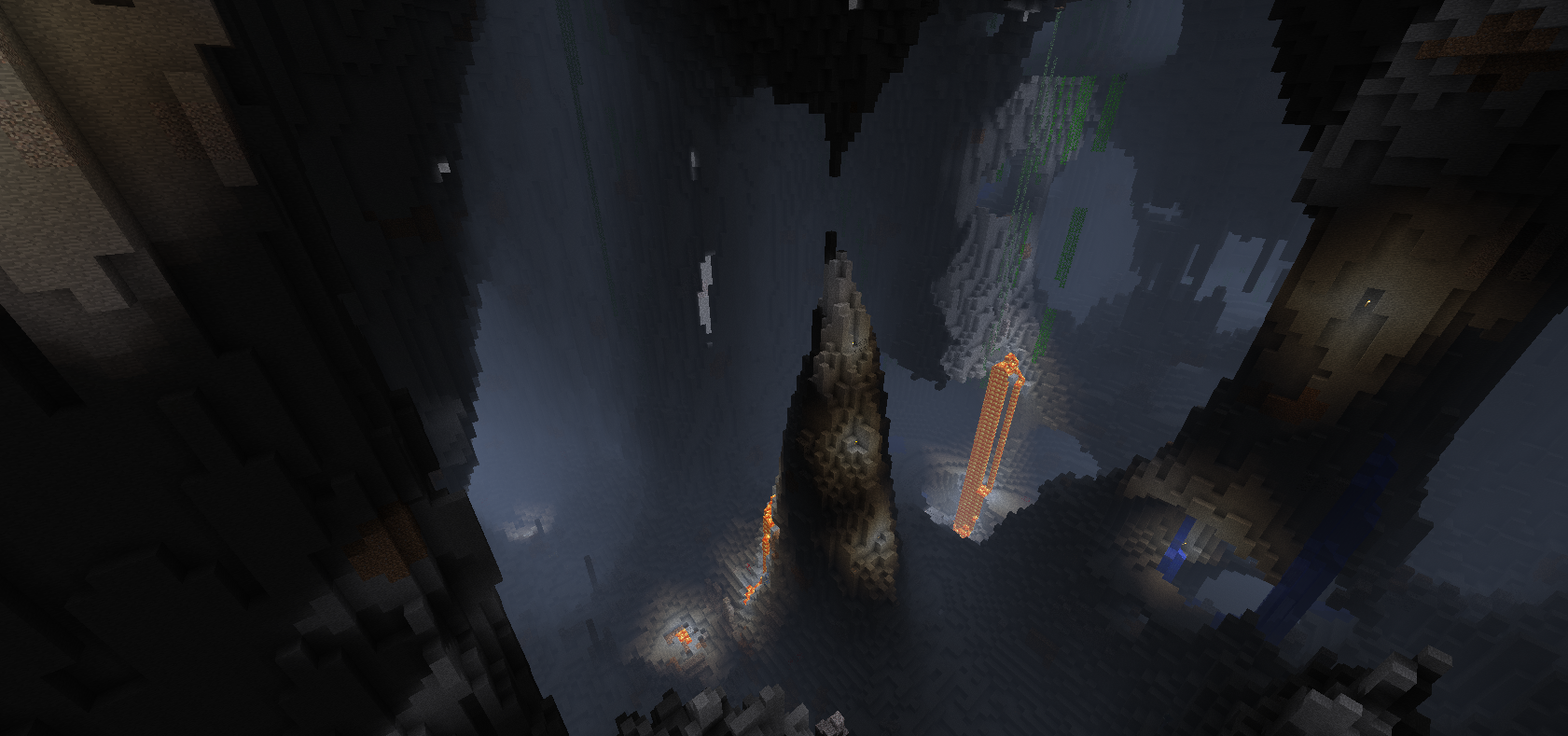
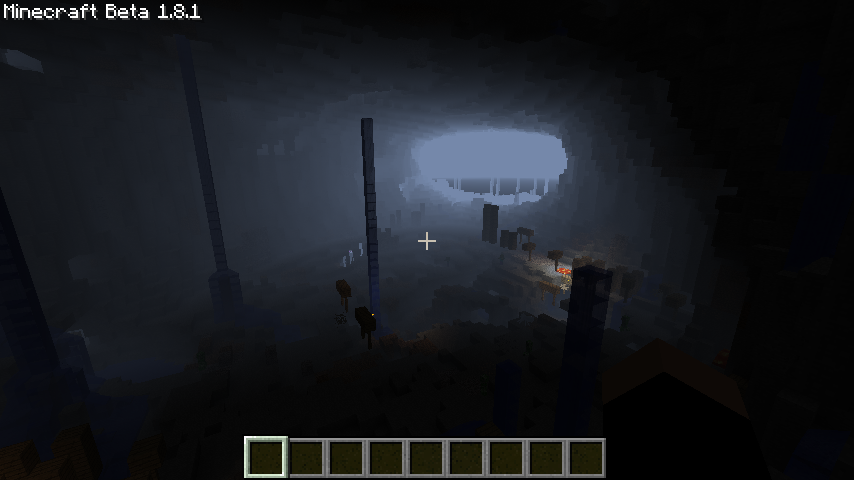
Giant Caves is a bukkit mod that creates giant underground caves in the world.
Overview
Giant Caves is a bukkit mod that creates giant underground caves in the world. The caves are generated using Perlin noise seeded by the world seed. Caves are unique to each world.
Giant Caves is implemented as a bukkit block populator and is compatible with the vanilla world generator and most likely any world generation plugin that implements the chunk generator pattern. Giant Caves also comes with a vanilla generator for use with Multiverse.
Works best with Subterranea
See it in Action!
Here is a great overview video in German and one in Portuguese
Installation
I don't have Multiverse or another world manager
- Stop the server if it is running!
- Download the plugin and put it into your plugins folder.
- Start your Server to make the plugin generate default world configuration files for known worlds.
- Set onlyUseWorldManagers to false in config.yml
- Edit the configuration file to match your needs. (See Help Topics > Configuration for more info.)
- Restart your server.
Code
https://github.com/rmichela/GiantCaves/
Credits
- Code: Ryan Michela
Metrics
This plugin utilizes Hidendra's plugin metrics system. the following information is collected and sent to mcstats.org unless opted out:
- A unique identifier
- The server's version of Java
- Whether the server is in offline or online mode
- Plugin's version
- Server's version
- OS version/name and architecture
- core count for the CPU
- Number of players online
- Metrics version
Opting out of this service can be done by editing plugins/Plugin Metrics/config.yml and changing opt-out to true.
كيفية تثبيت Giant Caves
A server on Paper or Spigot
The plugin runs on the server core for Minecraft 1.10; players do not need to install anything.
File goes into the plugins folder
Download the file GiantCaves-1.10.2-R0.1.jar (13 KB) and put it into the server’s plugins folder.
Restart the server
On startup the plugin creates its own settings folder in plugins.
Use the “To server” button
On Millida Hosting, the button at the top of the page uploads the file to your server and restarts it for you.
Minecraft 1.10 runs on Java 8: with a different Java version the game may close right after launch.
الإصدارات
مع المتطلبات
| Minecraft | المشغّل | الملف | التاريخ | الإجراءات |
|---|---|---|---|---|
| 1.10 | — | GiantCaves-1.10.2-R0.1.jar13.2 KB |
الأسئلة الشائعة
Which Minecraft versions does Giant Caves work on?
Only Minecraft 1.10: there are no files for other versions.
Which Java does Giant Caves need?
Minecraft 1.10 runs on Java 8. If the game closes right after launch, the usual cause is the wrong Java version in the profile settings.
Where can I download Giant Caves safely?
On this page: the file GiantCaves-1.10.2-R0.1.jar (13 KB) is stored on Millida’s server, with no link shorteners. SHA-1 checksum: 484a8b5cebeceb4df942d127675b8eb2f5b973e2.
التقييمات
كن أول من يقيّم Giant Caves


