
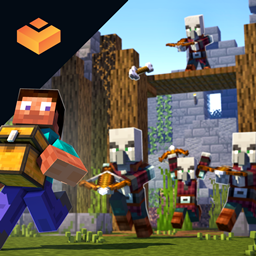
Valhelsia Structures مود لماينكرافت 1.20.1, 1.16.5
يضيف هياكل وأبراج محصنة جديدة إلى عالمك مع دمجها بشكل صحيح.
 NeoForge
 Forge
Forgeحول مود Valhelsia Structures
Valhelsia Structures هو مود يولّد هياكل جديدة مثل المباني المهجورة والأقبية، كما تُعاد صياغة بعض هياكل اللعبة الأصلية واستبدالها بنسختنا. يضيف أيضًا كتلًا مختلفة قد تكون مفيدة جدًا لتزيين منزلك. Valhelsia Structures متوافق ومبني مع Valhelsia Furniture. سيتلقى المود هياكل وكتلًا وكائنات وزعماء وميزات جديدة مع كل تحديث يتم إصداره.
انضم إلينا على سيرفر Discord الخاص بنا للحصول على آخر الأخبار وسجل التغييرات وللحصول على الدعم إذا واجهت أي مشاكل. لدينا أيضًا قناة دردشة نشطة للغاية ومعرض صور يشارك فيه أعضاء المجتمع.
تقدم BisectHosting استضافة سيرفرات سريعة وبسيطة وعالية الجودة مع أكثر من اثني عشر موقعًا متاحًا حول العالم، مما يضمن زمن استجابة منخفضًا. بعد الشراء، يكون السيرفر مهيأ بالفعل وجاهزًا للاستخدام.
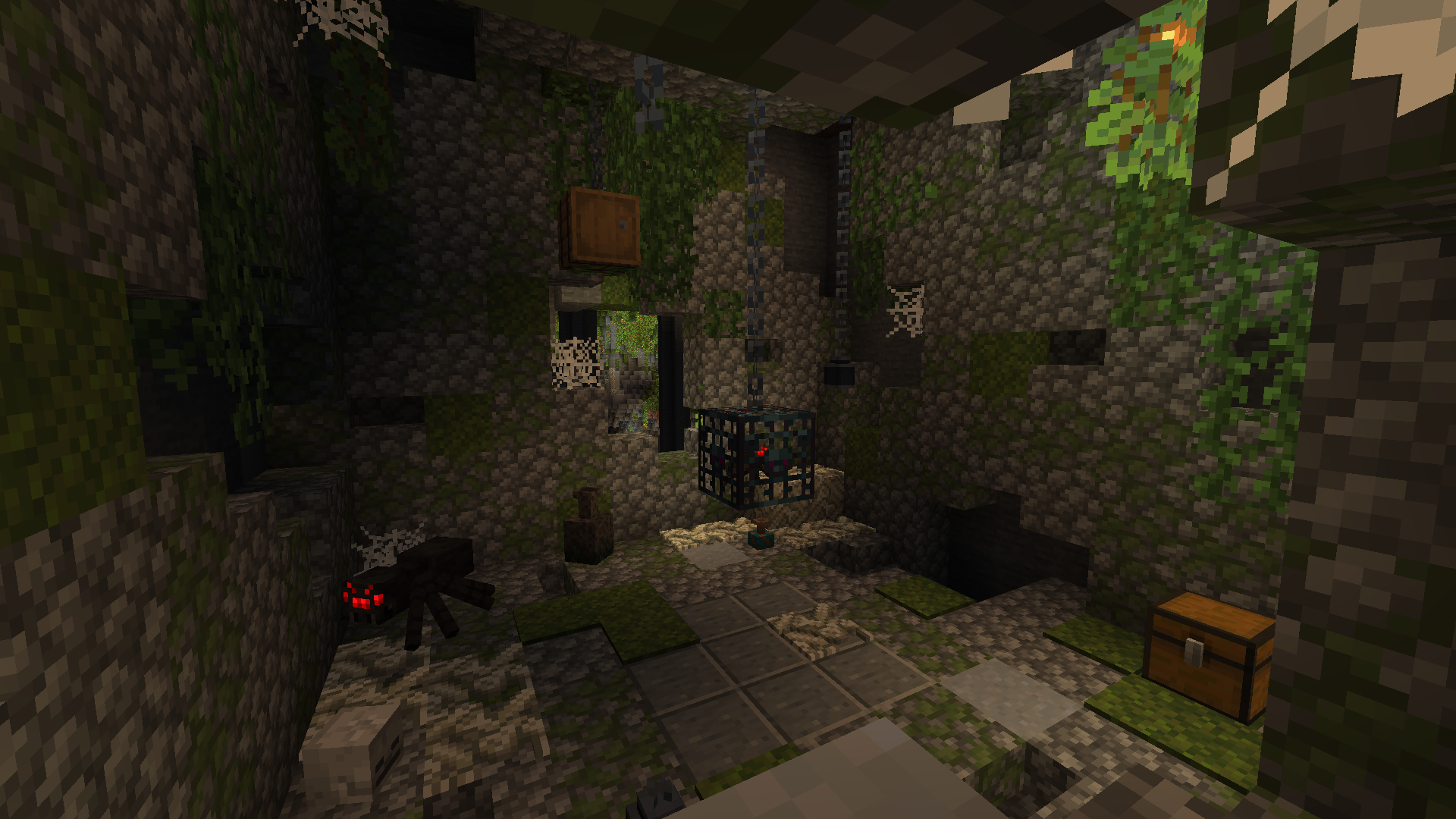
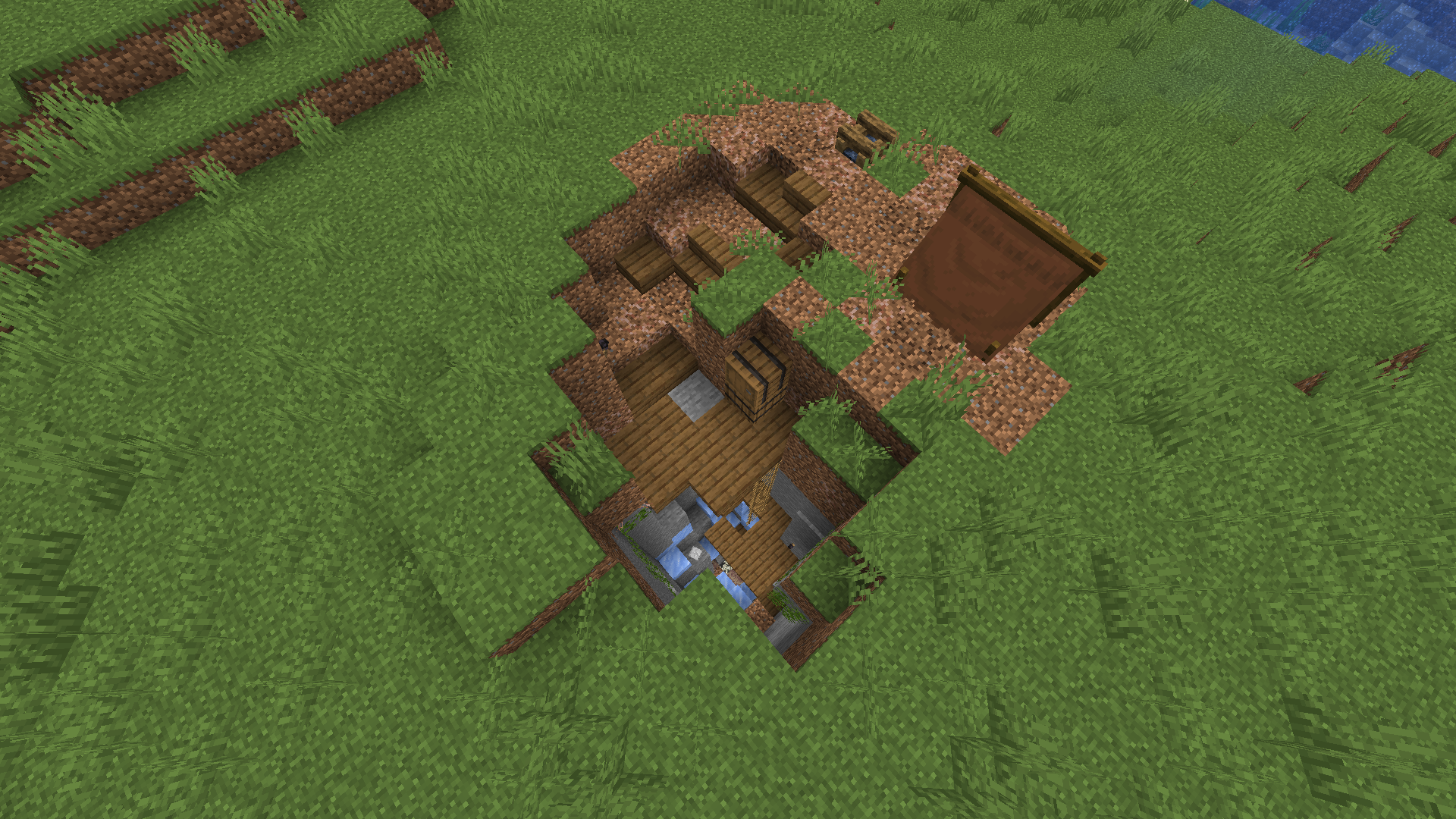
إليك بعض الهياكل التي ستتمكن من العثور عليها في عالمك. يمكنك أيضًا أن تجد في لقطات الشاشة بعض الكتل الجديدة التي تُضاف مع الهياكل، والمزيد من لقطات الشاشة متاحة في المعرض.
ستُضاف ميزات جديدة مع إصدار التحديثات، مثل عدة أنواع من متغيرات الهياكل لتجنب مصادفة نفس الهياكل طوال الوقت، وهياكل جديدة وأقبية جديدة وزعماء ووحوش جديدة.
تحقق من مشاريعنا:
كيفية تثبيت Valhelsia Structures
With Millida Launcher
Install Millida Launcher
The launcher is free: download it at millida.net/launcher and sign in with any nickname.
Click “Install” on this page
The launcher opens and installs the mod for Minecraft 1.16.1–1.21.9 on Forge or NeoForge automatically.
Launch the game
A profile with it appears in the launcher: click “Play”.
Manually
Install Forge or NeoForge
The loader must match the game version of the mod file, for example Minecraft 1.21.9. After installing it, a separate profile appears in your launcher.
Download the file for your version
In the version list above, pick the file valhelsia_structures-neoforge-1.21.9-1.1.0.jar (2.2 MB) for your game version and loader.
Put it in the mods folder
The folder is inside .minecraft (Windows: %appdata%\.minecraft\mods). If it does not exist, create it.
Launch the loader profile
Open “Mods” in the main menu: Valhelsia Structures should be in the list.
Minecraft 1.21.9 runs on Java 21: with a different Java version the game may close right after launch.
الإصدارات
مع المتطلبات
| Minecraft | المشغّل | الملف | التاريخ | الإجراءات |
|---|---|---|---|---|
| 1.21.9 | NeoForge | [NeoForge] Valhelsia Structures - 1.1.02.2 ميغابايت 1 | ||
| 1.20.1 | Forge | [Forge] Valhelsia Structures - 1.1.22.5 ميغابايت 32 | ||
| 1.16.3 | — | Valhelsia Structures - 16.0.5600 KB 4 | ||
| 1.16.1 | Forge | Valhelsia Structures - 16.0.1609 KB |
الأسئلة الشائعة
Which Minecraft versions does Valhelsia Structures work on?
There are files for 1.21.9, 1.20.1, 1.16.5, 1.16.4, 1.16.3, 1.16.1. The newest is 1.21.9.
Is Valhelsia Structures for Forge or Fabric?
There are files for Forge: 1.16.1–1.20.1 and for NeoForge: 1.21.9. There are no files for Fabric: a mod for another loader will not start.
Does Valhelsia Structures need other mods?
The author lists no required dependencies: the Forge or NeoForge loader is enough.
Which Java does Valhelsia Structures need?
Minecraft 1.21.9 runs on Java 21. If the game closes right after launch, the usual cause is the wrong Java version in the profile settings.
Where can I download Valhelsia Structures safely?
On this page: the file valhelsia_structures-neoforge-1.21.9-1.1.0.jar (2.2 MB) is stored on Millida’s server, with no link shorteners. SHA-1 checksum: 100a6a7e18cba04a1ef360b8a97b8d53d6327b8e.
التقييمات
كن أول من يقيّم Valhelsia Structures


