
 NeoForge
 Fabric
 Forge
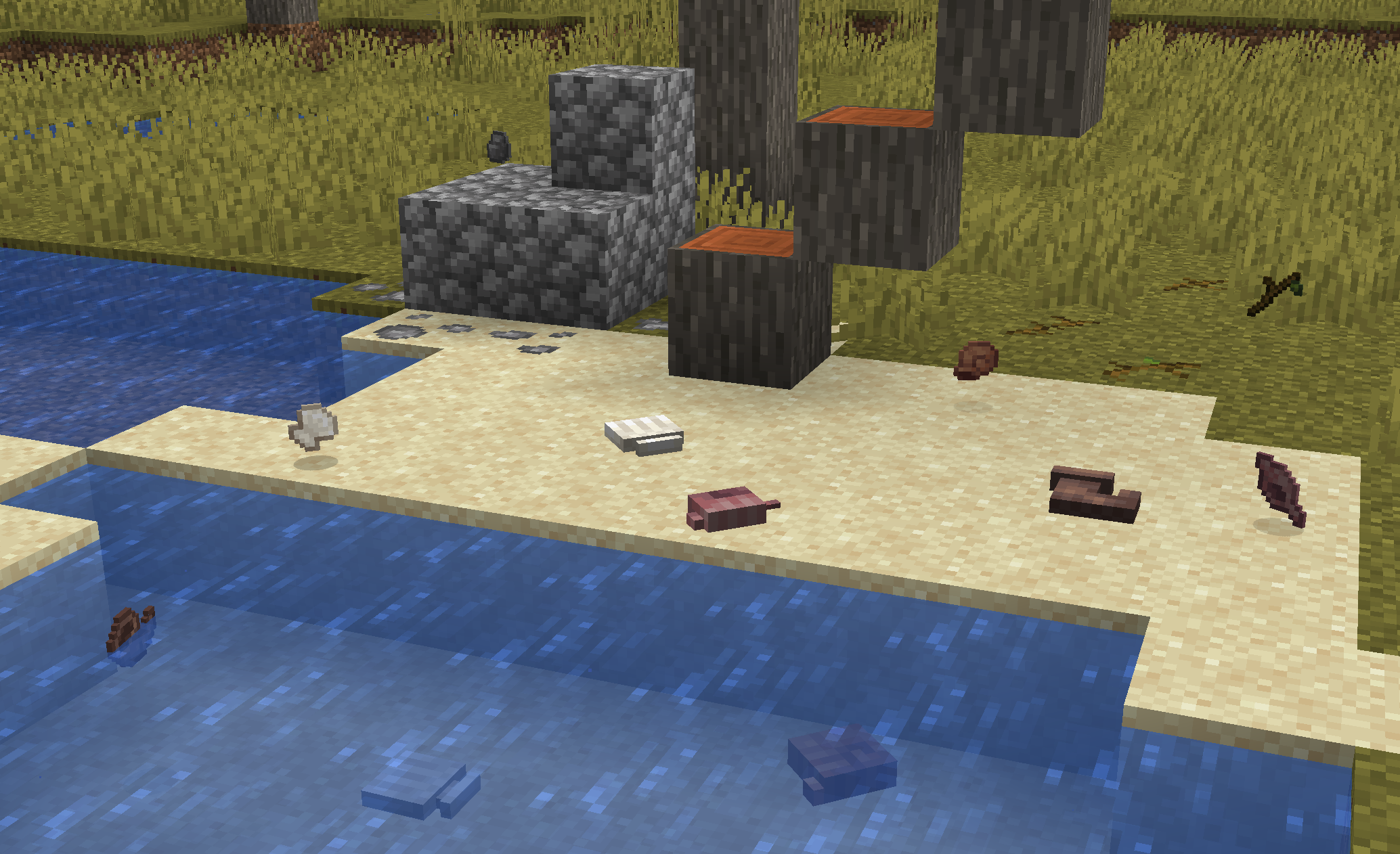
ForgeTwigs هو مود لماينكرافت يدور بالكامل حول البناء، ويضيف مواد جديدة ومثيرة للاهتمام، بالإضافة إلى إصدارات جديدة من مكعبات الفانيلا!
إذا وجدت أي أخطاء برمجية أو أردت التحدث عن جميع المودات الخاصة بي بشكل عام، يمكنك الانضمام إلى سيرفر الديسكورد الخاص بي!
--> المزيد (افتح المعرض)
كيفية تثبيت Twigs
With Millida Launcher
Install Millida Launcher
The launcher is free: download it at millida.net/launcher and sign in with any nickname.
Click “Install” on this page
The launcher opens and installs the mod for Minecraft 1.19–1.21.1 on Fabric, Forge or NeoForge automatically.
Launch the game
A profile with it appears in the launcher: click “Play”.
Manually
Install Fabric, Forge or NeoForge
The loader must match the game version of the mod file, for example Minecraft 1.21.1. After installing it, a separate profile appears in your launcher.
Download the file for your version
In the version list above, pick the file Twigs-1.21.1-3.1.2.jar (2.6 MB) for your game version and loader.
Put it in the mods folder
The folder is inside .minecraft (Windows: %appdata%\.minecraft\mods). If it does not exist, create it.
Launch the loader profile
Open “Mods” in the main menu: Twigs should be in the list.
Minecraft 1.21.1 runs on Java 21: with a different Java version the game may close right after launch.
الإصدارات
مع المتطلبات
| Minecraft | المشغّل | الملف | التاريخ | الإجراءات |
|---|---|---|---|---|
| 1.21.1 | NeoForge | [1.21.1]Twigs v3.1.2-neoforge2.6 ميغابايت 19 | ||
| 1.21.1 | Fabric | [1.21.1]Twigs v4.0.0-fabric2.6 ميغابايت 25 | ||
| 1.20.1 | Forge | [1.20.1]Twigs v3.1.1-forge2.6 ميغابايت 13 | ||
| 1.19.2 | Fabric | [1.19] Twigs 2.0.0-beta.9830 KB 1 |
التقييمات
كن أول من يقيّم Twigs


