

Straw Statues مود لماينكرافت 1.19.2, 26.3
أضف بعض الحياة إلى مبانيّاتك بتماثيل لاعبين لمحبي ماينكرافت المفضلين لديك!
 Fabric
 NeoForge
 Forge
Forgeحول مود Straw Statues
         
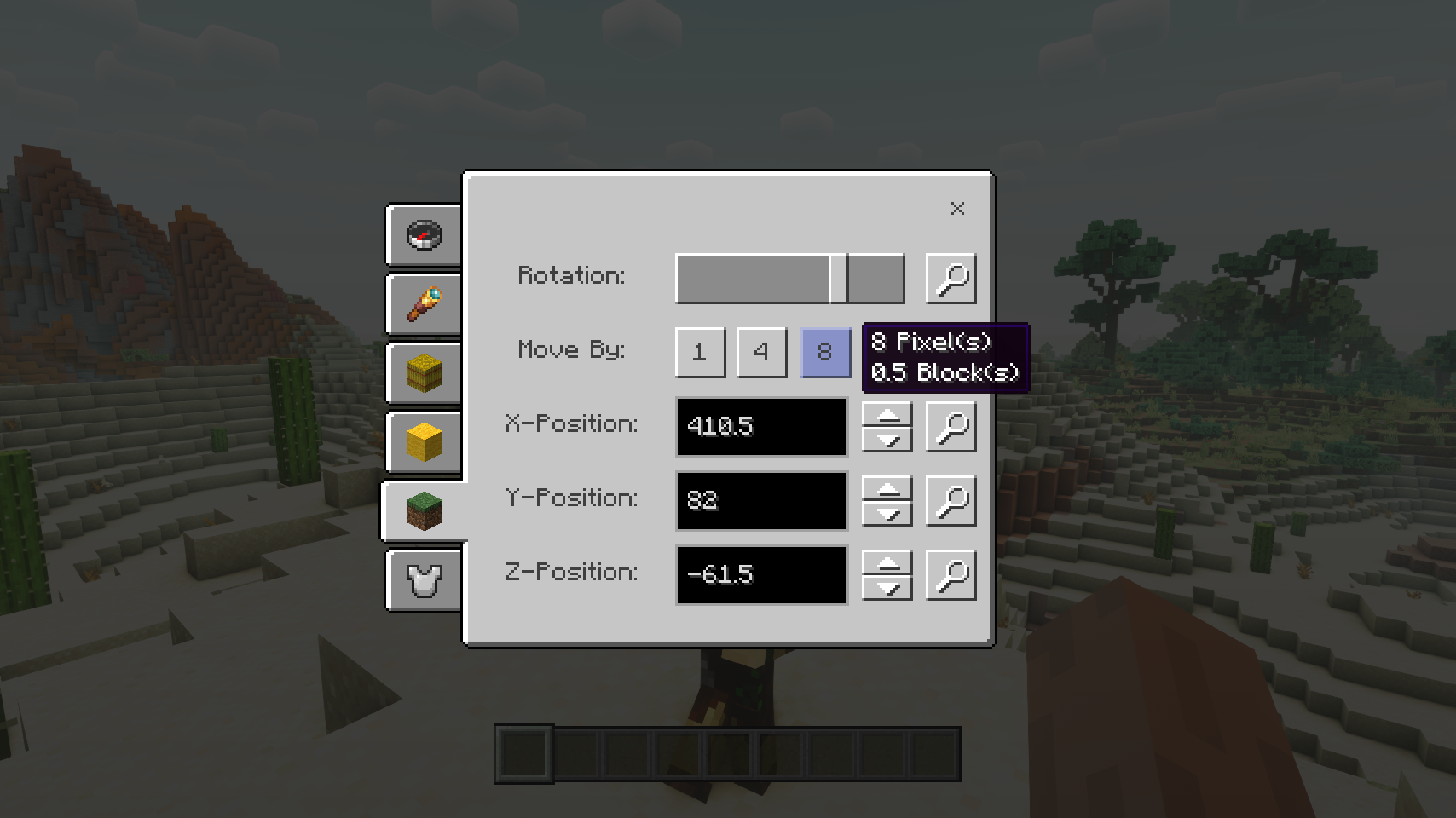
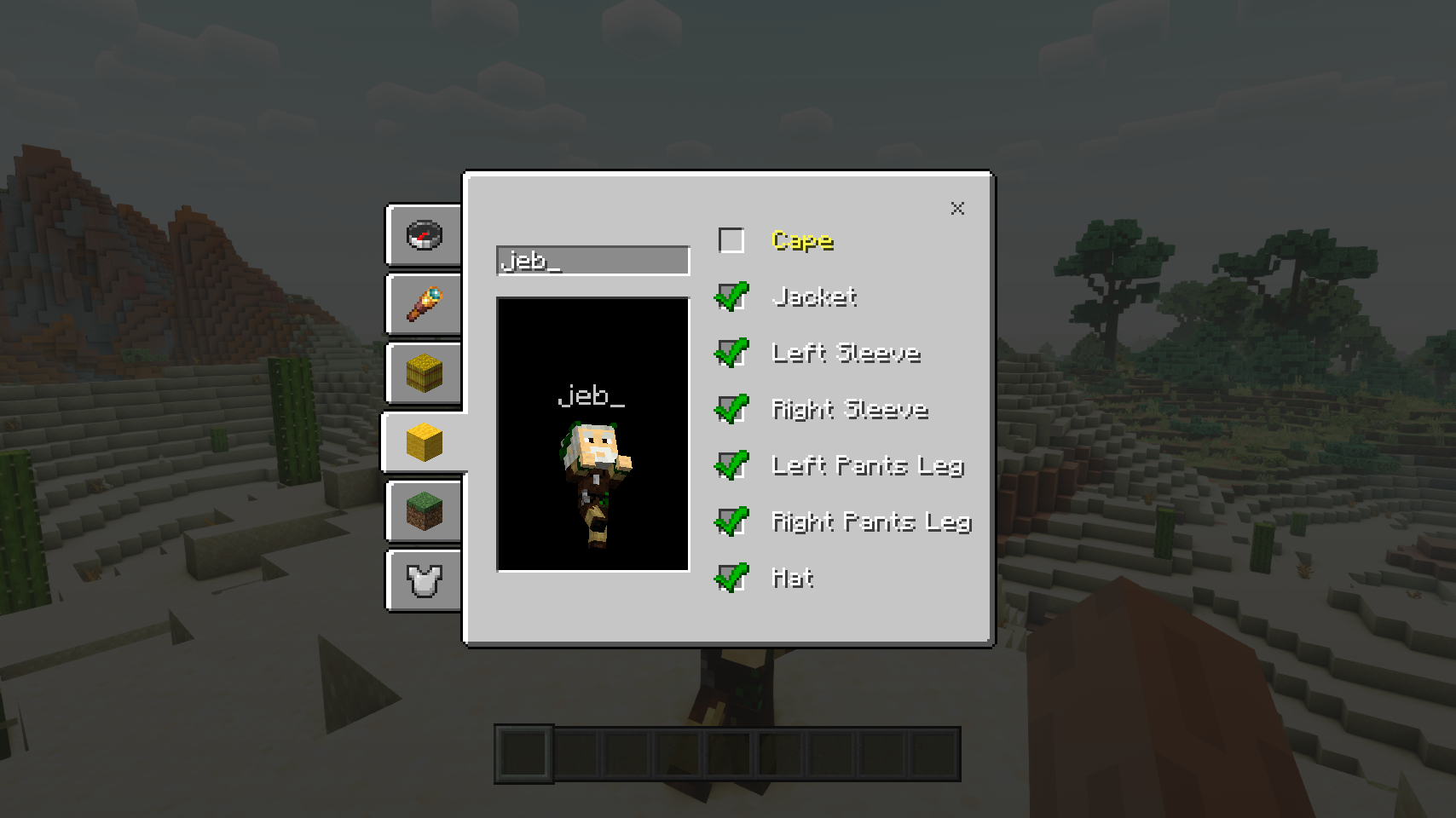
يضيف Straw Statues عنصرًا بسيطًا واحدًا، وعند وضعه في العالم يبدو تمامًا مثل نموذج لاعب مصنوع من القش. وهذا ليس من قبيل المصادفة! افتح شاشة إعدادات التمثال لاختيار أي مظهر تريده، وسيبدو التمثال فجأة تمامًا مثل لاعب حقيقي. وهذه مجرد البداية: جهّز التمثال بالعتاد، واتخذ له الوضعية التي تريدها، وحرّك التمثال بسهولة، واضبط العديد من الخيارات. حان الوقت لإضفاء بعض الحياة على مبانيّاتك!
⏩ التثبيت مطلوب على العميل ومطلوب على الخادم
⏩ يتطلب تثبيت PUZZLES LIB (على FABRIC و NEOFORGE)
⏩ يتطلب تثبيت FABRIC API (على FABRIC)
⏩ يتطلب تثبيت FORGE CONFIG API PORT (على FABRIC)
إذا كان الإعداد متاحًا لأي مود، فيمكن ضبطه مباشرة من داخل اللعبة عبر قائمة المودات (يتطلب تثبيت Mod Menu من Prospector على Fabric).
للضبط اليدوي باستخدام محرر نصوص خارجي، تجد جميع الملفات في .minecraft/config، بأسماء مثل MODID-client.toml أو MODID-common.toml أو MODID-server.toml، حسب نوع الإعداد. وقد لا تكون جميع الأنواع موجودة لأي مود، إن وُجدت أصلًا.
🌟 شكر جزيل لفريق VanillaTweaks على حزمة بيانات Armor Statues، التي كانت مصدر إلهام كبير لهذا المود بأكمله، ووفرت بعض القيم لميزات معينة مثل شاشة المحاذاة وكثير من الوضعيات المدمجة.
🌟 شكرًا لـ ForgeUser41096743 وعلى مود Armor Stand Configurator الذي كان مصدر إلهام كبير وراء هذا المود.
🌟 شكرًا لـ AUTOMATICMAIDEN وعلى مود Statues الذي تستند إليه شاشة التدوير بشكل كبير.
🌟 شكرًا لـ Finalbossblues على أيقوناته الرائعة المتاحة على itch.io.


(c) 2026 @heyitsfuzs. جميع الحقوق محفوظة. آخر تعديل لهذه الصفحة كان في 11 سبتمبر 2026، الساعة 06:44 (UTC).
كيفية تثبيت Straw Statues
With Millida Launcher
Install Millida Launcher
The launcher is free: download it at millida.net/launcher and sign in with any nickname.
Click “Install” on this page
The launcher opens and installs the mod for Minecraft 1.19.2–26.3 on Fabric, Forge or NeoForge automatically.
Launch the game
A profile with it appears in the launcher: click “Play”.
Manually
Install Fabric, Forge or NeoForge
The loader must match the game version of the mod file, for example Minecraft 26.3. After installing it, a separate profile appears in your launcher.
Download the file for your version
In the version list above, pick the file strawstatues-v26.3.0-mc26.3.x+fabric.jar (347 KB) for your game version and loader.
Put it in the mods folder
The folder is inside .minecraft (Windows: %appdata%\.minecraft\mods). If it does not exist, create it.
Launch the loader profile
Open “Mods” in the main menu: Straw Statues should be in the list.
الإصدارات
مع المتطلبات
| Minecraft | المشغّل | الملف | التاريخ | الإجراءات |
|---|---|---|---|---|
| 26.3 | Fabric | v26.3.0-mc26.3.x+fabric347 KB 1 | ||
| 26.3 | NeoForge | v26.3.0-mc26.3.x+neoforge346 KB | ||
| 1.19.2 | Forge | [FORGE] [1.19.2] StrawStatues-v4.0.13288 KB |
الأسئلة الشائعة
Which Minecraft versions does Straw Statues work on?
There are files for 26.3, 1.19.2. The newest is 26.3.
Is Straw Statues for Forge or Fabric?
There are files for Fabric: 26.3, for Forge: 1.19.2 and for NeoForge: 26.3.
Does Straw Statues need other mods?
The author lists no required dependencies: the Fabric, Forge or NeoForge loader is enough.
Where can I download Straw Statues safely?
On this page: the file strawstatues-v26.3.0-mc26.3.x+fabric.jar (347 KB) is stored on Millida’s server, with no link shorteners. SHA-1 checksum: 8ce1b46c2aa2d1fd8bb80aba95086e59f740a6b8.
التقييمات
كن أول من يقيّم Straw Statues


