
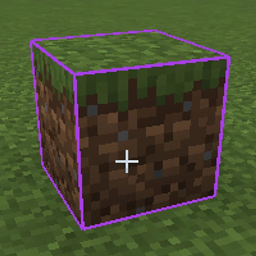
Simple Block Overlay مود لماينكرافت 26.1.2
تعديل بسيط جدًا لتراكب المكعبات
- تنزيلات
- 2 تنزيلات
- مشاهدة
- 13 مشاهدة
- محدّث
- محدّث 18.10.2026
- 26.1 — 26.1.2
 Fabric
Simple Block Overlay
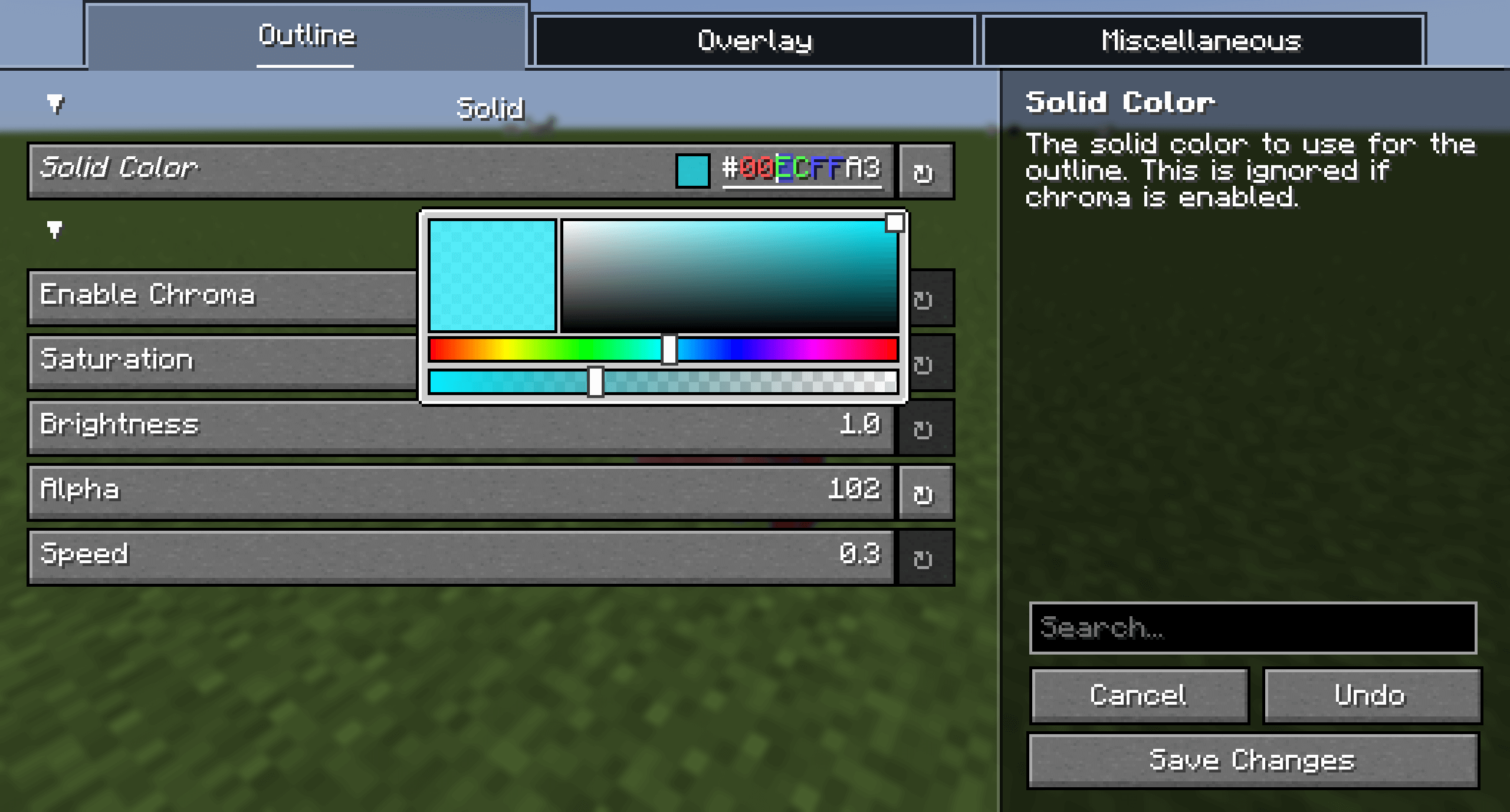
Allows customizing the color and opacity of Minecraft's block overlay.
كيفية تثبيت Simple Block Overlay
With Millida Launcher
Install Millida Launcher
The launcher is free: download it at millida.net/launcher and sign in with any nickname.
Click “Install” on this page
The launcher opens and installs the mod for Minecraft 26.1–26.1.2 on Fabric automatically.
Launch the game
A profile with it appears in the launcher: click “Play”.
Manually
Install Fabric
The loader must match the game version of the mod file, for example Minecraft 26.1.2. After installing it, a separate profile appears in your launcher.
Download the file for your version
In the version list above, pick the file simpleblockoverlay-2.0.0+26.1.2-fabric.jar (164 KB) for your game version.
Put it in the mods folder
The folder is inside .minecraft (Windows: %appdata%\.minecraft\mods). If it does not exist, create it.
Launch the loader profile
Open “Mods” in the main menu: Simple Block Overlay should be in the list.
الإصدارات
مع المتطلبات
| Minecraft | المشغّل | الملف | التاريخ | الإجراءات |
|---|---|---|---|---|
| 26.1 | Fabric | Simple Block Overlay 2.0.0164 KB 2 | ||
| 26.1 | Fabric | Simple Block Overlay 1.6.5171 KB |
التقييمات
كن أول من يقيّم Simple Block Overlay


