

ScreenFX مود لماينكرافت 26.2
مود Fabric من جهة العميل، متوافق مع حزم الموارد، لتحسين جودة الحياة لتغيير الطبقات والتأثيرات على الشاشة
 Fabric
 Quilt
QuiltScreenFX
Customise your overlays and screen effects
Fully client-side & resource pack compatible
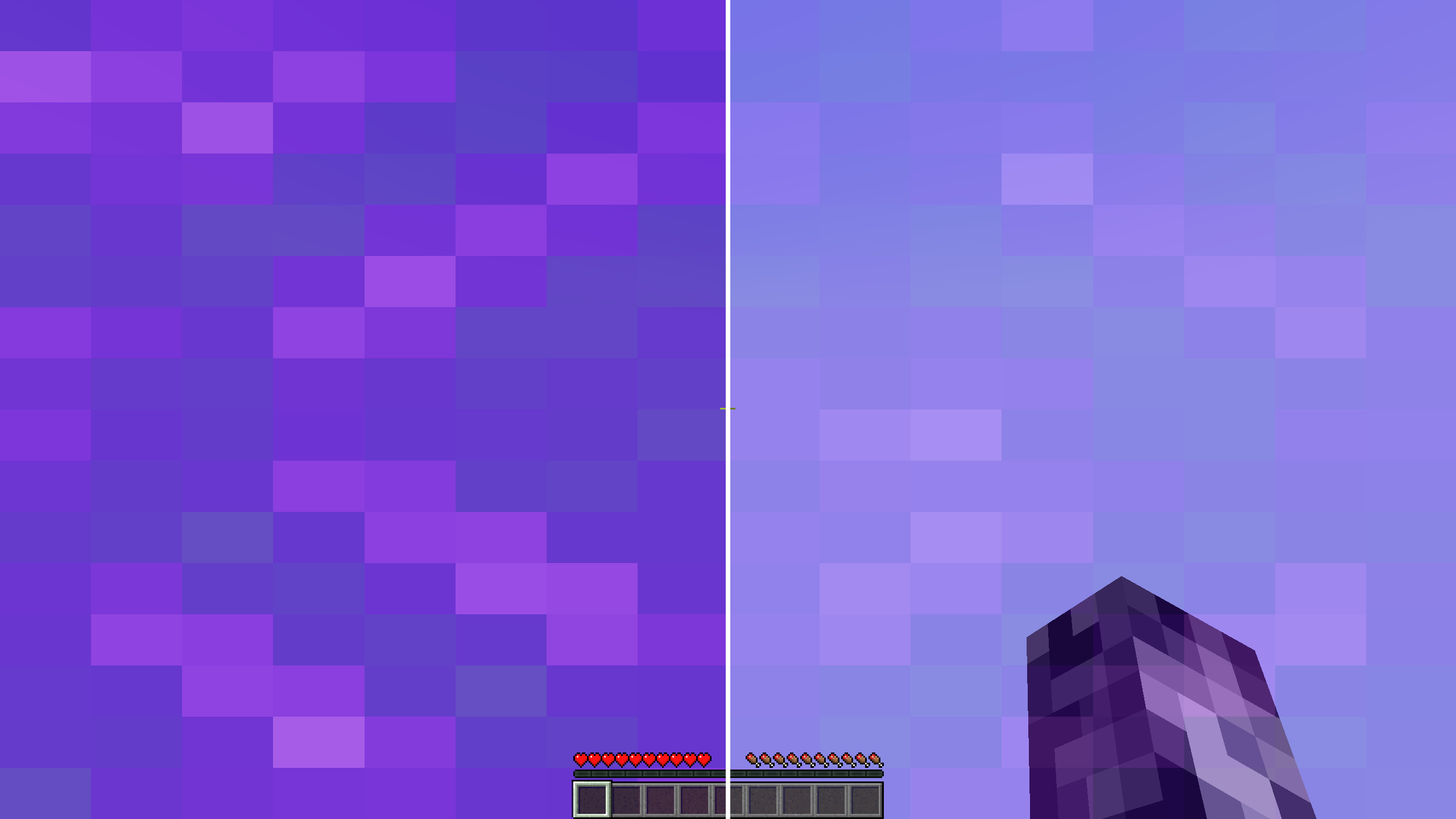
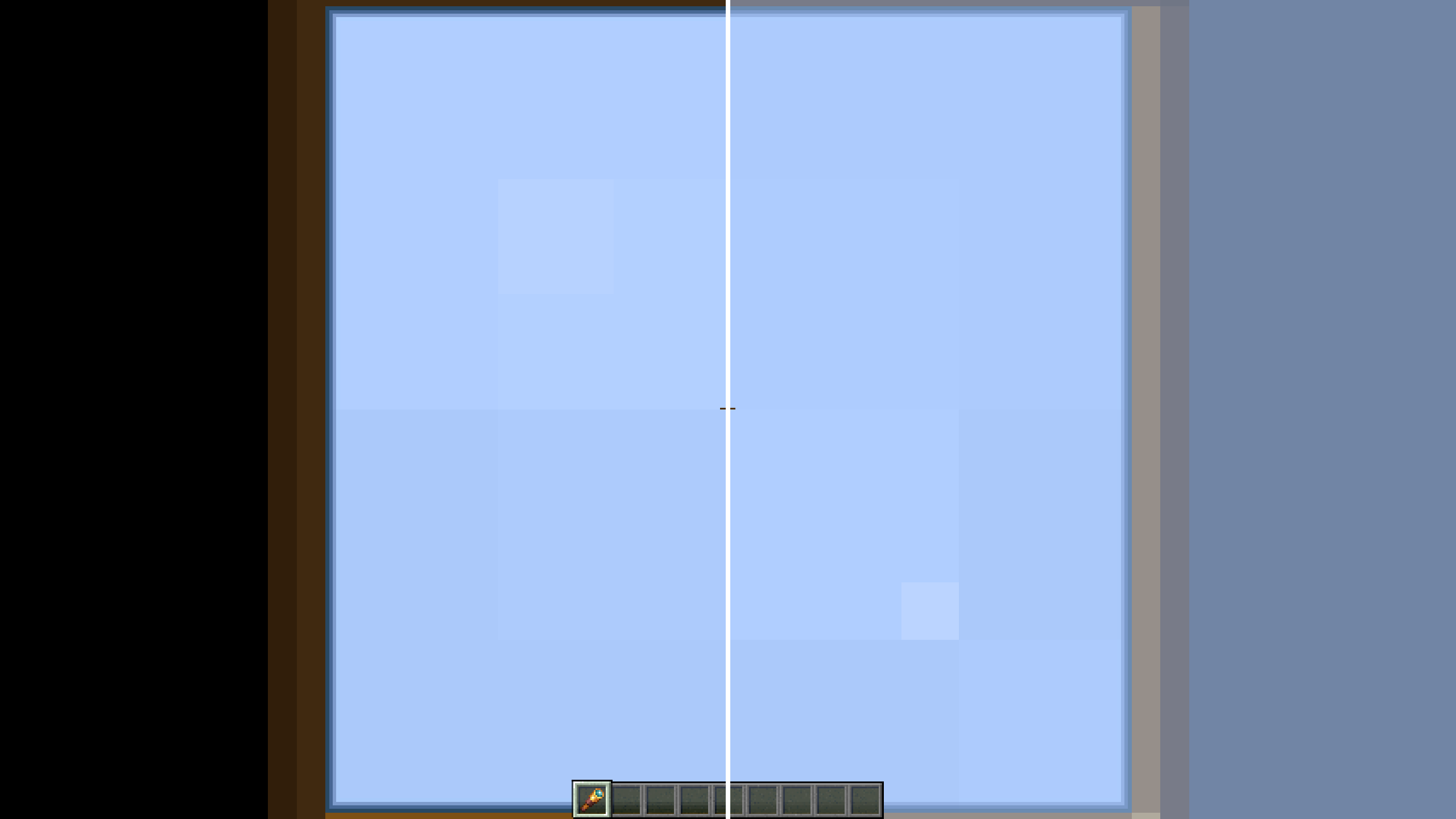
Editable Overlays/Effects:
- First Person Fire
- Underwater Overlay
- Nether Portal Swirls
- Spyglass Scope
- Vignette
- Distortion (Nausea)
- Pumpkin Blur
- Powder Snow Freezing
- Suffocation Overlay
- Elder Guardian Effect
- Totem of Undying Effect
- Held Item Viewmodels
كيفية تثبيت ScreenFX
With Millida Launcher
Install Millida Launcher
The launcher is free: download it at millida.net/launcher and sign in with any nickname.
Click “Install” on this page
The launcher opens and installs the mod for Minecraft 26.2 on Fabric or Quilt automatically.
Launch the game
A profile with it appears in the launcher: click “Play”.
Manually
Install Fabric or Quilt
The loader must match the game version of the mod file, for example Minecraft 26.2. After installing it, a separate profile appears in your launcher.
Download the file for your version
In the version list above, pick the file screenfx-1.5.1+26.2.jar (63 KB) for your game version and loader.
Put it in the mods folder
The folder is inside .minecraft (Windows: %appdata%\.minecraft\mods). If it does not exist, create it.
Launch the loader profile
Open “Mods” in the main menu: ScreenFX should be in the list.
الإصدارات
مع المتطلبات
| Minecraft | المشغّل | الملف | التاريخ | الإجراءات |
|---|---|---|---|---|
| 26.2 | Fabric, Quilt | ScreenFX v1.5.162.5 KB 1 |
التقييمات
كن أول من يقيّم ScreenFX


