
حول مود Runic Dungeons
في هذا المود، ستجد في المعابد قطعة أثرية نادرة.
هذه القطعة الأثرية، المعروفة باسم 'الطباشير السحري'، يبدو أن لها خصائص غريبة.
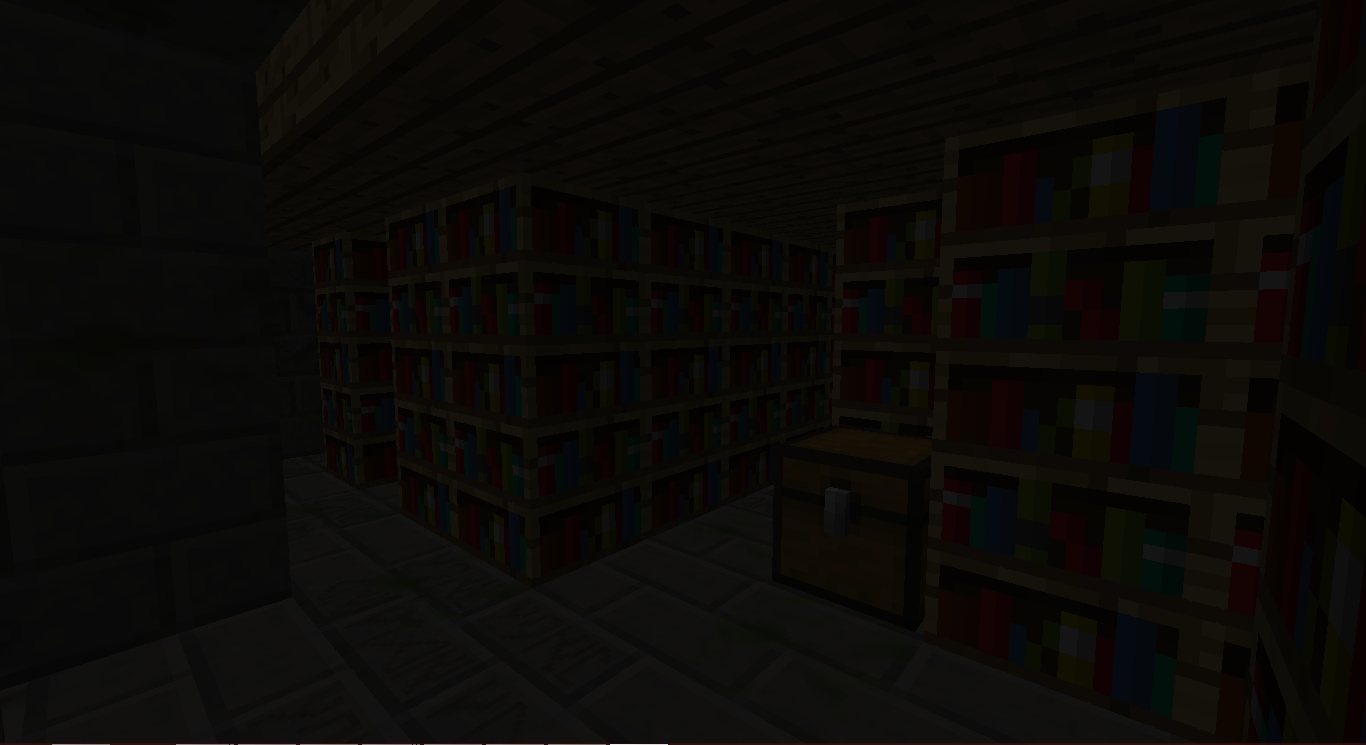
تتساءل فيما قد تُستخدم...
مغامرتك تبدأ!
كيفية الاستخدام:
اعثر على طباشير سحري في JungleTemple أو DesertTemple.
اصنع عصا سحرية.
أنشئ أحد البوابات:
انقر بزر الفأرة الأيمن على أحد Chiseled Stone Bricks في البنية والعصا السحرية في يدك.
ستتشكل بنية.
انقر بزر الفأرة الأيمن على البوابة في منتصف البنية للسفر إلى Runic Dungeons.
بمجرد وصولك هناك، يمكنك النقر بزر الفأرة الأيمن على البوابة مرة أخرى لمغادرة البُعد.
النقر بزر الفأرة الأيمن على Keyholes باستخدام Dungeon Keys سيفتحها.
كل غرفة في الزنزانة تحتوي على Dungeon Key مخفي. لا تُهدرها.
قاتل الوحوش، اجمع الغنائم، واستكشف!
العناصر
Magical Chalk - يسمح لك بالسفر إلى Runic Dungeons
Dungeon Key - يُستخدم لفتح Dungeon Keyholes
Baubles
هذا المود متكامل مع Azanor’s Baubles. هذه العناصر ستعمل فقط إذا كان Baubles مثبتًا لديك، لكن ليس مطلوبًا الحصول عليها للتقدم في المود. ومع ذلك، أنصحك بإضافته، فهي رائعة جدًا.
التمائم:
Amulet of the Wind - يمنحك السرعة
Amulet of the Earth - يمنحك Haste
Amulet of Strength - يمنحك القوة
Amulet of Leaping - يمنحك Jump Boost
Amulet of Healing - يمنحك التجدد
Ironskin Amulet - يمنحك المقاومة
Amulet of the Blaze - يمنحك مقاومة النار
Amulet of the Ocean - يمنحك التنفس تحت الماء
Amulet of the Night - يمنحك الرؤية الليلية
الأحزمة:
Dye Belts - تغيّر لون أي صوف/صبغة في مخزونك إلى لون الحزام (مليء بالأخطاء)
Arrow Belt - أي سهم معك لديه فرصة صغيرة للسقوط وحصولك على السهم.
Belt of Flight - يمنحك الطيران
Ender Belt - عند تلقي الضرر، ستنتقل بعيدًا. (باستثناء بُعد Runic Dungeons)
الإنجازات:
Off We Go! - أنشئ بوابة Runic Dungeons
The Key to Progress! - استخدم Dungeon Key
أذونات حزم المودات:
تفضل! لا حاجة للسؤال!
مع أنني سأحب لو أخبرتني لكن ذلك غير مطلوب.
Runic Dungeons by MrComputerGhost is licensed under a Creative Commons Attribution-NonCommercial-NoDerivatives 4.0 International License.
كيفية تثبيت Runic Dungeons
With Millida Launcher
Install Millida Launcher
The launcher is free: download it at millida.net/launcher and sign in with any nickname.
Click “Install” on this page
The launcher opens and installs the mod for Minecraft 1.7.10 automatically.
Launch the game
A profile with it appears in the launcher: click “Play”.
Manually
Download the file for your version
In the version list above, pick the file RunicDungeons-1.1.7b.jar (685 KB) for your game version.
Put it in the mods folder
The folder is inside .minecraft (Windows: %appdata%\.minecraft\mods). If it does not exist, create it.
Launch the loader profile
Open “Mods” in the main menu: Runic Dungeons should be in the list.
Minecraft 1.7.10 runs on Java 8: with a different Java version the game may close right after launch.
الإصدارات
مع المتطلبات
| Minecraft | المشغّل | الملف | التاريخ | الإجراءات |
|---|---|---|---|---|
| 1.7.10 | — | Runic Dungeons v1.1.7b685 KB | ||
| 1.7.10 | — | Runic Dungeons v0.9.7b406 KB |
الأسئلة الشائعة
Which Minecraft versions does Runic Dungeons work on?
Only Minecraft 1.7.10: there are no files for other versions.
Which Java does Runic Dungeons need?
Minecraft 1.7.10 runs on Java 8. If the game closes right after launch, the usual cause is the wrong Java version in the profile settings.
Where can I download Runic Dungeons safely?
On this page: the file RunicDungeons-1.1.7b.jar (685 KB) is stored on Millida’s server, with no link shorteners. SHA-1 checksum: 1df562694aed00055a318b19fc9bb172ce157798.
التقييمات
كن أول من يقيّم Runic Dungeons


