
MythicBotany مود لماينكرافت 1.20.1, 1.16.5
تعمّق أكثر في عالم botania
- تنزيلات
- 10 تنزيلات
- مشاهدة
- 65 مشاهدة
- محدّث
- محدّث 27.10.2026
- 1.16.3 — 1.20.1
 Forge
Forge
حول مود MythicBotany
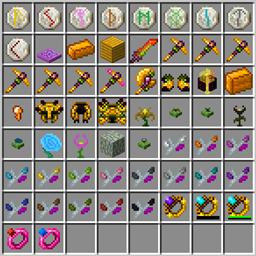
MythicBotany هو مود يوسّع بوتانيا قليلاً. بعض ميزاته مذكورة أدناه:
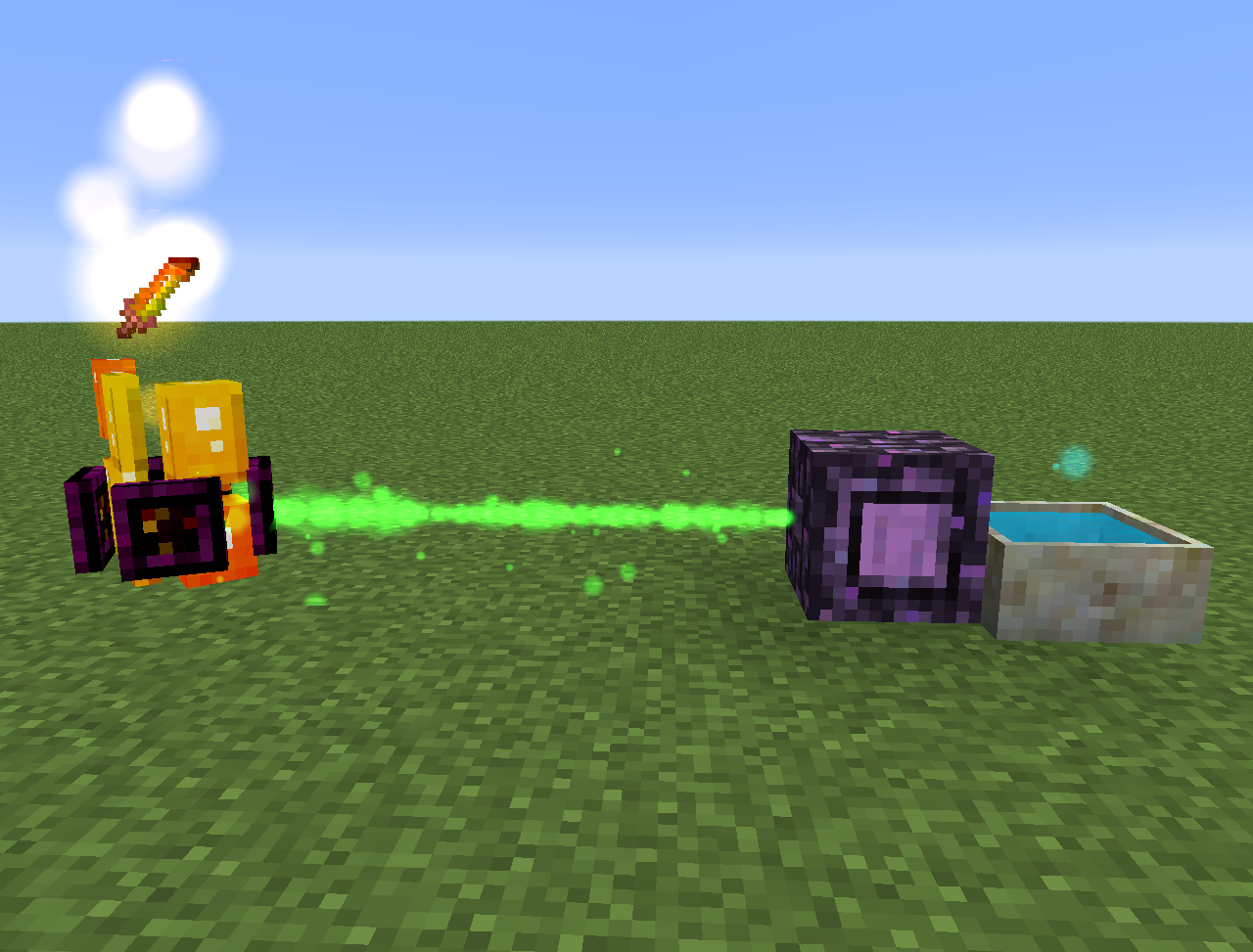
- ناقلة المانا: ترقية لصفيحة التكتل الأرضية تتطلب ذهبًا وحجر الشيمر تحتها وبجانبها، وبالإضافة إلى Terrasteel تتيح إنشاء Alfsteel.
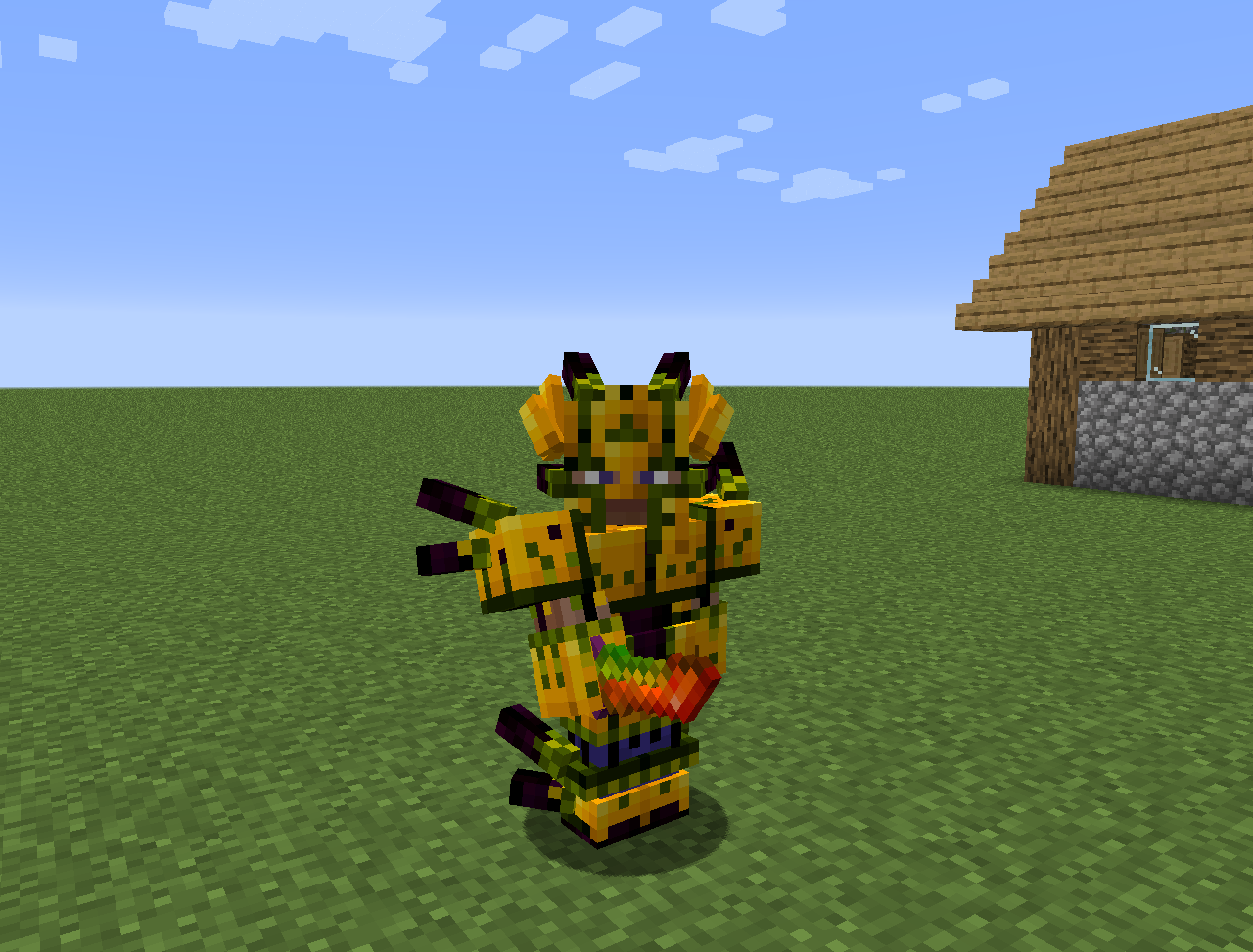
- Alfsteel: يُصنع مثل Terrasteel لكن بموارد ألفهايم. يمكن استخدامه لصنع درع أفضل وأبراج وأشياء أخرى.
- بعض الزهور الجديدة:
- Wither Aconite: ينتج مانا من نجوم النيثر
- Exoblaze: يملأ وقود حاملات التخمير بالمانا
- Hellebore: يمنع البوغلن والهوغلن من التحول إلى زومبي في العالم العادي
- Aquapanthus: يملأ مباخر البتلات والمراجل القريبة.
- Raindeletia: ينتج مانا عندما تمطر. يجب أن يكون له رؤية واضحة للسماء. ضعه على العشب النابض أو التربة المسحورة ليجعل إنتاجه للمانا أكثر.
- كما يضيف بُعد ألفهايم وبعض المحتوى من الأساطير الإسكندنافية
كل شيء يمكن العثور عليه أيضًا في lexica botania.
كيفية تثبيت MythicBotany
With Millida Launcher
Install Millida Launcher
The launcher is free: download it at millida.net/launcher and sign in with any nickname.
Click “Install” on this page
The launcher opens and installs the mod for Minecraft 1.16.3–1.20.1 on Forge automatically.
Launch the game
A profile with it appears in the launcher: click “Play”.
Manually
Install Forge
The loader must match the game version of the mod file, for example Minecraft 1.20.1. After installing it, a separate profile appears in your launcher.
Download the file for your version
In the version list above, pick the file MythicBotany-1.20.1-4.0.4.jar (2.1 MB) for your game version.
Put it in the mods folder
The folder is inside .minecraft (Windows: %appdata%\.minecraft\mods). If it does not exist, create it.
Launch the loader profile
Open “Mods” in the main menu: MythicBotany should be in the list.
Minecraft 1.20.1 runs on Java 17: with a different Java version the game may close right after launch.
الإصدارات
مع المتطلبات
| Minecraft | المشغّل | الملف | التاريخ | الإجراءات |
|---|---|---|---|---|
| 1.20.1 | Forge | MythicBotany-1.20.1-4.0.4.jar2.1 ميغابايت 8 | ||
| 1.18.1 | Forge | MythicBotany-1.18.1-2.0.2.jar2 ميغابايت | ||
| 1.16.5 | Forge | MythicBotany-1.16.4-1.3.7.jar2 ميغابايت 2 | ||
| 1.16.3 | — | MythicBotany-1.16.3-1.0.0.jar403 KB |
الأسئلة الشائعة
Which Minecraft versions does MythicBotany work on?
There are files for 1.20.1, 1.18.1, 1.16.5, 1.16.4, 1.16.3. The newest is 1.20.1.
Is MythicBotany for Forge or Fabric?
Only for Forge: 1.16.4–1.20.1. There are no files for Fabric or NeoForge: a mod for another loader will not start.
Does MythicBotany need other mods?
The author lists no required dependencies: the Forge loader is enough.
Which Java does MythicBotany need?
Minecraft 1.20.1 runs on Java 17. If the game closes right after launch, the usual cause is the wrong Java version in the profile settings.
Where can I download MythicBotany safely?
On this page: the file MythicBotany-1.20.1-4.0.4.jar (2.1 MB) is stored on Millida’s server, with no link shorteners. SHA-1 checksum: b616c118d611459a0711931c51c9c4d41408abb4.
التقييمات
كن أول من يقيّم MythicBotany


