
Loading Backgrounds مود لماينكرافت 26.1.2
تخصيص خلفية تحميل اللعبة، ووضع صور قابلة للتخصيص.
 NeoForge
 Fabric
 Forge
Forgeحول مود Loading Backgrounds
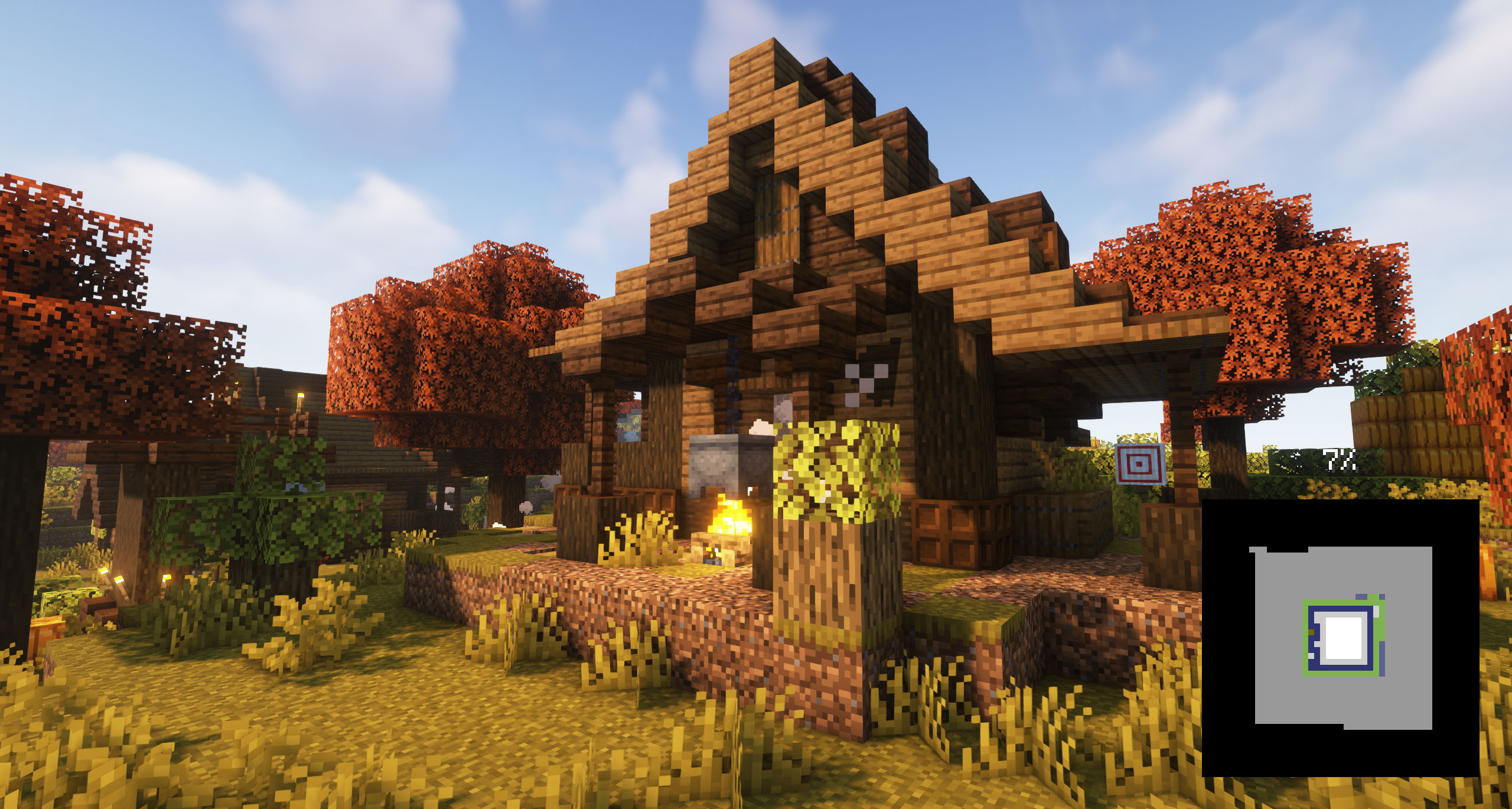
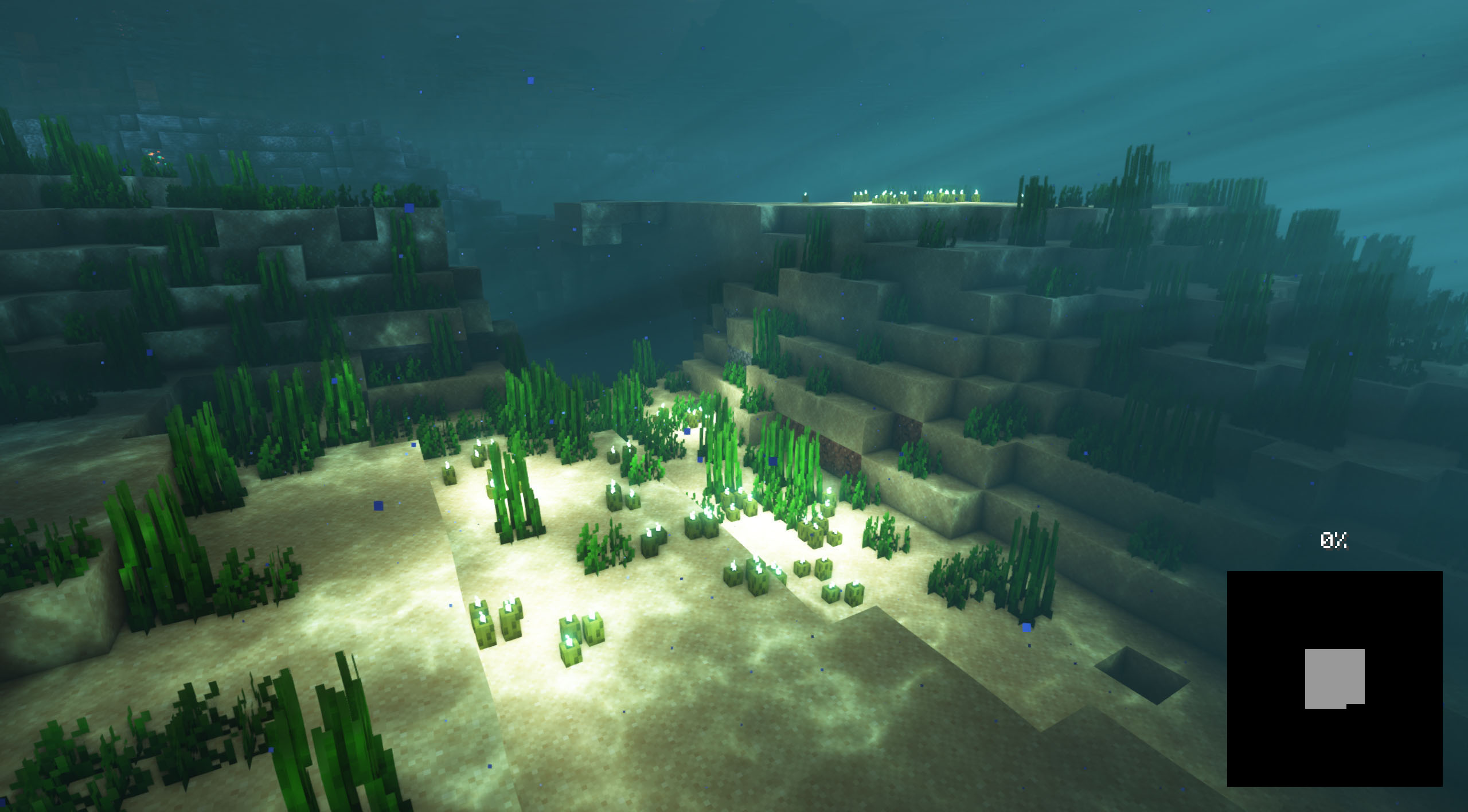
مع هذا المود ستتمكن من تخصيص خلفية شاشات التحميل في لعبة ماينكرافت، بوضع أي نوع من الصور القابلة للتخصيص. يُوصى به لجميع صانعي مودبكات الذين يريدون إعطاء إحساس أفضل لمحتوياتهم، بتحميل صور المودبك ووضعها كخلفية.
هل تحتاج إلى سيرفر للعب مع أصدقائك؟
إذا كنت تبحث عن سيرفر للعب أي مود أو مودبك مع أصدقائك، فإن Bisect Hosting هو الحل! لديهم أفضل سيرفرات ماينكرافت من حيث الجودة والسعر، وإذا نقرت على هذا الرابط ستحصل على خصم 25٪ باستخدام الكود "Lupin".
لإضافة صور الخلفية، ستحتاج إلى إنشاء حزمة موارد تحتوي على المجلد /assets/minecraft/textures/gui/backgrounds/ ووضع ملفات صور .png بداخله. من الأفضل تسميتها image1.png، image2.png، image3.png، وهكذا.
إذا اكتشف المود أنه لا توجد صور تحميل مفعّلة حاليًا، فسيبحث عن أي حزم موارد تحتوي أسماؤها على "loading" و"background"، ثم يفعّل تلك الحزم.
من الضروري وضع ملف pack.mcmeta. أنشئ مفكرة بهذا الاسم وضع النص التالي:
{ "pack": { "packformat": 15, "description": "Loading Backgrounds images" } }
أيضًا، يمكنك الاطلاع على حزمة الموارد هذه كمثال.
لقد أنشأنا أيضًا بعض حزم الموارد الرائعة من أجلك! يمكنك تثبيتها أو إنشاء حزمتك الخاصة.
- Loading Backgrounds - Loading Images
- Loading Backgrounds - Structures
- Loading Backgrounds - Oceans
Loading Backgrounds ممكن بفضل عمل Luavixen!
هل يعمل على السيرفرات؟
بالتأكيد! إنه يعمل بشكل ممتاز! تذكر أن أفضل طريقة للعب مع المودات والأصدقاء هي عبر BisectHosting، وبالنقر على هذا الرابط يمكنك الحصول على خصم 25٪.
هل يمكن استخدام هذا المود في المودبكات؟
بالطبع! طالما أنه يُنشر فقط على Modrinth أو CurseForge. رفعه إلى أي منصة أخرى سيكون انتهاكًا لحقوقنا وغير مسموح به إطلاقًا.
ومع ذلك، نكون ممتنين حقًا إذا فكرت في إضافته إلى مودبك على Modrinth أو CurseForge. إذا كنت بحاجة إلى أي تغييرات بسيطة أو لديك أي أسئلة، تواصل معنا!
هل يمكنني تسجيل فيديو لهذا المود وعرضه على قناتي؟
بالتأكيد، أنت حر في لعب هذا المود أو أي من مودبكاتنا على قناتك وعمل فيديو عنه، بل سنكون ممتنين جدًا لذلك!
كيفية تثبيت Loading Backgrounds
With Millida Launcher
Install Millida Launcher
The launcher is free: download it at millida.net/launcher and sign in with any nickname.
Click “Install” on this page
The launcher opens and installs the mod for Minecraft 1.21.2–26.1.2 on Fabric, Forge or NeoForge automatically.
Launch the game
A profile with it appears in the launcher: click “Play”.
Manually
Install Fabric, Forge or NeoForge
The loader must match the game version of the mod file, for example Minecraft 26.1.2. After installing it, a separate profile appears in your launcher.
Download the file for your version
In the version list above, pick the file loadingbackgrounds-neoforge-mc26.1.2-1.8.1.jar (55 KB) for your game version and loader.
Put it in the mods folder
The folder is inside .minecraft (Windows: %appdata%\.minecraft\mods). If it does not exist, create it.
Launch the loader profile
Open “Mods” in the main menu: Loading Backgrounds should be in the list.
الإصدارات
مع المتطلبات
| Minecraft | المشغّل | الملف | التاريخ | الإجراءات |
|---|---|---|---|---|
| 26.1 | NeoForge | [NeoForge] Loading Backgrounds - MC 26.1.2 - 1.8.154.7 KB | ||
| 26.1 | Fabric | [Fabric] Loading Backgrounds - MC 26.1.2 - 1.8.155.2 KB | ||
| 1.21.4 | Forge | [Forge] Loading Backgrounds - MC 1.21.X - 2.0.0170 KB |
الأسئلة الشائعة
Which Minecraft versions does Loading Backgrounds work on?
There are files for 26.1.2, 26.1.1, 26.1, 1.21.4, 1.21.3, 1.21.2. The newest is 26.1.2.
Is Loading Backgrounds for Forge or Fabric?
There are files for Fabric: 26.1–26.1.2, for Forge: 1.21.2–1.21.4 and for NeoForge: 26.1–26.1.2.
Does Loading Backgrounds need other mods?
The author lists no required dependencies: the Fabric, Forge or NeoForge loader is enough.
Where can I download Loading Backgrounds safely?
On this page: the file loadingbackgrounds-neoforge-mc26.1.2-1.8.1.jar (55 KB) is stored on Millida’s server, with no link shorteners. SHA-1 checksum: 1ccf29c3ee78d3ceec51c0e8e856d40bbb55d5d0.
التقييمات
كن أول من يقيّم Loading Backgrounds


