
 NeoForge
Immersive Energistics
إضافة الدعم الرسمية من Immersive Engineering لـ AE2. تضيف حالياً أسلاكاً قادرة على نقل ME.
ME Connector
تسمح موصلات ME بتوصيل الأسلاك بأجهزة وكابلات AE2. وهي تقبل اتصال سلك ME واحد فقط (كثيف أو غير كثيف).
ME Relay
تقبل مرحّلات ME اتصالات أسلاك ME متعددة، لكنها لا تتصل بأجهزة وكابلات AE2.
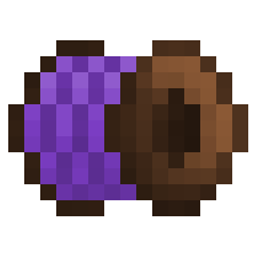
ME Wire Coil
أسلاك ME القياسية. يمكنها نقل ما يصل إلى 8 قنوات (مع وضع القنوات الافتراضي في AE2).
Dense ME Wire Coil
أسلاك ME الكثيفة. يمكنها نقل ما يصل إلى 32 قناة (مع وضع القنوات الافتراضي في AE2).
كيفية تثبيت Immersive Energistics
With Millida Launcher
Install Millida Launcher
The launcher is free: download it at millida.net/launcher and sign in with any nickname.
Click “Install” on this page
The launcher opens and installs the mod for Minecraft 1.21.1 on NeoForge automatically.
Launch the game
A profile with it appears in the launcher: click “Play”.
Manually
Install NeoForge
The loader must match the game version of the mod file, for example Minecraft 1.21.1. After installing it, a separate profile appears in your launcher.
Download the file for your version
In the version list above, pick the file Immersive-Energistics-1.1.0-beta.jar (40 KB) for your game version.
Put it in the mods folder
The folder is inside .minecraft (Windows: %appdata%\.minecraft\mods). If it does not exist, create it.
Launch the loader profile
Open “Mods” in the main menu: Immersive Energistics should be in the list.
Minecraft 1.21.1 runs on Java 21: with a different Java version the game may close right after launch.
الإصدارات
مع المتطلبات
| Minecraft | المشغّل | الملف | التاريخ | الإجراءات |
|---|---|---|---|---|
| 1.21.1 | NeoForge | 1.1.0-beta39.6 KB 6 |
التقييمات
كن أول من يقيّم Immersive Energistics


