

Formations Nether مود لماينكرافت 1.21.1, 1.21
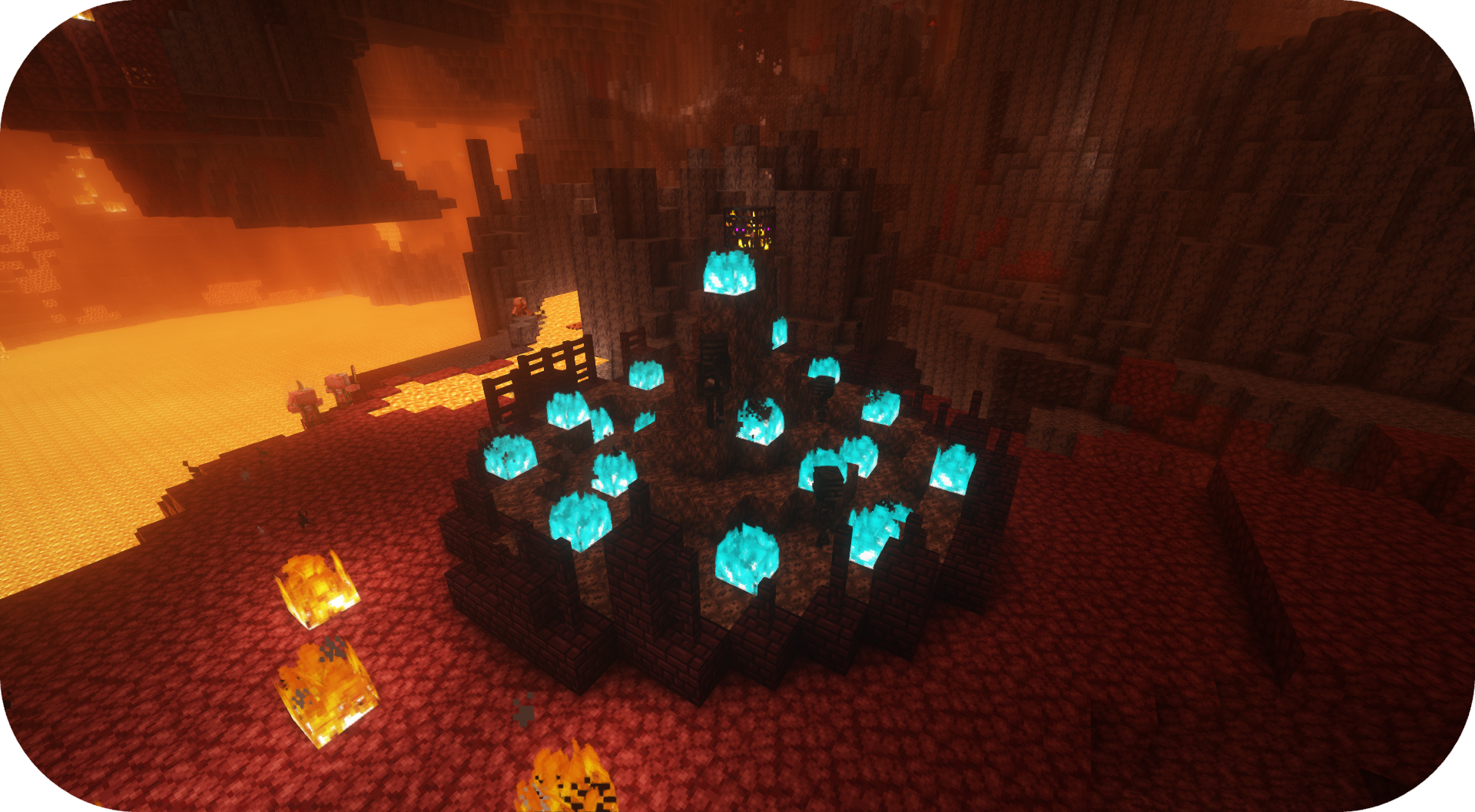
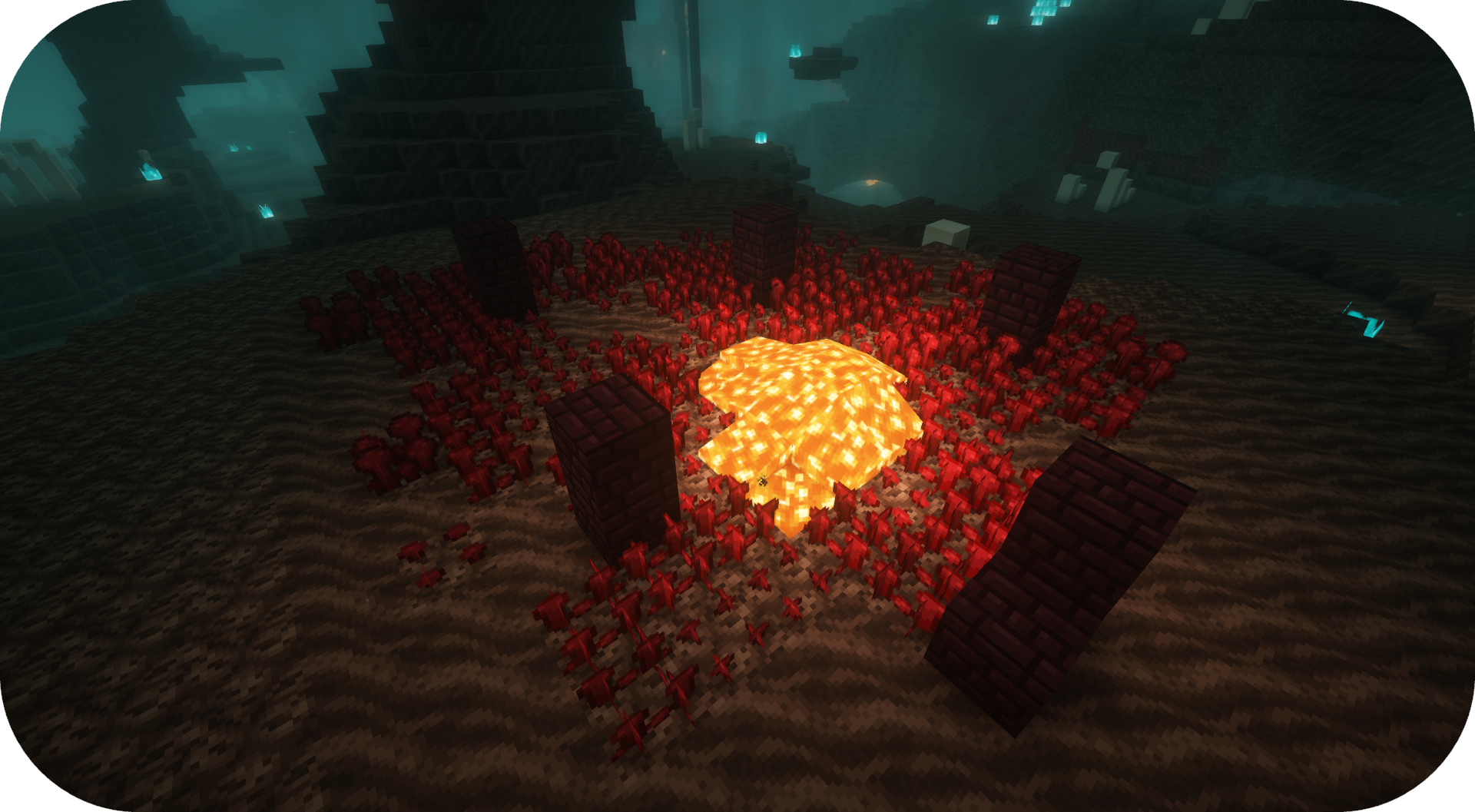
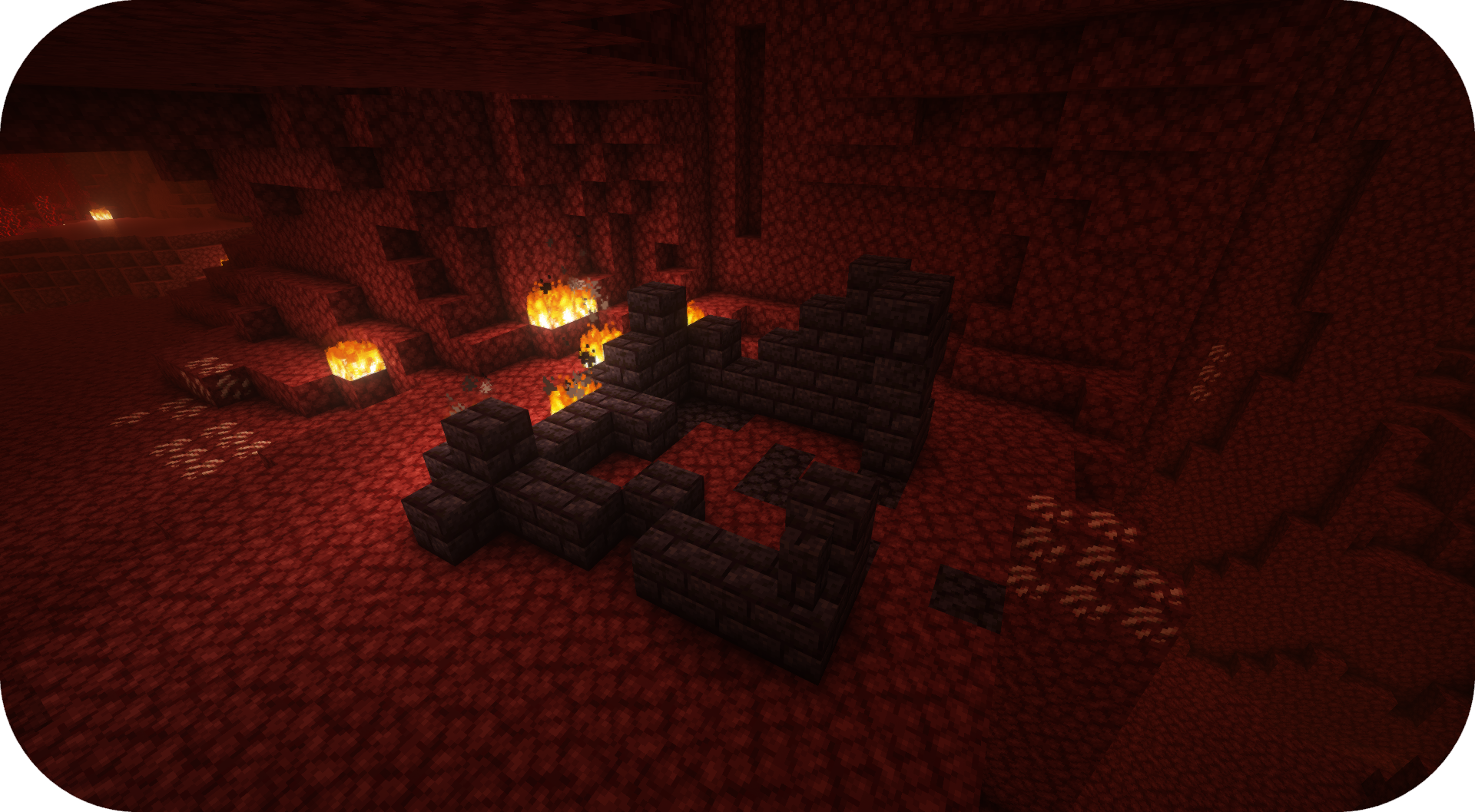
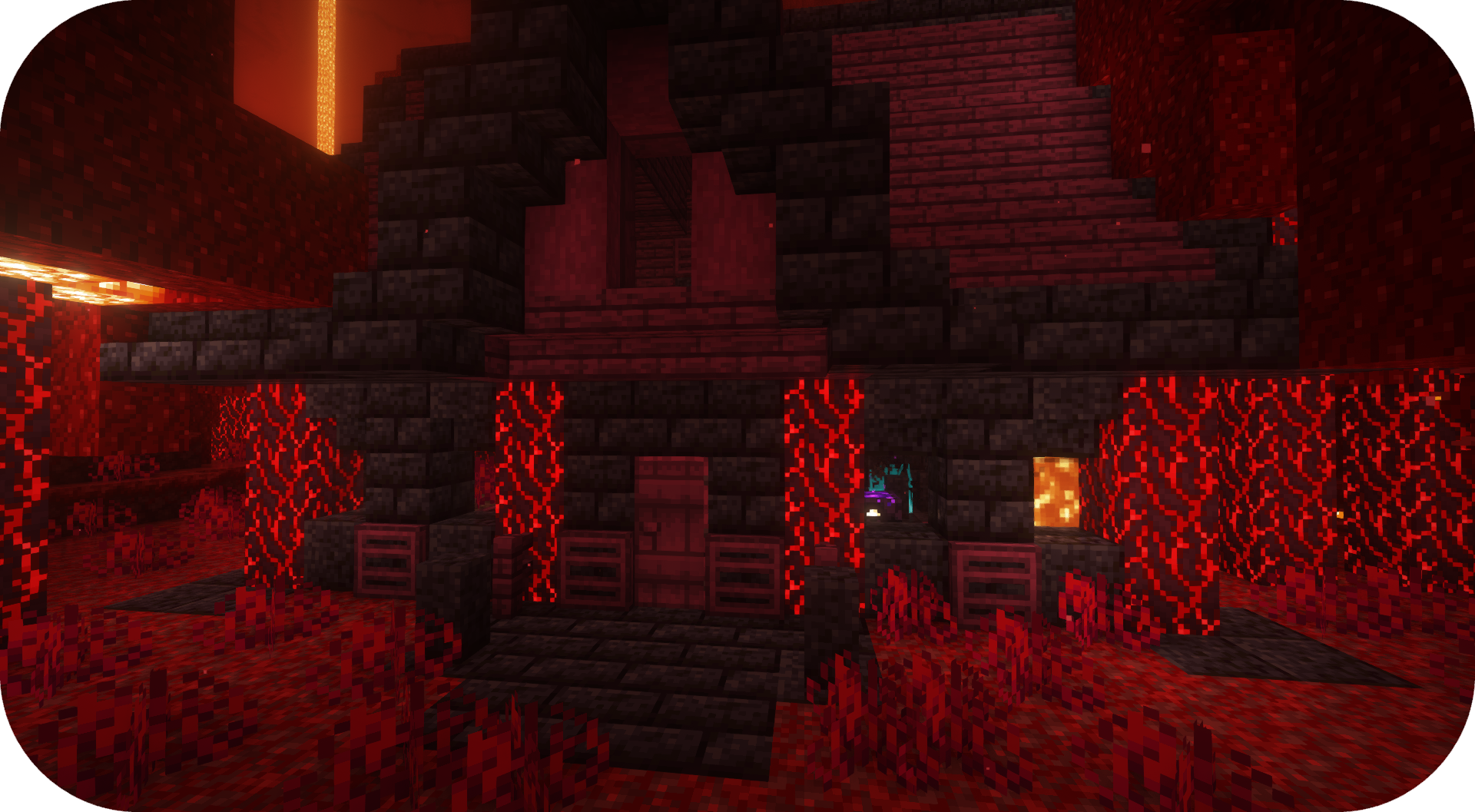
Formations Nether يضيف الكثير من البنى الجديدة إلى النيذر!
 Fabric
 Forge
Forge NeoForge
 Quilt
QuiltFormations Nether يضيف مجموعة من الهياكل الجديدة إلى النيذر!
الهياكل
بعض الأمثلة على الهياكل التي يمكنك العثور عليها في Formations Nether. لمزيد من الصور، يمكنك الاطلاع على معرض الصور.
الأسئلة الشائعة
هل يمكنني استخدام المود الخاص بك في حزمة المودات الخاصة بي؟ نعم، لا تتردد في استخدام المود الخاص بي في حزمة المودات الخاصة بك

ديسكورد
للمحتوى المستقبلي والمودات القادمة والنقاش، لا تتردد في الانضمام إلى سيرفر ديسكورد SuperMartijn642! [ ](https://discord.gg/QEbGyUYB2e)

كيفية تثبيت Formations Nether
With Millida Launcher
Install Millida Launcher
The launcher is free: download it at millida.net/launcher and sign in with any nickname.
Click “Install” on this page
The launcher opens and installs the mod for Minecraft 1.21–26.3 on Fabric, Forge, NeoForge or Quilt automatically, together with its dependencies: Formations (Structure Library).
Launch the game
A profile with it appears in the launcher: click “Play”.
Manually
Install Fabric, Forge, NeoForge or Quilt
The loader must match the game version of the mod file, for example Minecraft 26.3. After installing it, a separate profile appears in your launcher.
Download the file for your version
In the version list above, pick the file formationsnether-1.0.5b-mc1.21+.jar (323 KB) for your game version and loader.
Put it in the mods folder
The folder is inside .minecraft (Windows: %appdata%\.minecraft\mods). If it does not exist, create it. Required dependencies go there too: Formations (Structure Library).
Launch the loader profile
Open “Mods” in the main menu: Formations Nether should be in the list.
On a server
A server on Fabric, Forge, NeoForge or Quilt
The mod only works on a server with the same loader and game version, for example 26.3.
File goes into the server’s mods folder
Stop the server, put the mod file into the mods folder and start the server again.
Use the “To server” button
On Millida Hosting, the button at the top of the page uploads the file to your server and restarts it for you.
الإصدارات
مع المتطلبات
| Minecraft | المشغّل | الملف | التاريخ | الإجراءات |
|---|---|---|---|---|
| 26.3 | Fabric, Forge, NeoForge, Quilt | 26.3323 KB 14 | ||
| 26.1 | Fabric, Forge, NeoForge, Quilt | 26.1920 KB 1 | — |
ما يلزم لتشغيله
التقييمات
كن أول من يقيّم Formations Nether


