
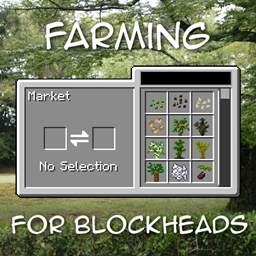
Farming for Blockheads مود لماينكرافت 1.21.1, 1.16.5
يضيف سوقًا قابلة للتخصيص وصندوق شحن ورشاشات والمزيد من أدوات الزراعة.
 NeoForge
 Fabric
 Forge
Forgeحول مود Farming for Blockheads
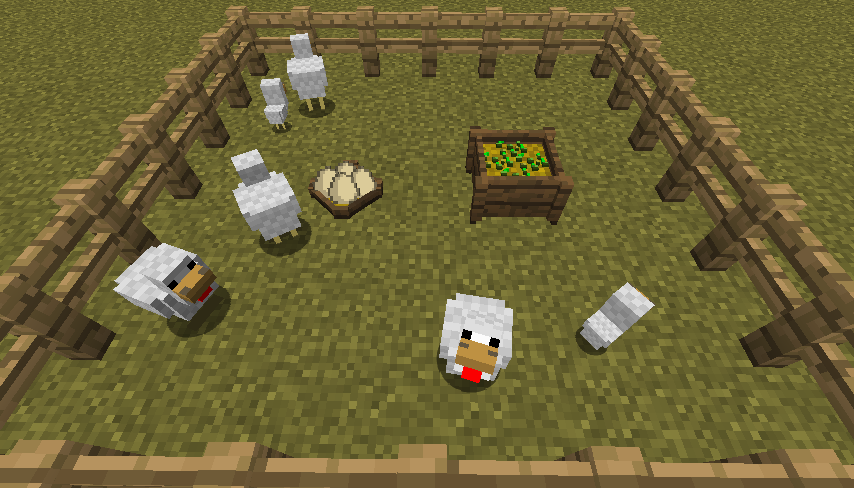
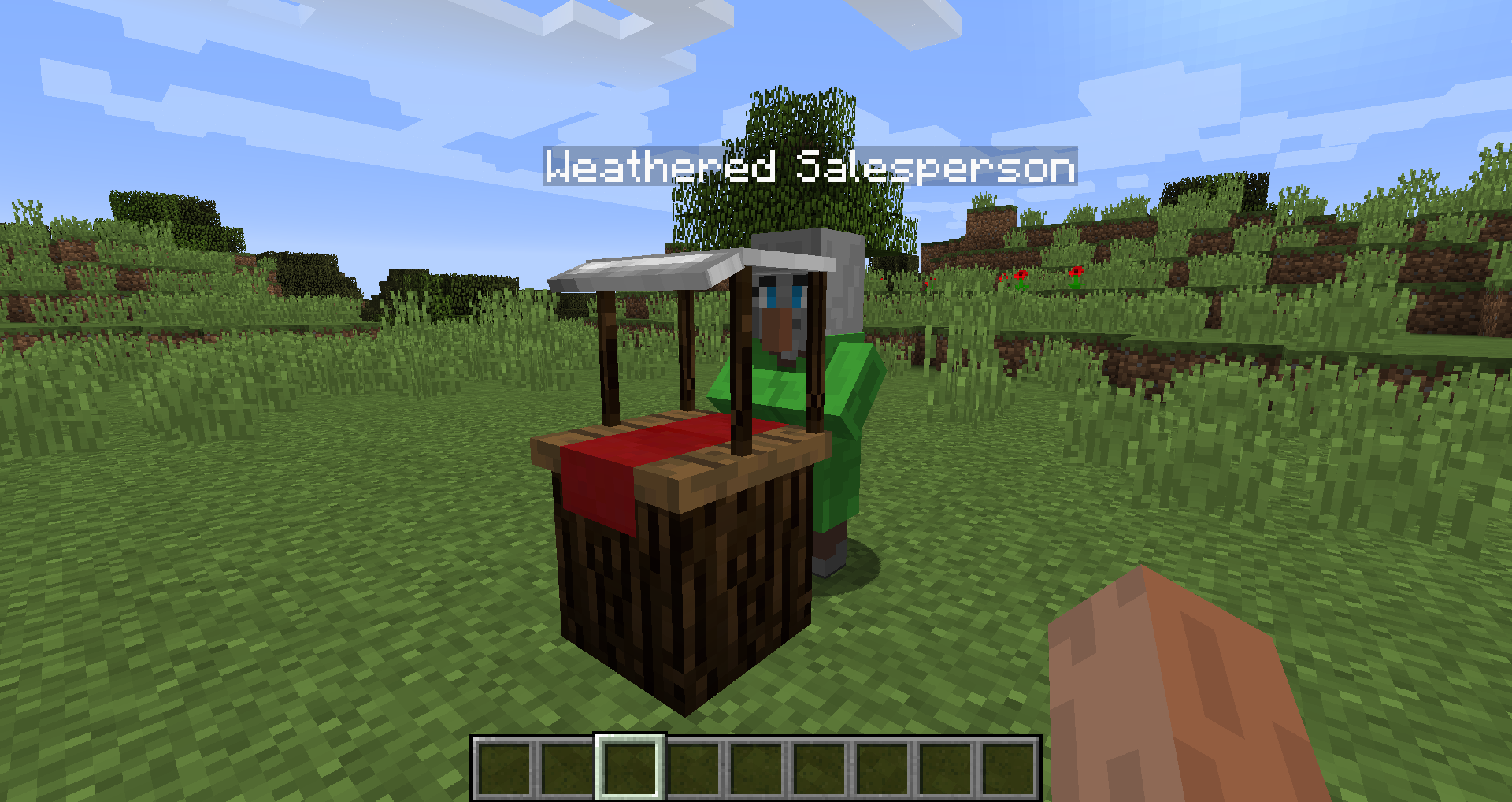
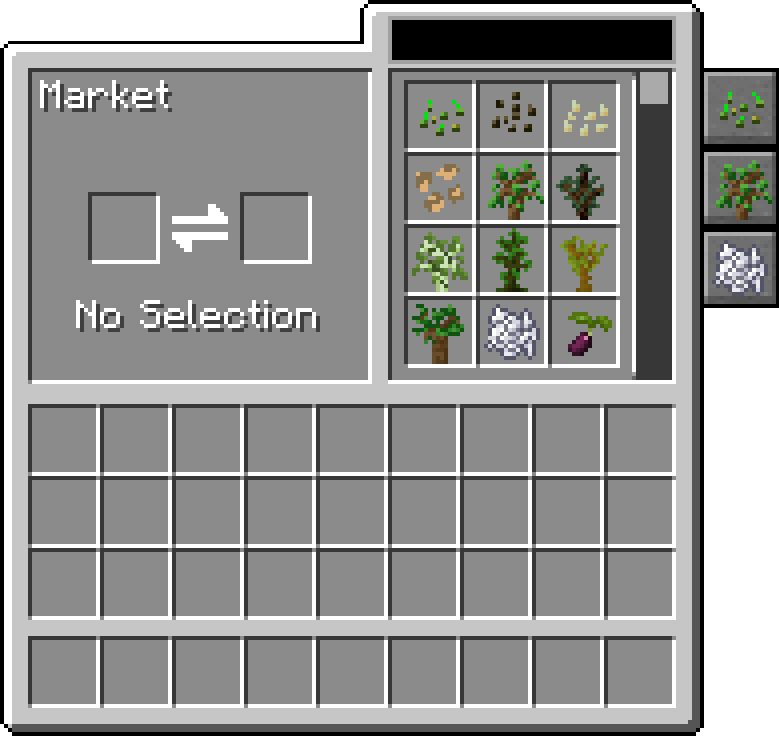
يضيف هذا المود كتلة السوق إلى ماينكرافت، مما يتيح لك شراء البذور أو الشتلات أو أشياء أخرى مثل عظم المسحوق. كما يضيف بعض الأدوات الزراعية مثل عش الدجاج، وحوض التغذية، والرشاشات، والأسمدة لتحسين محاصيلك.
يتيح السوق البحث والتنقل عبر الصفقات، ويمكن التصفية حسب الفئة، وهو قابل للتهيئة لإضافة المزيد من الصفقات والفئات إليه.
يتطلب هذا المود Balm، الذي يجب تثبيته إلى جانب المود.
- كتلة السوق التي تبيع البذور والشتلات، ويمكن تهيئتها لتغيير صفقاتها بشكل أكبر
- عش الدجاج لجمع بيض الدجاج الذي تضعه كل تلك الدجاجات
- حوض التغذية لتغذية الحيوانات تلقائياً بذكاء
- السماد لتحسين إنتاج المحاصيل أو نموها أو منع العبث بها
- متوافق مع Pam's Harvestcraft وBiomes O' Plenty وSimple Farming والمزيد
- متوافق مع Just Enough Items (ستظهر صفقات السوق)
عرض المود من Mischief of Mice
كيفية تثبيت Farming for Blockheads
With Millida Launcher
Install Millida Launcher
The launcher is free: download it at millida.net/launcher and sign in with any nickname.
Click “Install” on this page
The launcher opens and installs the mod for Minecraft 1.16.2–26.1.2 on Fabric, Forge or NeoForge automatically.
Launch the game
A profile with it appears in the launcher: click “Play”.
Manually
Install Fabric, Forge or NeoForge
The loader must match the game version of the mod file, for example Minecraft 26.1.2. After installing it, a separate profile appears in your launcher.
Download the file for your version
In the version list above, pick the file farmingforblockheads-neoforge-26.1.2-26.1.2.5.jar (1.1 MB) for your game version and loader.
Put it in the mods folder
The folder is inside .minecraft (Windows: %appdata%\.minecraft\mods). If it does not exist, create it.
Launch the loader profile
Open “Mods” in the main menu: Farming for Blockheads should be in the list.
الإصدارات
مع المتطلبات
| Minecraft | المشغّل | الملف | التاريخ | الإجراءات |
|---|---|---|---|---|
| 26.1.2 | NeoForge | farmingforblockheads-neoforge-26.1.2-26.1.2.5.jar1.1 ميغابايت | ||
| 26.1.2 | Fabric | farmingforblockheads-fabric-26.1.2-26.1.2.5.jar1.1 ميغابايت 6 | ||
| 1.21.1 | Forge | farmingforblockheads-forge-1.21.1-21.1.14.jar873 KB 4 | ||
| 1.16.5 | — | FarmingForBlockheads_1.16.5-7.3.1.jar275 KB 2 | ||
| 1.16.2 | — | FarmingForBlockheads_1.16.2-7.1.1.jar273 KB |
الأسئلة الشائعة
Which Minecraft versions does Farming for Blockheads work on?
There are files for 26.1.2, 1.21.1, 1.16.5, 1.16.2. The newest is 26.1.2.
Is Farming for Blockheads for Forge or Fabric?
There are files for Fabric: 26.1.2, for Forge: 1.21.1 and for NeoForge: 26.1.2.
Does Farming for Blockheads need other mods?
The author lists no required dependencies: the Fabric, Forge or NeoForge loader is enough.
Where can I download Farming for Blockheads safely?
On this page: the file farmingforblockheads-neoforge-26.1.2-26.1.2.5.jar (1.1 MB) is stored on Millida’s server, with no link shorteners. SHA-1 checksum: b19d560601cfd429a92be742dd4ba346c7d554e4.
التقييمات
كن أول من يقيّم Farming for Blockheads


