

Colormatic مود لماينكرافت 1.20.1
الآن يمكنك تخصيص ألوان ماينكرافت المضمّنة عبر حزمة موارد.
 Fabric
 Quilt
Quiltحول مود Colormatic
Colormatic هو تطبيق مستقل متوافق مع حزم الموارد مع تعديل Custom Colors الأصلي لماينكرافت على Fabric. وهو متوافق تمامًا مع حزم الموارد التي تستخدم ميزة الألوان المخصصة في Optifine. يتميز Colormatic بمعظم ميزات تعديل Custom Colors الأصلي ويضيف بعض الميزات الخاصة به. تشمل الميزات
- - خرائط ألوان الأحياء للماء وأوراق الشجر وتحت الماء وتحت الحمم والسماء والضباب
- - خرائط ألوان أحياء مخصصة لأي مكعب
- - خرائط إضاءة مخصصة لأي بُعد (بما في ذلك أبعاد حزم البيانات)
- - ألوان صبغات مخصصة
- - ألوان دردشة مخصصة
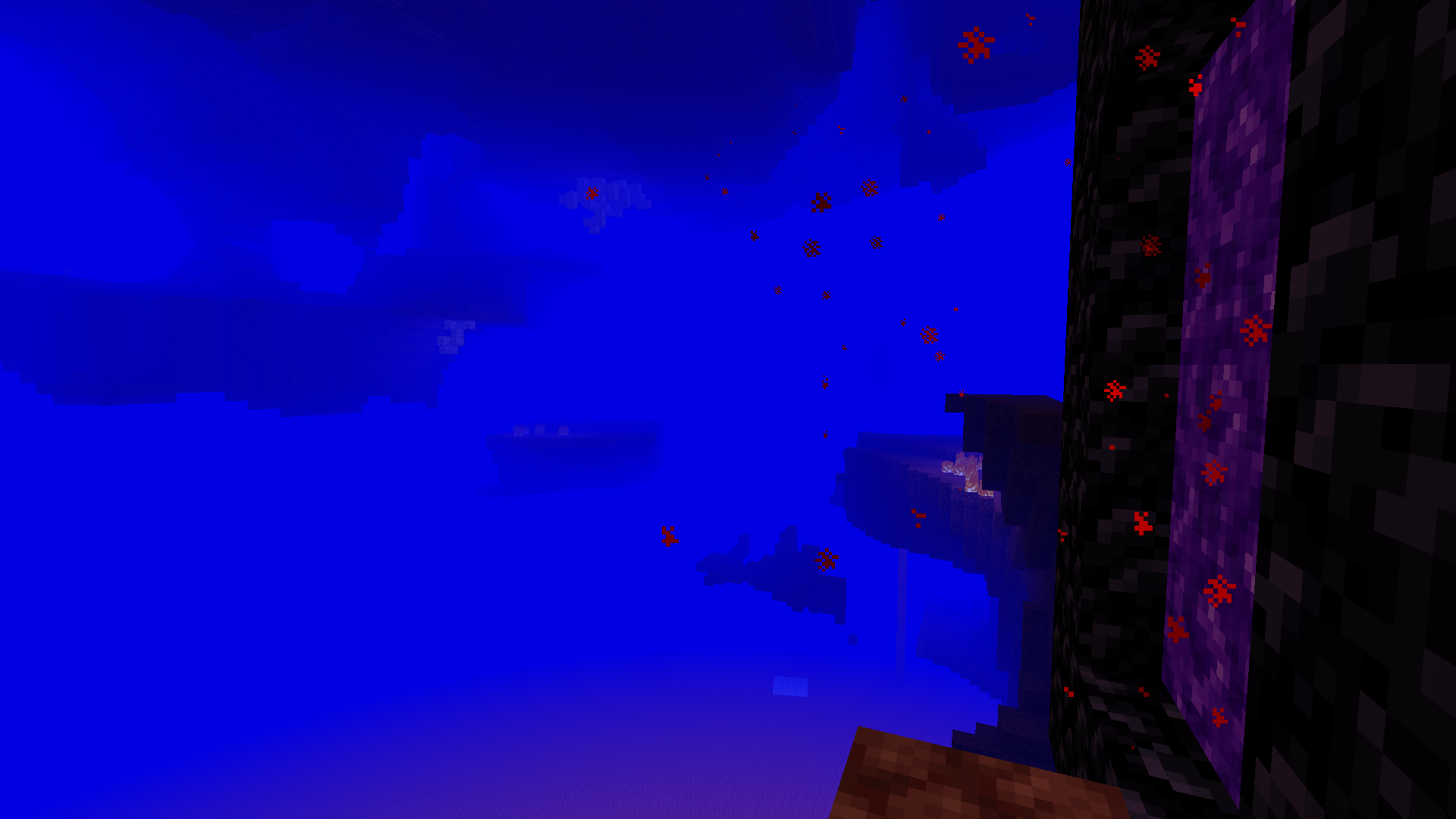
يدعم Colormatic تحميل حزم الموارد التي تحتوي على ملفات الألوان المخصصة الخاصة بـ Optifine كما هي. كما يدعم (ويفضل) تحميل ملفات بصيغة json المكافئة من نطاق colormatic.
ملاحظة: لا يضيف Colormatic نفسه أي ألوان مخصصة إلى ماينكرافت. إنه يوفر فقط القدرة لحزم الموارد على إضافة ألوان مخصصة.
شاهد المزيد من الصور الطريفة.
كيفية تثبيت Colormatic
With Millida Launcher
Install Millida Launcher
The launcher is free: download it at millida.net/launcher and sign in with any nickname.
Click “Install” on this page
The launcher opens and installs the mod for Minecraft 1.16–1.20.1 on Fabric or Quilt automatically.
Launch the game
A profile with it appears in the launcher: click “Play”.
Manually
Install Fabric or Quilt
The loader must match the game version of the mod file, for example Minecraft 1.20.1. After installing it, a separate profile appears in your launcher.
Download the file for your version
In the version list above, pick the file colormatic-3.1.3+mc.1.20.1.jar (216 KB) for your game version and loader.
Put it in the mods folder
The folder is inside .minecraft (Windows: %appdata%\.minecraft\mods). If it does not exist, create it.
Launch the loader profile
Open “Mods” in the main menu: Colormatic should be in the list.
Minecraft 1.20.1 runs on Java 17: with a different Java version the game may close right after launch.
الإصدارات
مع المتطلبات
| Minecraft | المشغّل | الملف | التاريخ | الإجراءات |
|---|---|---|---|---|
| 1.20.1 | Fabric, Quilt | colormatic-3.1.3+mc.1.20.1.jar216 KB 1 | ||
| 1.16.1 | — | colormatic-2.2.1+mc.1.16.1.jar498 KB |
الأسئلة الشائعة
Which Minecraft versions does Colormatic work on?
There are files for 1.20.1, 1.16.1, 1.16. The newest is 1.20.1.
Is Colormatic for Forge or Fabric?
There are files for Fabric: 1.20.1 and for Quilt: 1.20.1. There are no files for Forge or NeoForge: a mod for another loader will not start.
Does Colormatic need other mods?
The author lists no required dependencies: the Fabric or Quilt loader is enough.
Which Java does Colormatic need?
Minecraft 1.20.1 runs on Java 17. If the game closes right after launch, the usual cause is the wrong Java version in the profile settings.
Where can I download Colormatic safely?
On this page: the file colormatic-3.1.3+mc.1.20.1.jar (216 KB) is stored on Millida’s server, with no link shorteners. SHA-1 checksum: 021e7326a3f49d438968f1ea859d7208b69e1dce.
التقييمات
كن أول من يقيّم Colormatic


