

Cold Sweat مود لماينكرافت 1.20.1, 1.21.1
يضيف نظام حرارة يركز على البقاء إلى ماينكرافت، مع الكثير من التخصيص!
 NeoForge
 Forge
Forgeحول مود Cold Sweat
Cold Sweat هو مود درجات حرارة متوافق مع الفانيلا وعالي الأداء لماينكرافت، يمنحك تجربة بقاء بديهية ومتكاملة، مليئة بالميزات التي تساعدك أو تضرّك. اللاعب المستعد يمكنه تحمّل عناصر بيئات ماينكرافت القاسية، لكن إذا تركت نفسك في وسط العدم، فلا فرصة ثانية!
يحتوي هذا المود أيضًا على تخصيص عميق عبر الإعدادات، وحزم بيانات JSON، وKubeJS، مثالي لحزم المودات أو التحديات المخصصة!
نظام درجات حرارة ديناميكي يتأثر بالعالم واللاعب (البيومات، البلوكات، العناصر، الطقس، الارتفاع، إلخ)
عناصر وبلوكات تساعد اللاعب على النجاة ضد العالم
اعزل دروعك لمقاومة العناصر
ابقَ بجانب البلوكات لتدفئة أو تبريد نفسك
مقياس الحرارة يعرض درجة الحرارة بدقة
استخدم قوارب المياه للراحة السريعة أو كحزم تبريد/تدفئة
إعدادات مفصلة داخل اللعبة وعبر الملفات
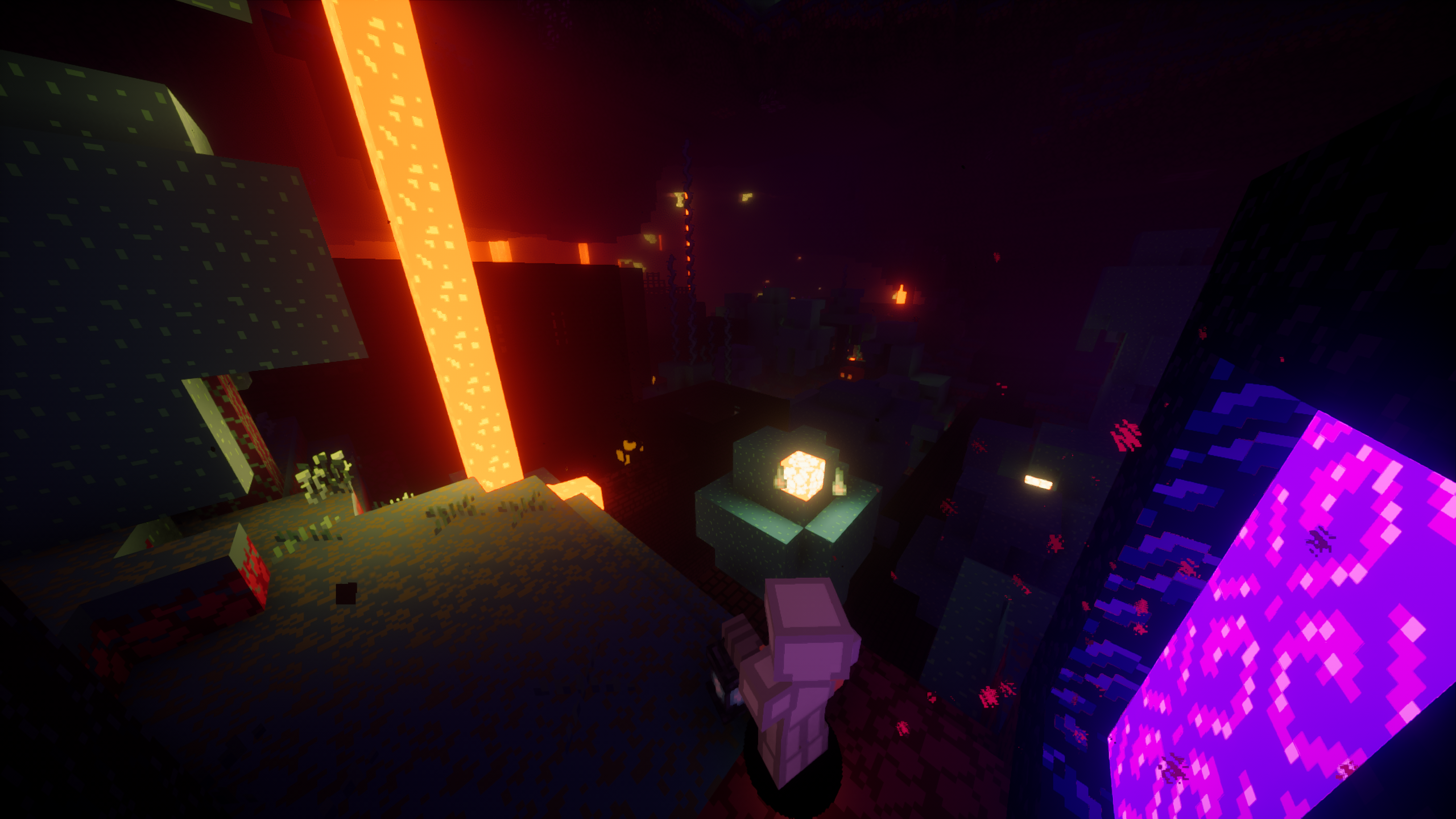
~ تكامل خاص مع ~
Serene Seasons
KubeJS
Biomes O' Plenty
Thirst Was Taken
Curios
Create
Better Weather
Oh, the Biomes You'll Go
Atmospheric
Environmental
Terralith
WW's Overhauled Overworld
WW's Expanded Ecosphere
Weather, Storms, & Tornadoes
في الفانيلا، لكل بيوم درجة حرارة خاصة به. يستخدم هذا المود تلك الخاصية لنظام درجات الحرارة، مما يعني أن هذا المود يجب أن يكون متوافقًا مع جميع البيومات المضافة تقريبًا (بشرط أن تكون درجات حرارتها مضبوطة بشكل صحيح ;) ).
undefinedundefined
كيفية تثبيت Cold Sweat
With Millida Launcher
Install Millida Launcher
The launcher is free: download it at millida.net/launcher and sign in with any nickname.
Click “Install” on this page
The launcher opens and installs the mod for Minecraft 1.16.5–1.21.1 on Forge or NeoForge automatically.
Launch the game
A profile with it appears in the launcher: click “Play”.
Manually
Install Forge or NeoForge
The loader must match the game version of the mod file, for example Minecraft 1.21.1. After installing it, a separate profile appears in your launcher.
Download the file for your version
In the version list above, pick the file ColdSweat-2.4.3.1.jar (2.6 MB) for your game version and loader.
Put it in the mods folder
The folder is inside .minecraft (Windows: %appdata%\.minecraft\mods). If it does not exist, create it.
Launch the loader profile
Open “Mods” in the main menu: Cold Sweat should be in the list.
Minecraft 1.21.1 runs on Java 21: with a different Java version the game may close right after launch.
الإصدارات
مع المتطلبات
| Minecraft | المشغّل | الملف | التاريخ | الإجراءات |
|---|---|---|---|---|
| 1.20.1 | Forge | ColdSweat-2.4.3.2.jar2.6 ميغابايت 33 | ||
| 1.21.1 | NeoForge | ColdSweat-2.4.3.1.jar2.6 ميغابايت 27 | ||
| 1.21.1 | NeoForge | ColdSweat-2.4-b06g.jar2.5 ميغابايت | ||
| 1.16.5 | Forge | ColdSweat-2.4-b06g.jar3.5 ميغابايت 1 | ||
| 1.19.2 | Forge | ColdSweat-2.3.9.jar2 ميغابايت 1 | ||
| 1.21 | NeoForge | ColdSweat-2.3.9.jar2 ميغابايت | ||
| 1.16.5 | — | ColdSweat-r1.3.4.jar608 KB 2 |
الأسئلة الشائعة
Which Minecraft versions does Cold Sweat work on?
There are files for 1.21.1, 1.21, 1.20.1, 1.19.2, 1.16.5. The newest is 1.21.1.
Is Cold Sweat for Forge or Fabric?
There are files for Forge: 1.16.5–1.20.1 and for NeoForge: 1.21–1.21.1. There are no files for Fabric: a mod for another loader will not start.
Does Cold Sweat need other mods?
The author lists no required dependencies: the Forge or NeoForge loader is enough.
Which Java does Cold Sweat need?
Minecraft 1.21.1 runs on Java 21. If the game closes right after launch, the usual cause is the wrong Java version in the profile settings.
Where can I download Cold Sweat safely?
On this page: the file ColdSweat-2.4.3.1.jar (2.6 MB) is stored on Millida’s server, with no link shorteners. SHA-1 checksum: 9605a2053e771110591da43d7e689be693f73948.
التقييمات
كن أول من يقيّم Cold Sweat


