

Beautify! مود لماينكرافت 1.21.1, 1.21
يضيف الكثير من الطرق بأسلوب الفانيليا لإضفاء الحيوية على مبانيانك.
 NeoForge
 Forge
Forgeحول مود Beautify!
ما هو Beautify؟
Beautify هو مود ديكور يعمل من جهة العميل والسيرفر ويضيف الكثير من الطرق بأسلوب الفانيلا لتزيين مبانيانك بنماذج مخصصة.
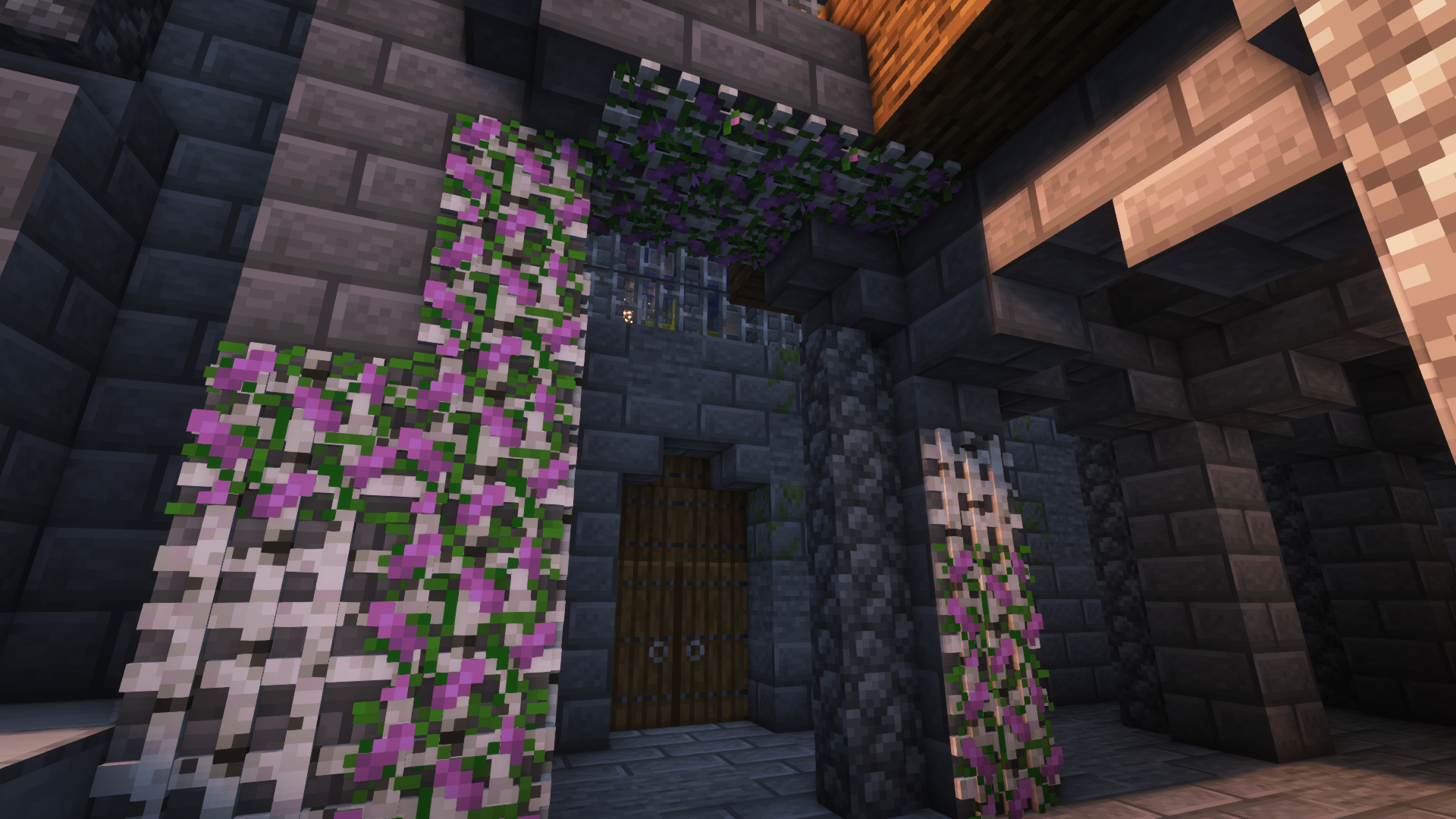
هدفي من هذا المود هو زيادة التفاصيل في المباني دون قتل الحاجة إلى الخيال والإبداع. بالإضافة إلى ذلك، معظم المكعبات تتضمن ميزات جديدة. على سبيل المثال، يمكن مضاعفة النباتات المزروعة في أصص (مثل الأزهار ذات الطول 1) باستخدام عظم السماد.
الإصدارات [Forge]: 1.18.2 | 1.19 | 1.19.1 | 1.19.2 | 1.20.1
المزيد من الصور:
المزيد من الصور التوضيحية
فيديو عرض من Jeikir:
ملخص الميزات:
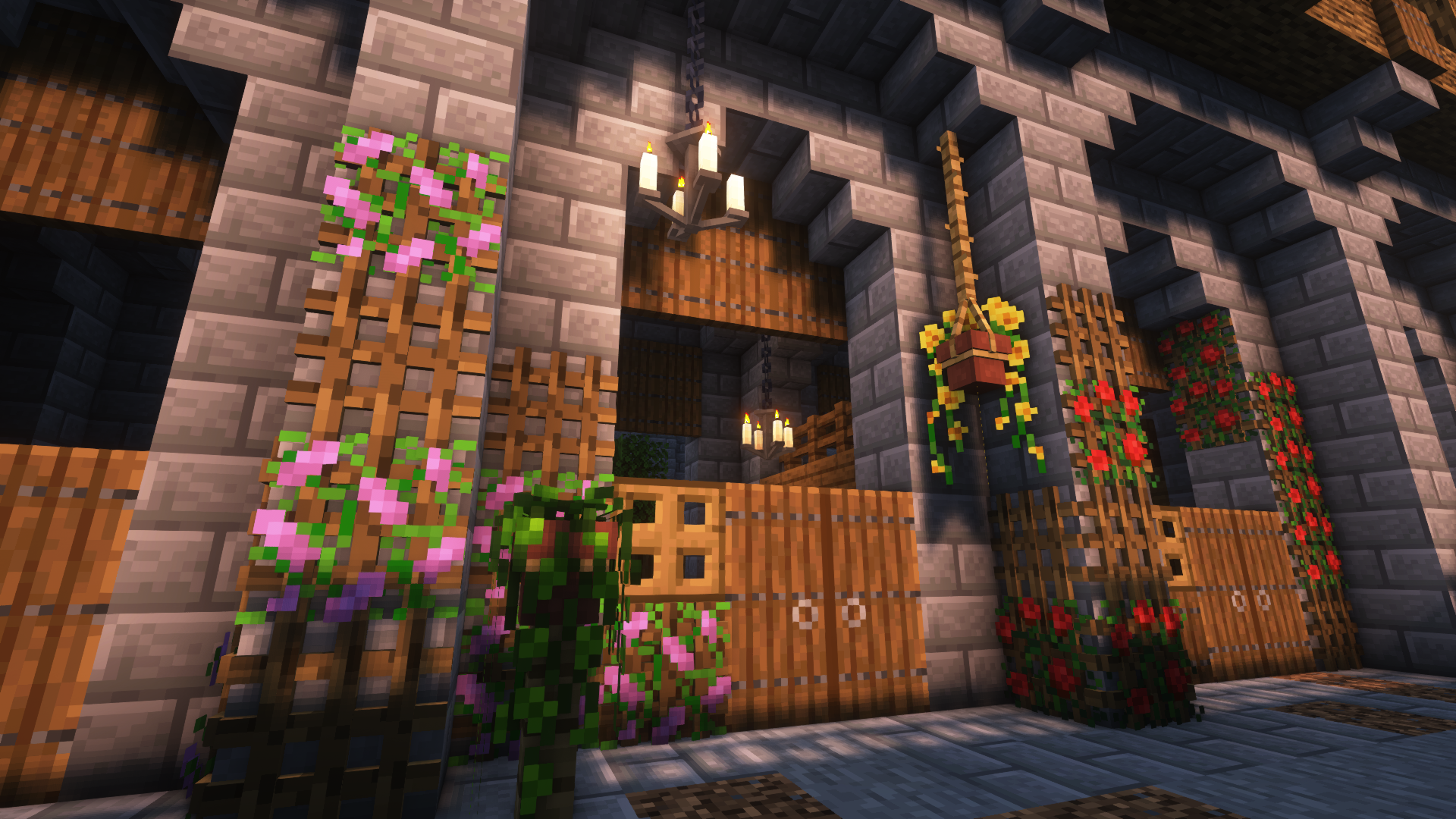
- أصص معلقة بنماذج أزهار مخصصة ومجموعة واسعة من النباتات المدعومة
- أكوام الكتب بنماذج مختلفة يمكنها تشغيل طاولة السحر
- الستائر لإضافة تفاصيل إلى نوافذك أو إنشاء أنواع جديدة من المداخل
- إطارات الصور بجميع زخارف اللوحات الفانيلا 16x16 والمزيد
- حبل يمكن تعليق الأصص المعلقة والمكعبات الأخرى عليه ويمكن للاعبين التسلق عليه
- أشكال جديدة من مصادر الإضاءة: فانوس الخيزران، الشمعدانات/ الثريات، جرة الجوهر المتوهج، المصابيح الكهربائية
- شبكات لوضع النباتات على الجدران والأسقف
- المزيد قادم قريباً
لمزيد من المعلومات حول المكعبات واستخداماتها، يرجى زيارة الويكي!
بما أن هذا أول مود لي، أنا ممتن لأي اقتراحات أو ملاحظات وما إلى ذلك وسأعمل على هذا في المستقبل!
كيفية تثبيت Beautify!
With Millida Launcher
Install Millida Launcher
The launcher is free: download it at millida.net/launcher and sign in with any nickname.
Click “Install” on this page
The launcher opens and installs the mod for Minecraft 1.21–1.21.1 on Forge or NeoForge automatically.
Launch the game
A profile with it appears in the launcher: click “Play”.
Manually
Install Forge or NeoForge
The loader must match the game version of the mod file, for example Minecraft 1.21.1. After installing it, a separate profile appears in your launcher.
Download the file for your version
In the version list above, pick the file beautify-neoforge-1.21.1-2.0.2.jar (910 KB) for your game version and loader.
Put it in the mods folder
The folder is inside .minecraft (Windows: %appdata%\.minecraft\mods). If it does not exist, create it.
Launch the loader profile
Open “Mods” in the main menu: Beautify! should be in the list.
Minecraft 1.21.1 runs on Java 21: with a different Java version the game may close right after launch.
الإصدارات
مع المتطلبات
| Minecraft | المشغّل | الملف | التاريخ | الإجراءات |
|---|---|---|---|---|
| 1.21 | NeoForge | Beautify 1.21-V.2.0.2 [NeoForge]910 KB 2 | ||
| 1.21 | Forge | Beautify 1.21-V.2.0.2 [Forge]808 KB 3 |
الأسئلة الشائعة
Which Minecraft versions does Beautify! work on?
There are files for 1.21.1, 1.21. The newest is 1.21.1.
Is Beautify! for Forge or Fabric?
There are files for Forge: 1.21–1.21.1 and for NeoForge: 1.21–1.21.1. There are no files for Fabric: a mod for another loader will not start.
Does Beautify! need other mods?
The author lists no required dependencies: the Forge or NeoForge loader is enough.
Which Java does Beautify! need?
Minecraft 1.21.1 runs on Java 21. If the game closes right after launch, the usual cause is the wrong Java version in the profile settings.
Where can I download Beautify! safely?
On this page: the file beautify-neoforge-1.21.1-2.0.2.jar (910 KB) is stored on Millida’s server, with no link shorteners. SHA-1 checksum: 936dc981f243c4606376ba7d6f03798e0b5a6871.
التقييمات
كن أول من يقيّم Beautify!


