

PRISON ESCAPE الخريطة لماينكرافت 26.30
أنشأت خريطة هروب من السجن مثيرة حيث يجب على اللاعب الهروب من سجن عالي الحراسة. تتميز بألغاز ومسارات مخفية وفخاخ وتحديات قائمة على التوقيت، مما يجعل أسلوب اللعب مثيرًا واستراتيجيًا.
🚨 ESCAPE THE PRISON 🚨
🧱 Dark Prison Walls - Cold, heavy aur claustrophobic feel, jahan se nikalna impossible lagta hai...
🔥 TRAPS ZONE - Chhupi hui danger everywhere! Pressure plates, lava pits aur hidden arrows 😱
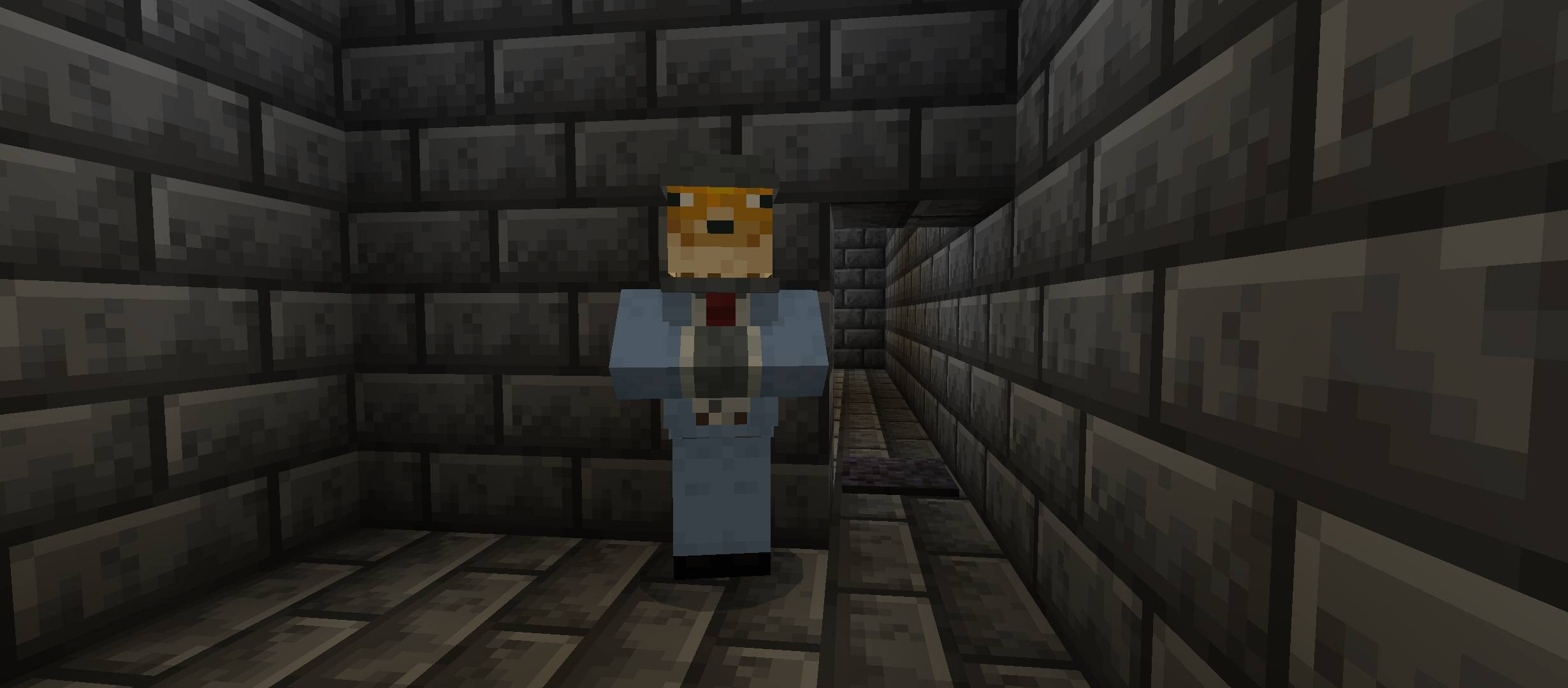
🧠 IQ HINTS - Sirf smart players hi solve kar paayenge puzzles aur secret codes 🧩
🧗‍♂️ PARKOUR CHALLENGES - Tight jumps, moving blocks aur deadly falls 😵‍💫
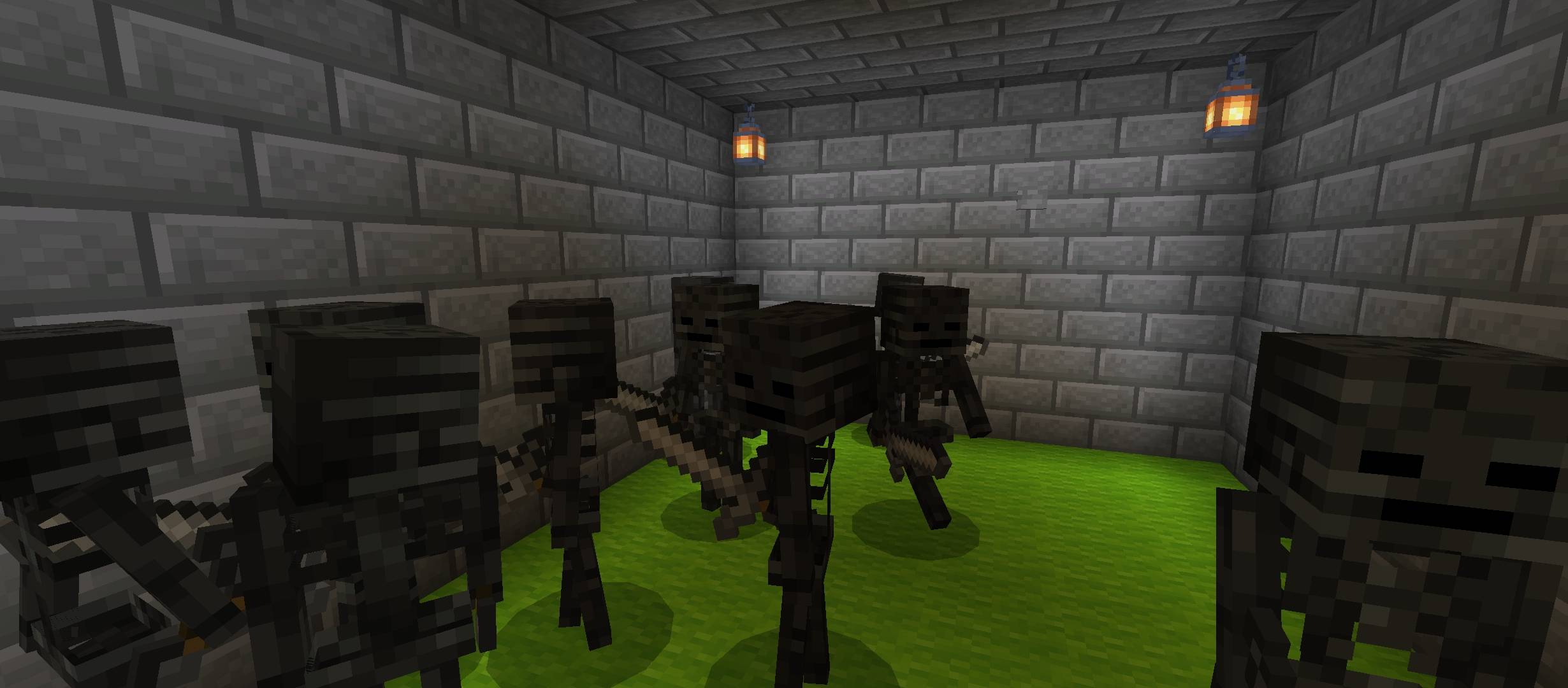
⚔️ FIGHT ARENA - Guards aur mobs se battle karo aur apni freedom le jao 🛡️
🚪 MAIN GOAL - Prison se escape karna... but only the smartest and fastest will survive.
💀 WARNING - Har step pe danger hai... trust no one 👁️
كيفية تثبيت PRISON ESCAPE
With Millida Launcher
Install Millida Launcher
The launcher is free: download it at millida.net/launcher and sign in with any nickname.
Click “Install” on this page
The launcher opens and installs the map for Minecraft 26.13–26.30 automatically.
Launch the game
A profile with it appears in the launcher: click “Play”.
Manually
Download the map archive
Pick the file EscapeThePrison.mcworld (218 KB).
Unpack it into the saves folder
The world folder (with level.dat inside) must sit directly in .minecraft/saves.
Open the world
“Singleplayer”: the map will be in your world list.
On a server
Replace the world folder
Stop the server and put the map folder in place of world (or set its name in level-name).
Use the “To server” button
On Millida Hosting, the button at the top of the page uploads the file to your server and restarts it for you.
الإصدارات
مع المتطلبات
| Minecraft | المشغّل | الملف | التاريخ | الإجراءات |
|---|---|---|---|---|
| 26.20 | — | EscapeThePrison-gavti218 KB 1 |
التقييمات
كن أول من يقيّم PRISON ESCAPE



