
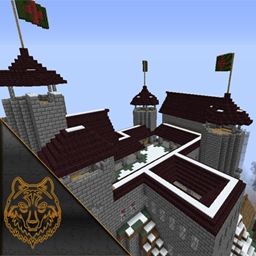
Monastery الخريطة لماينكرافت 1.7.10
خريطة الدير من ForestWerewolf وآخرين.
Monastery
Builder: Dimon Kenobi
Moderator: ForestWerewolf [Dan_Walker]
Designer: WolfGirl
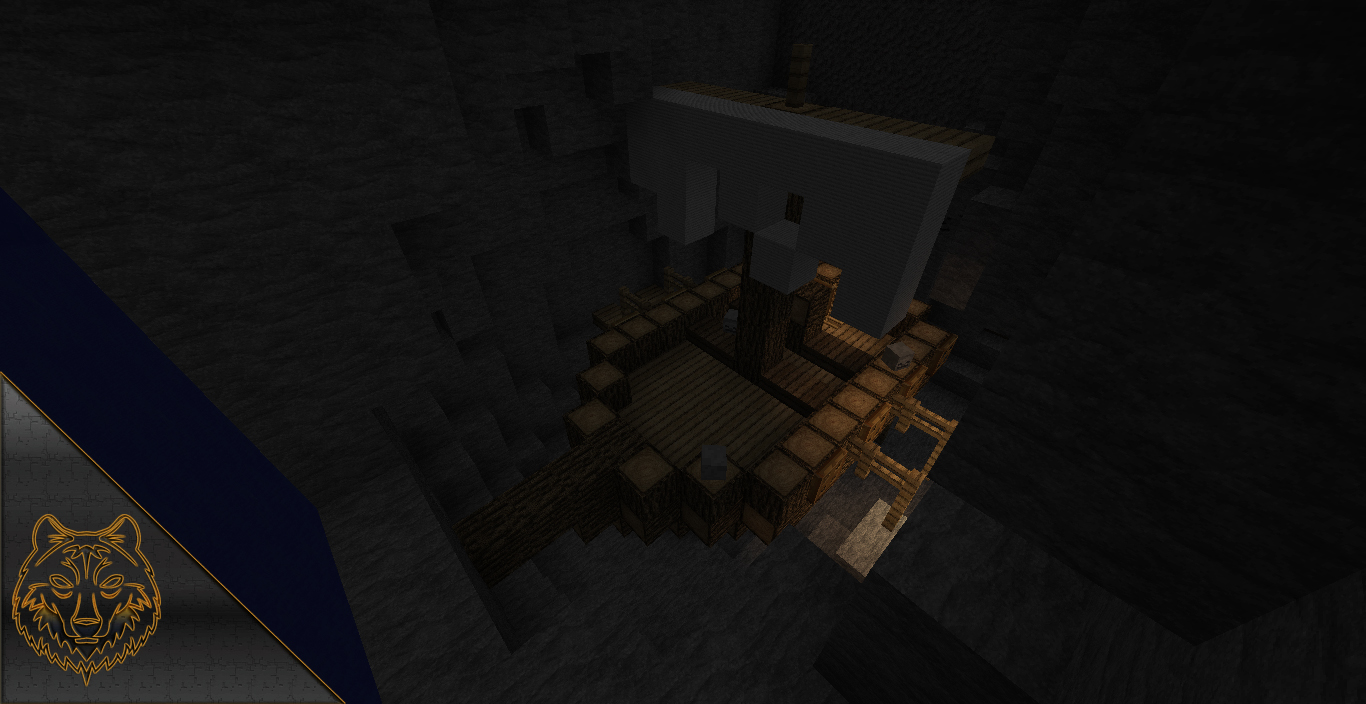
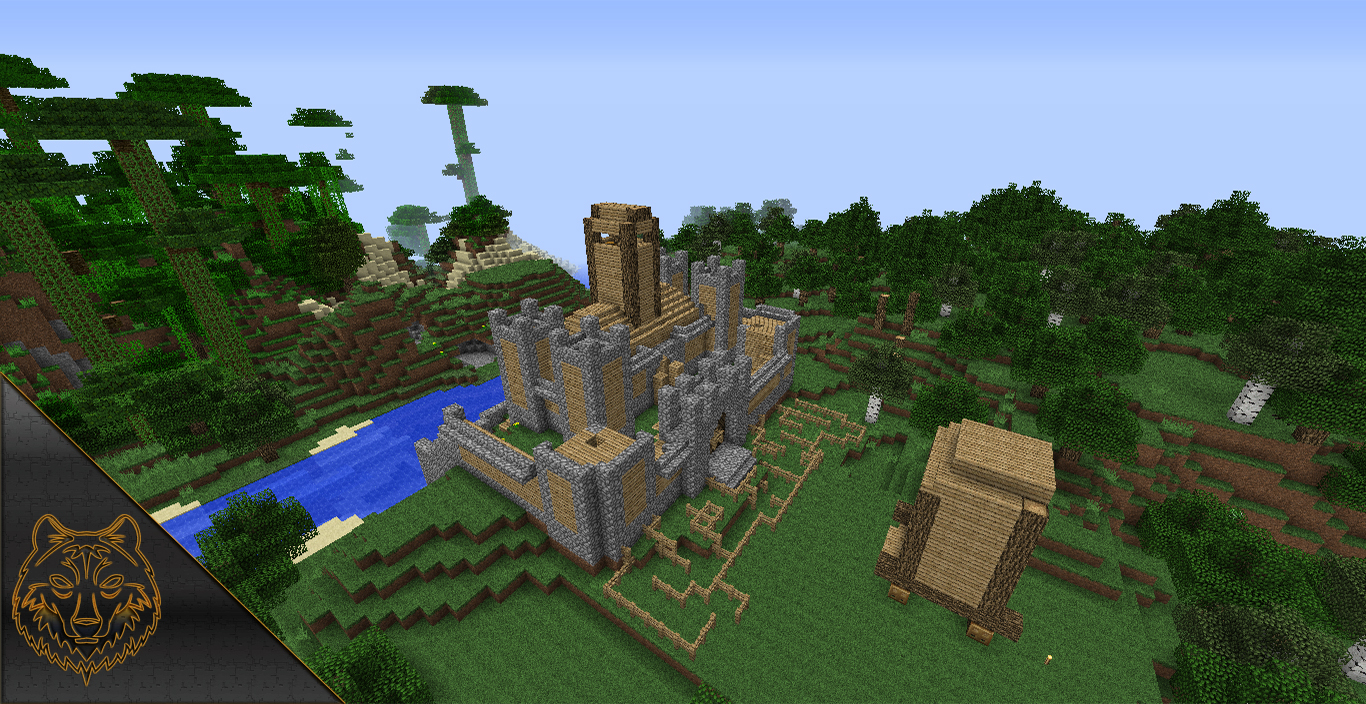
On the map Monastery you will find many interesting buildings and several interesting quests.
كيفية تثبيت Monastery
With Millida Launcher
Install Millida Launcher
The launcher is free: download it at millida.net/launcher and sign in with any nickname.
Click “Install” on this page
The launcher opens and installs the map for Minecraft 1.7.10 automatically.
Launch the game
A profile with it appears in the launcher: click “Play”.
Manually
Download the map archive
Pick the file Monastery v 1.3.zip (23 MB).
Unpack it into the saves folder
The world folder (with level.dat inside) must sit directly in .minecraft/saves.
Open the world
“Singleplayer”: the map will be in your world list.
On a server
Replace the world folder
Stop the server and put the map folder in place of world (or set its name in level-name).
Use the “To server” button
On Millida Hosting, the button at the top of the page uploads the file to your server and restarts it for you.
الإصدارات
مع المتطلبات
| Minecraft | المشغّل | الملف | التاريخ | الإجراءات |
|---|---|---|---|---|
| 1.7.10 | — | Monastery v 1.3.zip23.5 ميغابايت 1 |
التقييمات
كن أول من يقيّم Monastery



