
حول خريطة Grinchmas
Twas the night before Grinchmas, and 20 years later...
This was my Christmas gift to the Minecraft community, December 2011. Inspired by the Dr. Seuss classic, follow the tale of what happens next.
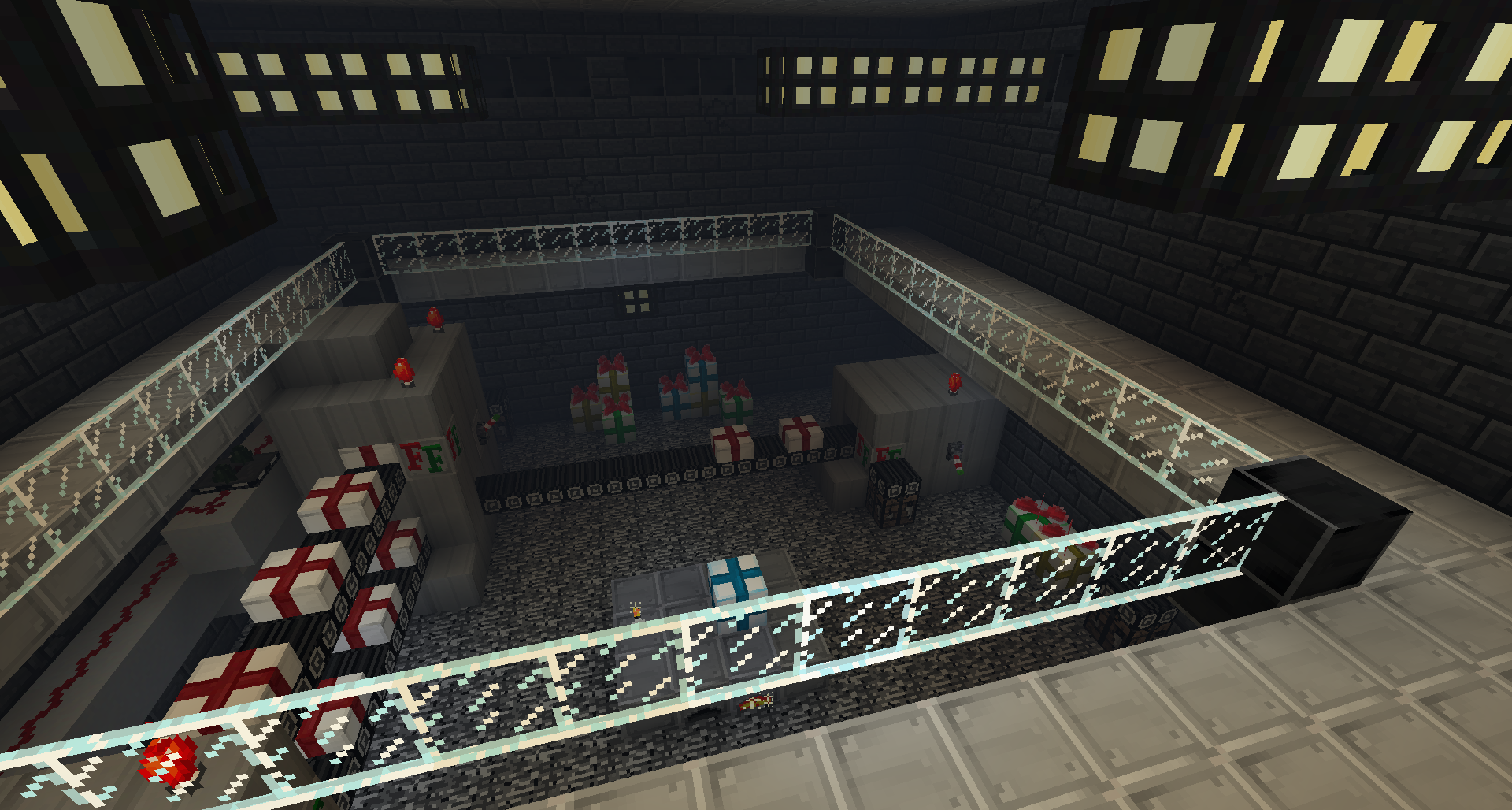
Now updated for Minecraft 1.8!
- Install the world: Unzip the archive (.zip) to your .minecraft/saves folder
- Install the resource pack: The resource pack is inside of the world save folder. Simply move it to your .minecraft\resourcpacks directory to install.
- Enjoy!
Trailer: https://www.youtube.com/watch?v=_WHmnSUrYts
Discuss this map! http://www.minecraftforum.net/topic/765309-grinchmas/
كيفية تثبيت Grinchmas
With Millida Launcher
Install Millida Launcher
The launcher is free: download it at millida.net/launcher and sign in with any nickname.
Click “Install” on this page
The launcher opens and installs the map for Minecraft 1.8.1 automatically.
Launch the game
A profile with it appears in the launcher: click “Play”.
Manually
Download the map archive
Pick the file Grinchmas 1.8.2.zip (38 MB).
Unpack it into the saves folder
The world folder (with level.dat inside) must sit directly in .minecraft/saves.
Open the world
“Singleplayer”: the map will be in your world list.
On a server
Replace the world folder
Stop the server and put the map folder in place of world (or set its name in level-name).
Use the “To server” button
On Millida Hosting, the button at the top of the page uploads the file to your server and restarts it for you.
الإصدارات
مع المتطلبات
| Minecraft | المشغّل | الملف | التاريخ | الإجراءات |
|---|---|---|---|---|
| 1.8.1 | — | Grinchmas v1.8.237.8 ميغابايت |
الأسئلة الشائعة
Which Minecraft versions does Grinchmas work on?
Only Minecraft 1.8.1: there are no files for other versions.
Where can I download Grinchmas safely?
On this page: the file Grinchmas 1.8.2.zip (38 MB) is stored on Millida’s server, with no link shorteners. SHA-1 checksum: f9664e344e93436eed614b271188de2eaf64983c.
التقييمات
كن أول من يقيّم Grinchmas



