
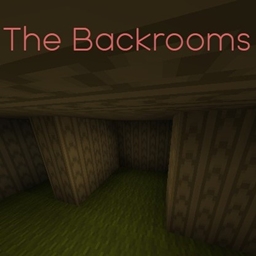
Backrooms Sightings الخريطة لماينكرافت 1.19.2
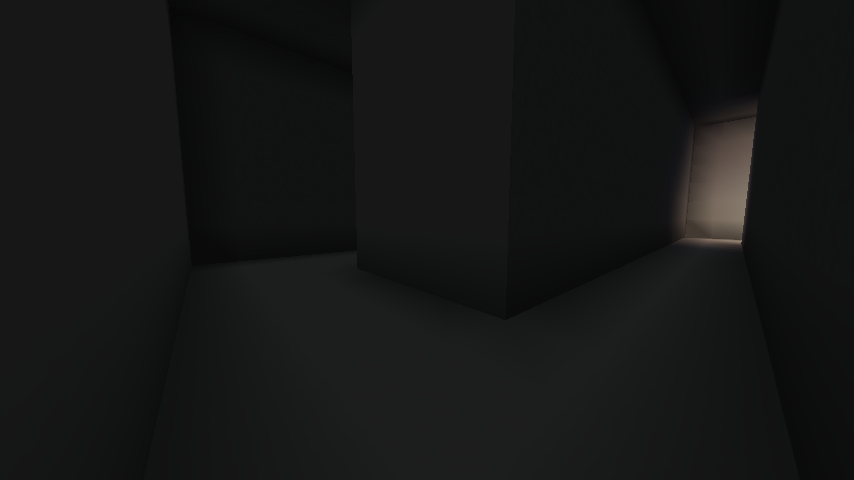
أنت تلعب في عالم ماينكرافت العادي حتى تجد نفسك محاصرًا في الغرف الخلفية بطريقة ما. هل ستتمكن من إيجاد طريقك للخروج، أم ستبقى هناك للأبد، أو الأسوأ من ذلك، هل ستكون ضحية أي مخلوق يتربص في الغرف الخلفية...
حول خريطة Backrooms Sightings
"If your not careful and noclip out if reality in wrong areas, you'll end up in the backrooms, where it's nothing but the stink of moist carpet, the madness of mono-yellow, and endless background noise of fluorescent lights at maximum hum-buzz, and approximately six hindered million square miles of randomly segmented empty rooms to be trapped in."
كيفية تثبيت Backrooms Sightings
With Millida Launcher
Install Millida Launcher
The launcher is free: download it at millida.net/launcher and sign in with any nickname.
Click “Install” on this page
The launcher opens and installs the map for Minecraft 1.19–1.19.2 automatically.
Launch the game
A profile with it appears in the launcher: click “Play”.
Manually
Download the map archive
Pick the file Backrooms.zip (35 MB).
Unpack it into the saves folder
The world folder (with level.dat inside) must sit directly in .minecraft/saves.
Open the world
“Singleplayer”: the map will be in your world list.
On a server
Replace the world folder
Stop the server and put the map folder in place of world (or set its name in level-name).
Use the “To server” button
On Millida Hosting, the button at the top of the page uploads the file to your server and restarts it for you.
الإصدارات
مع المتطلبات
| Minecraft | المشغّل | الملف | التاريخ | الإجراءات |
|---|---|---|---|---|
| 1.19.2 | — | Backrooms.zip35.2 ميغابايت |
الأسئلة الشائعة
Which Minecraft versions does Backrooms Sightings work on?
There are files for 1.19.2, 1.19.1, 1.19. The newest is 1.19.2.
Where can I download Backrooms Sightings safely?
On this page: the file Backrooms.zip (35 MB) is stored on Millida’s server, with no link shorteners. SHA-1 checksum: cb0bdd28b398560430f4c9216ad153a09bb973c2.
التقييمات
كن أول من يقيّم Backrooms Sightings



