
Inventory Keeper حزمة بيانات لماينكرافت 26.2
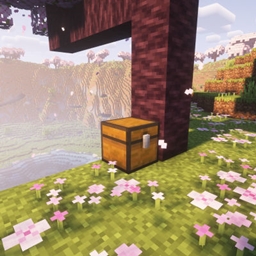
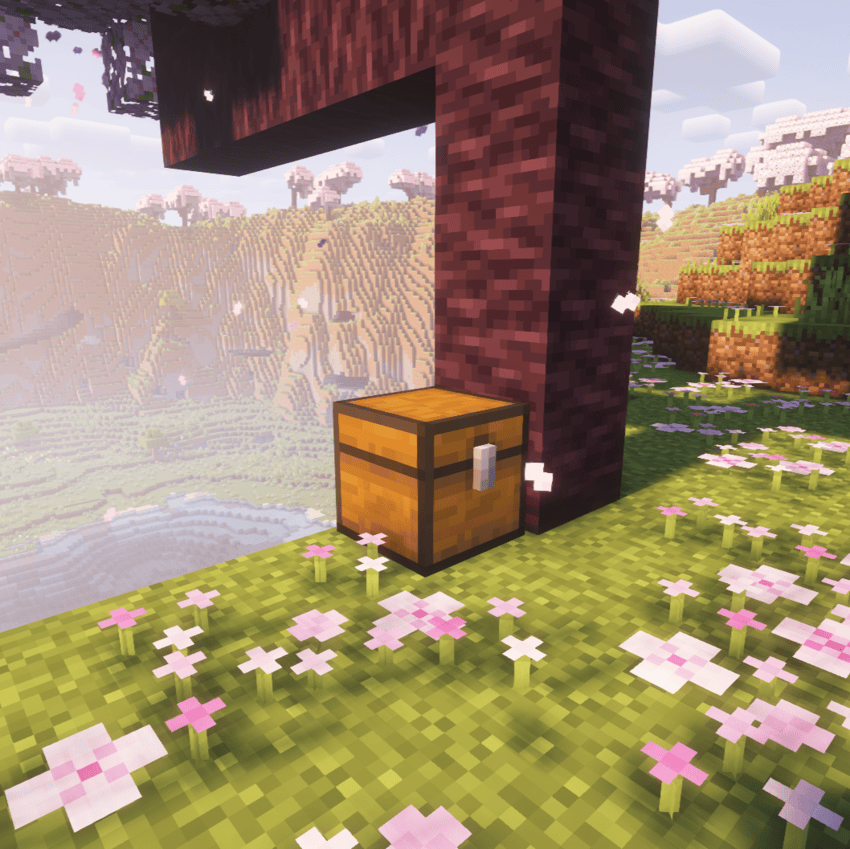
تضع حزمة البيانات هذه صندوقًا في موقع موتك وتخزن جميع عناصرك بداخله.
Inventory Keeper
This datapack places a chest at your death location and stores all of your items inside, ensuring nothing is lost
The coordinates of the death chest are sent to the player in the chat, making it easy to navigate back and retrieve your belongings.
كيفية تثبيت Inventory Keeper
With Millida Launcher
Install Millida Launcher
The launcher is free: download it at millida.net/launcher and sign in with any nickname.
Click “Install” on this page
The launcher opens and installs the data pack for Minecraft 26.2 automatically.
Launch the game
A profile with it appears in the launcher: click “Play”.
On a server
Archive goes into the server world’s datapacks
The world/datapacks folder on the server; players do not need to install anything.
Reload the data
Type /reload in the server console or restart the server.
Use the “To server” button
On Millida Hosting, the button at the top of the page uploads the file to your server and restarts it for you.
الإصدارات
مع المتطلبات
| Minecraft | المشغّل | الملف | التاريخ | الإجراءات |
|---|---|---|---|---|
| 26.2 | — | Inventory Keeper48 KB |
التقييمات
كن أول من يقيّم Inventory Keeper


