
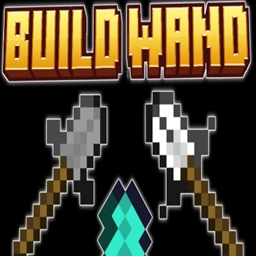
Build Wand إضافة لماينكرافت 1.21.130
خذ Build Wand في يدك وحدد الموضع الأول للبلوك الذي تريد البدء بالتعبئة منه. يمكنك التحقق من ذلك بالنقر على البلوك في منطقتك. ثم حدد الموضع الثاني حتى حيث تريد تعبئة البلوكات.
حول إضافة Build Wand
● HOW TO USE
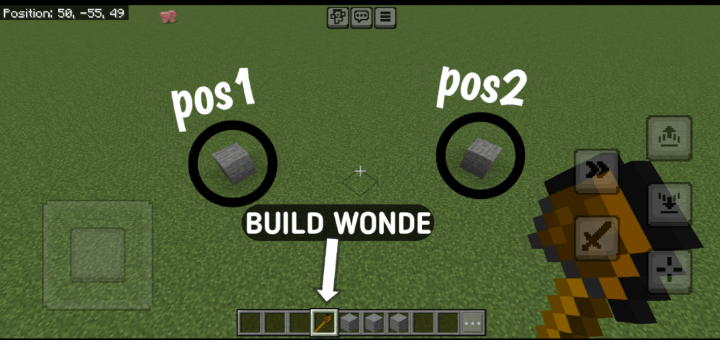
How to Use the Build Wand in Minecraft (3 Steps):
- Equip and Select Positions: Equip a Build Wand (stone, iron, or diamond) and right-click to select two corner positions of your build area. Heart particles mark the first point, and an outline previews the area after the second.
- Choose Build Mode: After selecting both points, a menu appears. Pick a mode: Fill (solid structure), Hollow (only walls), or Pattern (checkerboard, stripes, or random).
- Select Block and Build: Choose a block from your inventory in the next menu (ensure you have enough). For Pattern mode, select a pattern. The wand places the blocks, showing a progress bar, and consumes durability based on blocks placed.
V5
Progress Bar
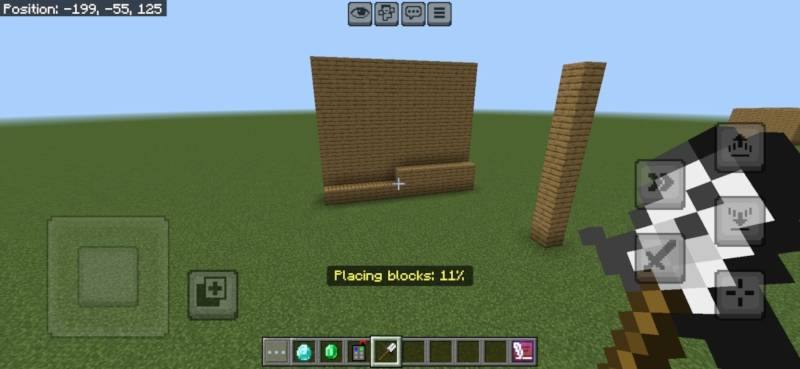
V5.5
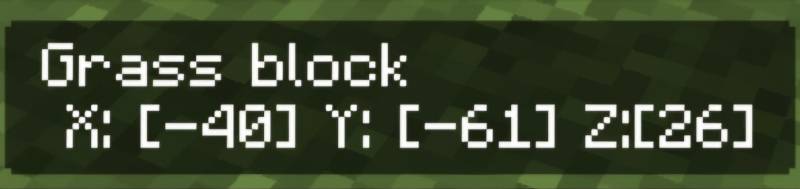
V5.1.0
• Creative Mode Support: Blocks are no longer consumed and tool durability is unaffected when in Creative mode.
• Improved Inventory Handling: Survival mode still removes required blocks and reduces wand durability.
Cleaner Feedback: Enhanced messages and feedback logic based on game mode.
الإصدارات
| Minecraft | المشغّل | الملف | التاريخ | الإجراءات |
|---|---|---|---|---|
| 1.21.120 | — | Build Wand V5.2.0.mcaddon17.6 KB |
الأسئلة الشائعة
Which Minecraft versions does Build Wand work on?
There are files for 1.21.130, 1.21.120. The newest is 1.21.130.
Where can I download Build Wand safely?
On this page: the file Build Wand V5.2.0.mcaddon (18 KB) is stored on Millida’s server, with no link shorteners. SHA-1 checksum: 35451c25e88f146821e36bd91beaba42b80c862d.
التقييمات
كن أول من يقيّم Build Wand
